How to Remove Watermark from Video: The Easiest Way in 2026
9 ways to remove a watermark from video, from free browser tools to pro software, plus why AI-generated original content skips the problem for good.
How to Remove Watermark from Video
The fastest way to remove a watermark from a video is a browser based AI tool that auto detects the mark and paints over it in a few clicks, no software install needed. That works fine for a one off video. If you're publishing regularly, the better fix is to stop generating watermarked footage in the first place.
Everyone loves a free video generator or editing tool, but no one wants a branded watermark spoiling their content. Watermarks are used to protect copyright and signal ownership. They're often placed over free images and videos, or on copyrighted content, to stop it being reused without permission.
As a content creator, a watermark can make your videos look less professional and dilute your personal or business branding. It can also make your content look borrowed, like you don't fully own the work you're publishing.
In this guide we'll walk through 9 watermark remover tools, the legal side of removing one, and why more creators are skipping the removal step entirely by generating 100% original video with Argil from the start.
Why Content Creators Need to Remove Watermarks from Video
Watermarks Dilute Your Brand
In 2026, a watermark can seriously affect how your content is perceived. When a third party logo sits over your video, it signals the content isn't fully yours, and even a subtle watermark can break the visual flow and make your branding feel inconsistent.
For creators building a recognizable presence online, knowing how to remove a watermark from video is a step toward presenting polished content that feels genuinely yours.
Platform Algorithms Favor Original Content
Social platforms are increasingly good at detecting reused or watermarked content. YouTube, TikTok, Instagram and LinkedIn algorithms tend to favor watermark free, native uploads when deciding what to promote. Videos carrying a third party watermark are often deprioritized, so they reach fewer viewers and get less engagement than fully owned media.
By removing a watermark, or better yet generating your own original content, you maximize the chance your videos get distributed widely to the right audience.
Monetization and Professionalism
A watermark can also cap your earning potential. YouTube's own monetization policies require clean, professional content that meets its channel review bar, and TikTok Creator Rewards has a similar standard. Brand partnerships and client work come with the same expectation, so even high quality footage can be unusable for sponsorship if a logo is sitting in the corner.
Understanding how to remove a watermark from video helps your content meet what monetization programs and brand partners expect, and helps you earn money from your work.
Ownership in the Age of AI Video
Ownership matters more than ever as generative AI tools go mainstream. Audiences now expect clear ownership signals and gravitate toward creators who look like they own their work. A watermarked video, by contrast, reads as outdated and off putting.
Cost shouldn't be a barrier to entry, but in niches where credibility matters, relying on free tools that embed a watermark can make you look less serious. Creators who remove watermarks, or produce watermark free content from the outset, signal that they own their work, their brand and their audience's trust.
Is It Legal to Remove a Watermark from Video?
Before the how to, it's worth covering when removing a watermark is legal and ethical, and when it isn't.
A watermark is a digital signature, usually marking copyrighted material. It's protected under copyright law, which means you can't reuse or reproduce copyrighted material without permission and acknowledgment.
Some content lets you pay to remove a watermark, for example stock sites like Pixabay and Shutterstock that sell images and video. In that case, the payment grants permission to use or reproduce the material commercially.
Removing a watermark from copyrighted material without permission means violating intellectual property rights, which is unethical and in some cases illegal, unless a Fair Use exception applies.
It's both legal and ethical to remove a watermark from video you own, including the auto generated software watermark on footage made with a free video editor. Before you do, check the licensing terms of the tool you used. Ownership may still belong to the platform even if the watermark looks removable.
If you've created work for a client with their logo or branded watermark on it, you may also want to remove it before adding the video to your own portfolio. That's legal and ethical as long as you own the underlying content.
3 Ways to Remove a Watermark from Video
Most watermark removers fall into one of three categories, and the right one depends on how complex the watermark is and how much control you need.
- AI auto detect tools upload the clip, find the watermark automatically and paint over it using machine learning. Fastest option, best for static logos and text marks in a fixed corner.
- Manual crop, blur or paint tools let you select the watermark area yourself, then crop it out, blur it, or brush over it frame by frame. Slower, but gives you control when the watermark moves or sits near a face or product.
- Professional editing software like Adobe After Effects uses content aware fill to analyze surrounding pixels and rebuild the background behind the mark. Best results on complex or moving watermarks, at the cost of a steeper learning curve and, often, a subscription.
Before you start, check the terms of use and licensing agreement for whatever app or platform created the video. You could face legal issues if you share copyrighted material as your own. With that covered, here are 9 tools that can help.
9 Tools to Remove a Watermark from Video
Adobe After Effects
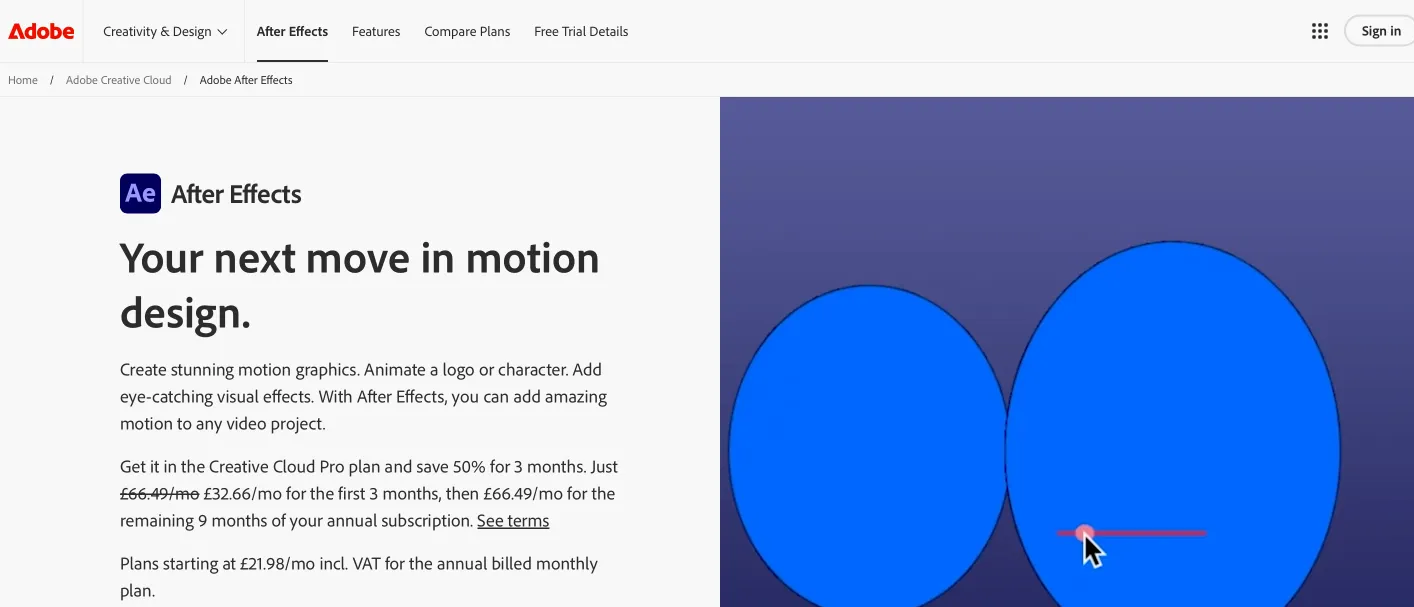
Adobe After Effects is one of the strongest options for complex removals. Its content aware fill feature analyzes surrounding pixels to blend backgrounds and move or delete elements.
To use it you'll need an Adobe Creative Cloud subscription, which also gives you access to the rest of the Adobe ecosystem, including photography and design software.
Final Cut Pro
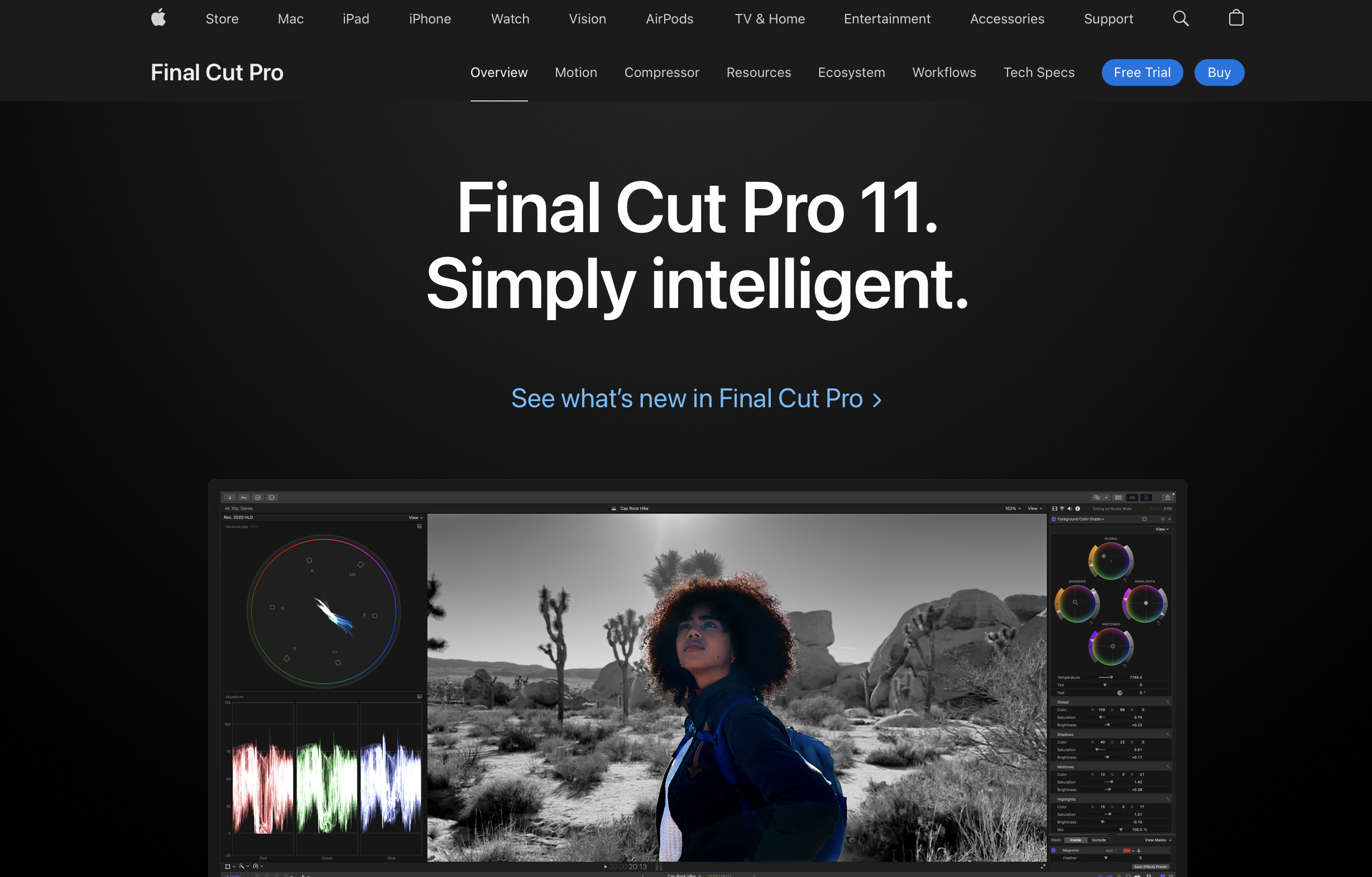
A strong option for Mac users, with advanced masking and cloning tools to remove a watermark cleanly. Final Cut Pro delivers professional results, and at $299 as a one time purchase, it avoids ongoing subscription costs.
Media.io Video Watermark Remover
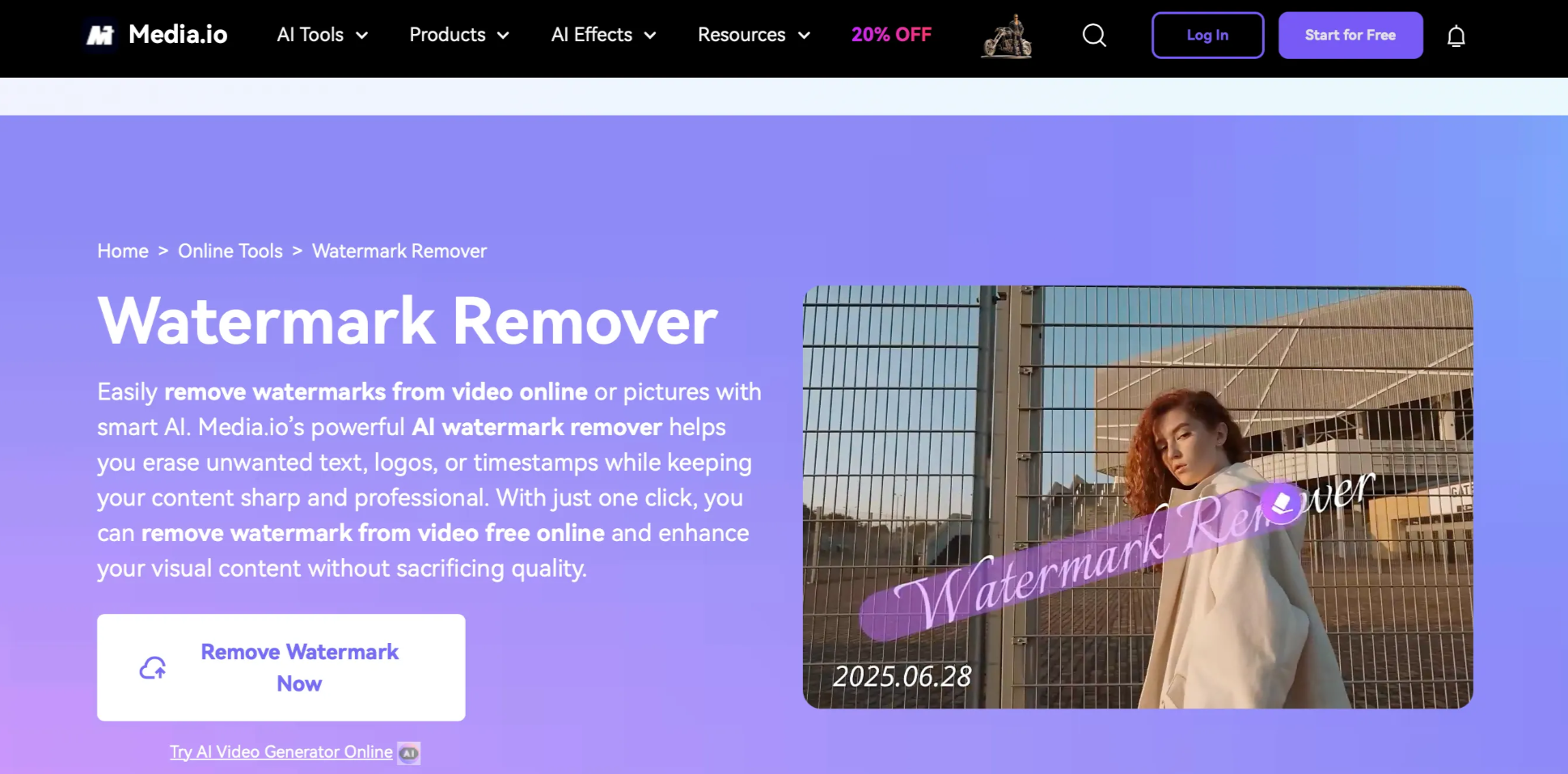
An AI driven tool that uses machine learning to automatically detect and remove watermarks, including on batches of videos at once. It can struggle with moving watermarks or complex overlays. Media.io runs on a freemium model, on a monthly subscription for full access.
HitPaw Online Watermark Remover
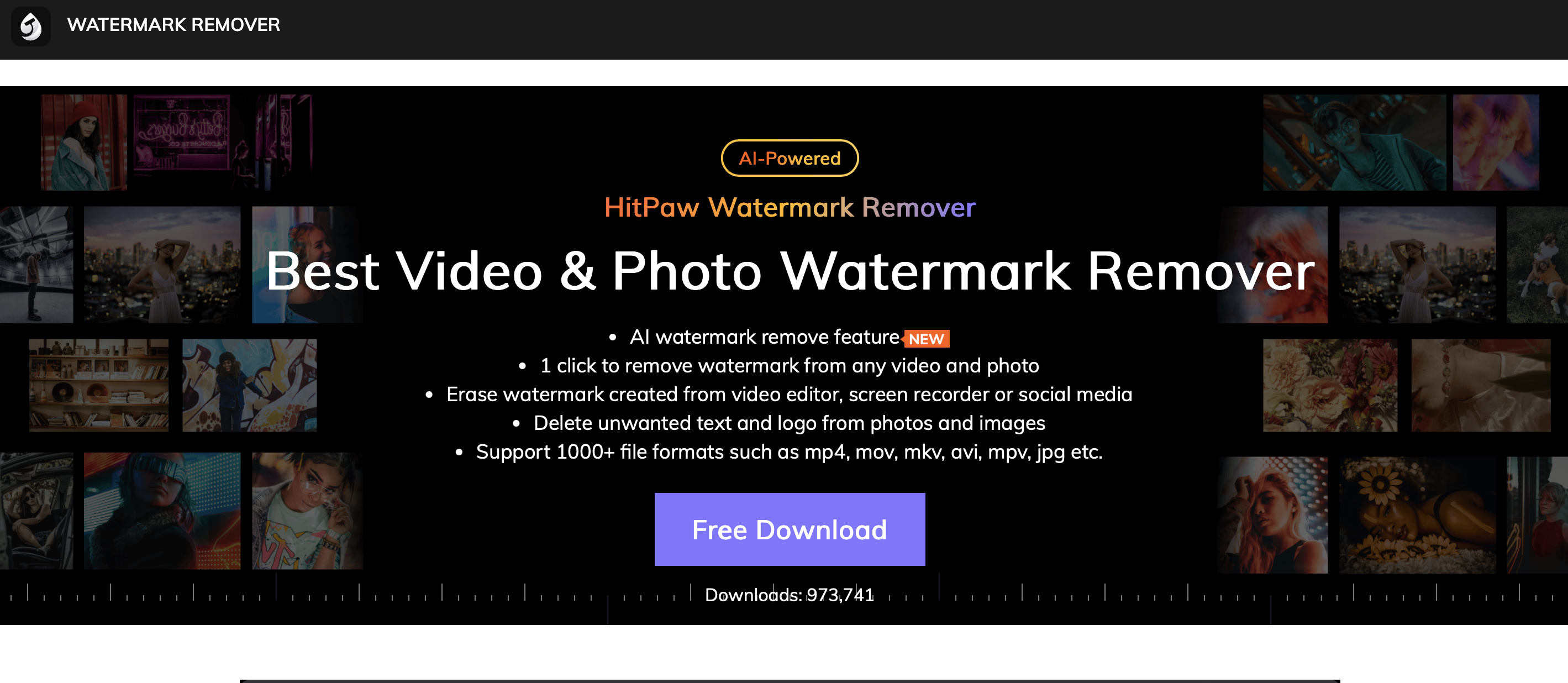
A browser based, drag and drop tool that's well suited to cleaning up social content fast. It offers free processing for lower resolution video, making it a solid option for fast, free results with nothing to install.
VSDC Free Video Editor
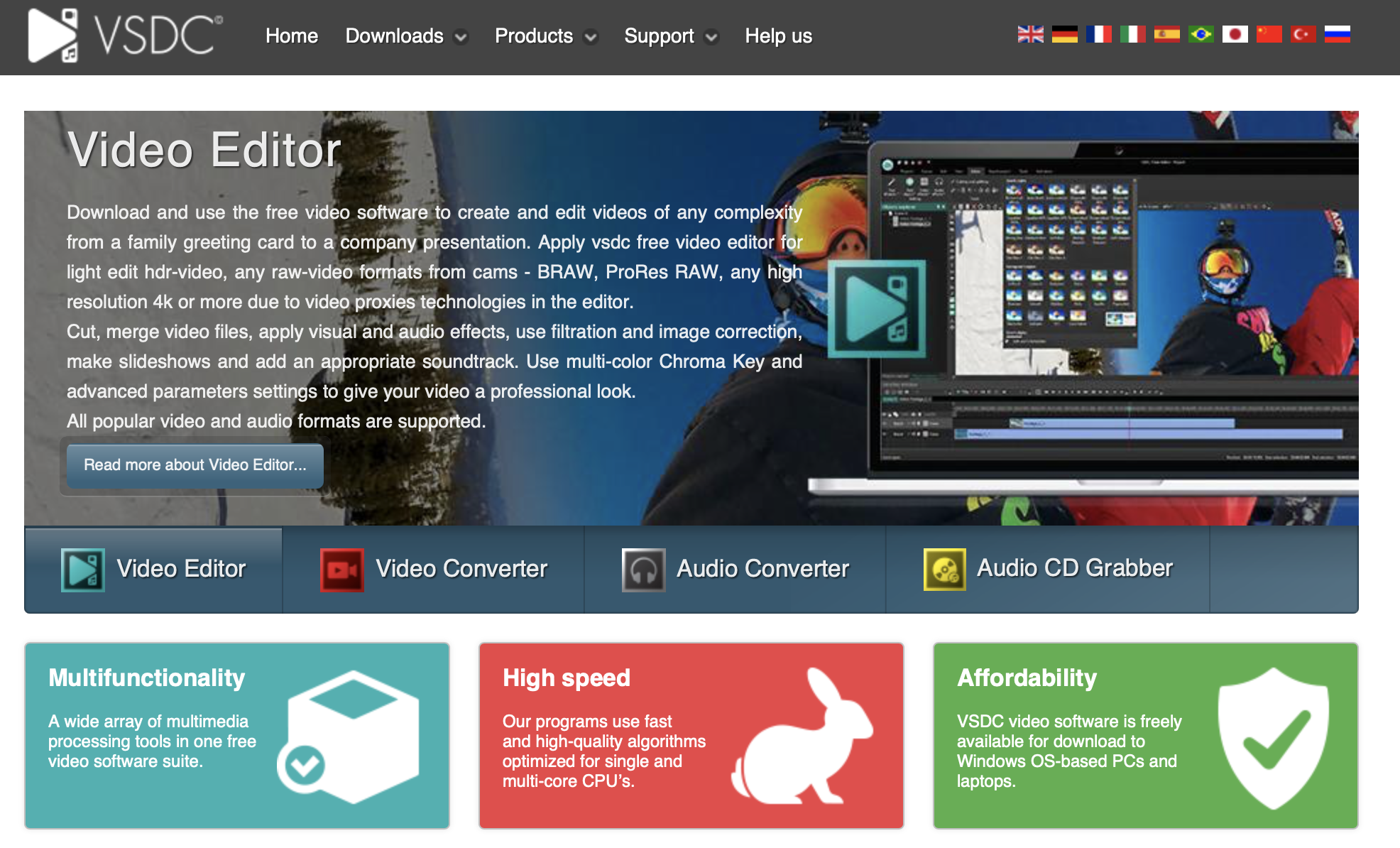
A budget friendly, offline editor with a full feature set including watermark removal. Windows only, and the learning curve is steeper than most paid alternatives.
VideoProc Converter
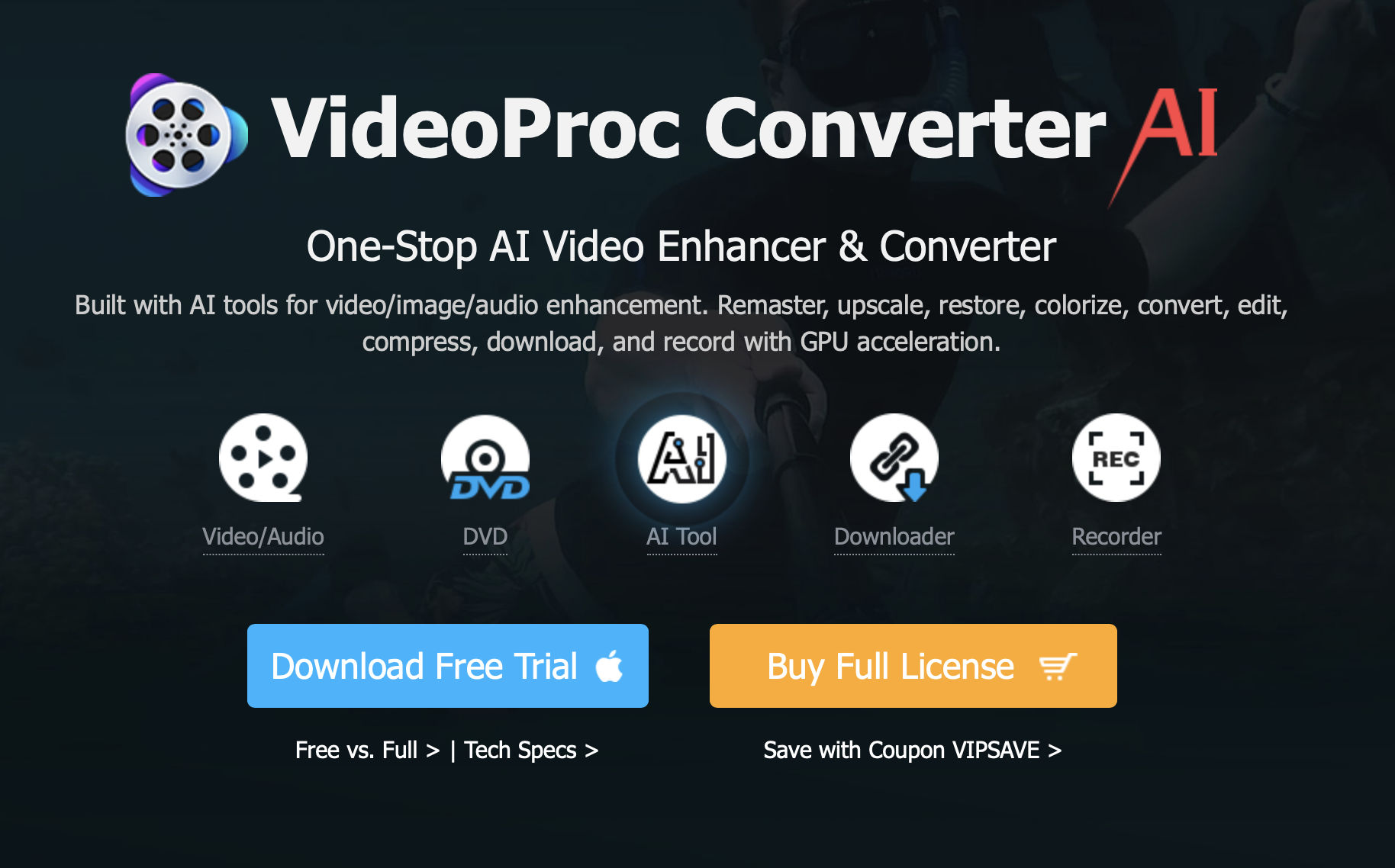
VideoProc leans more on cropping and repositioning than pixel level editing, but it's effective for removing watermarks, and adds conversion and basic editing features for around $34.95 a year.
Wondershare Filmora
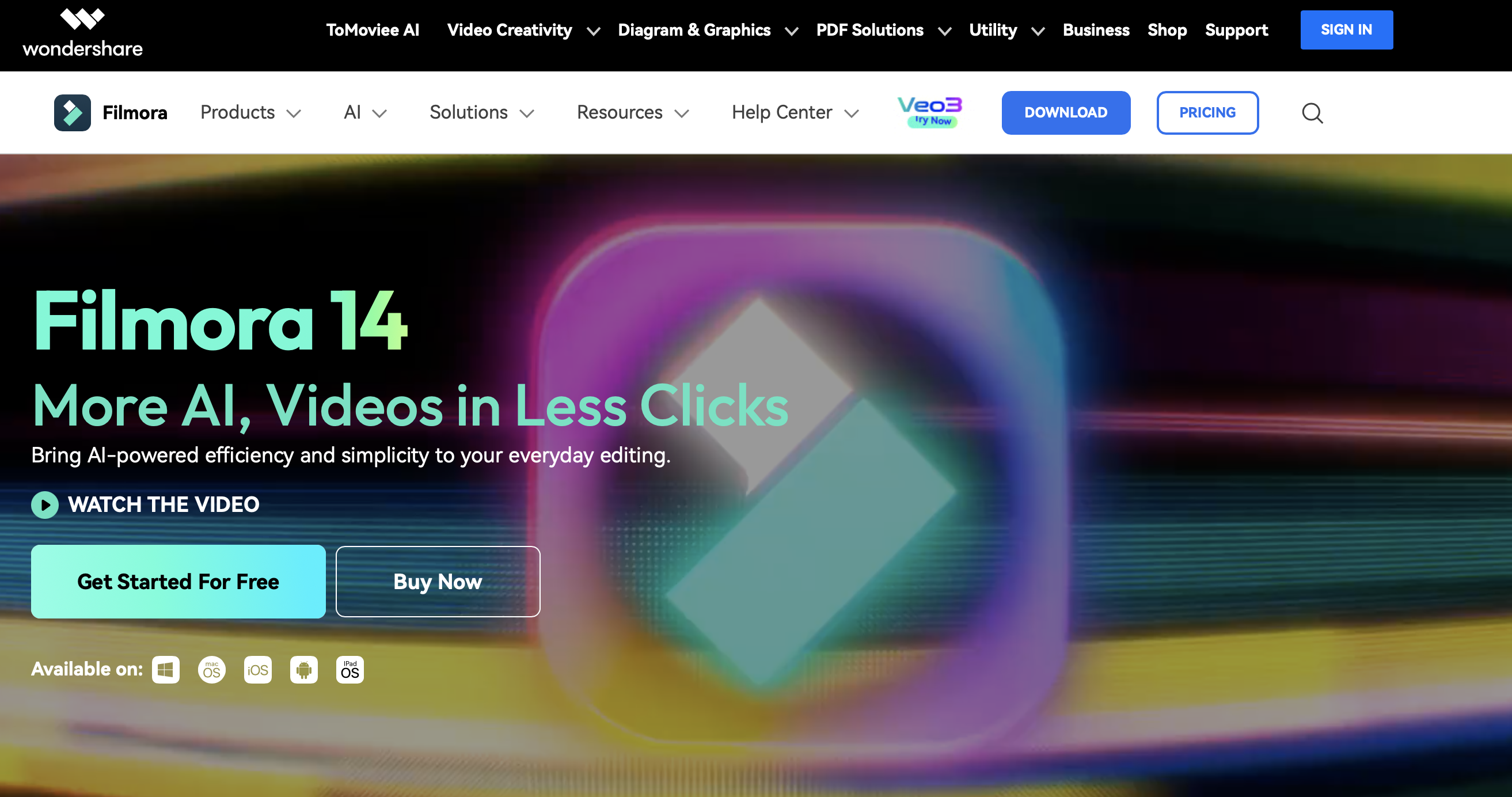
Filmora balances professional features with an easy interface, so it works for both beginners and experienced editors. Watermark removal is simple, and at $49.99 a year it's affordable next to most alternatives.
Online Video Cutter
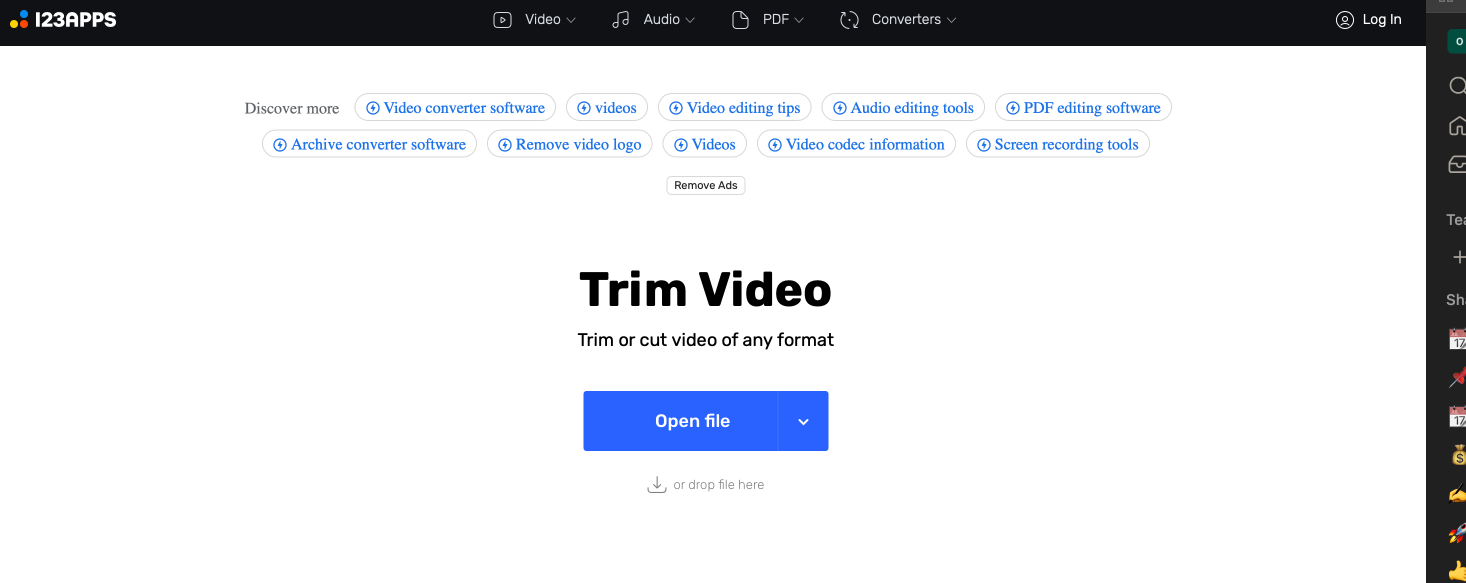
Good for quick one off jobs. It's part of a broader editing suite and is limited to simple text watermarks, but the free access makes it useful for occasional or emergency use.
Apowersoft Online Watermark Remover
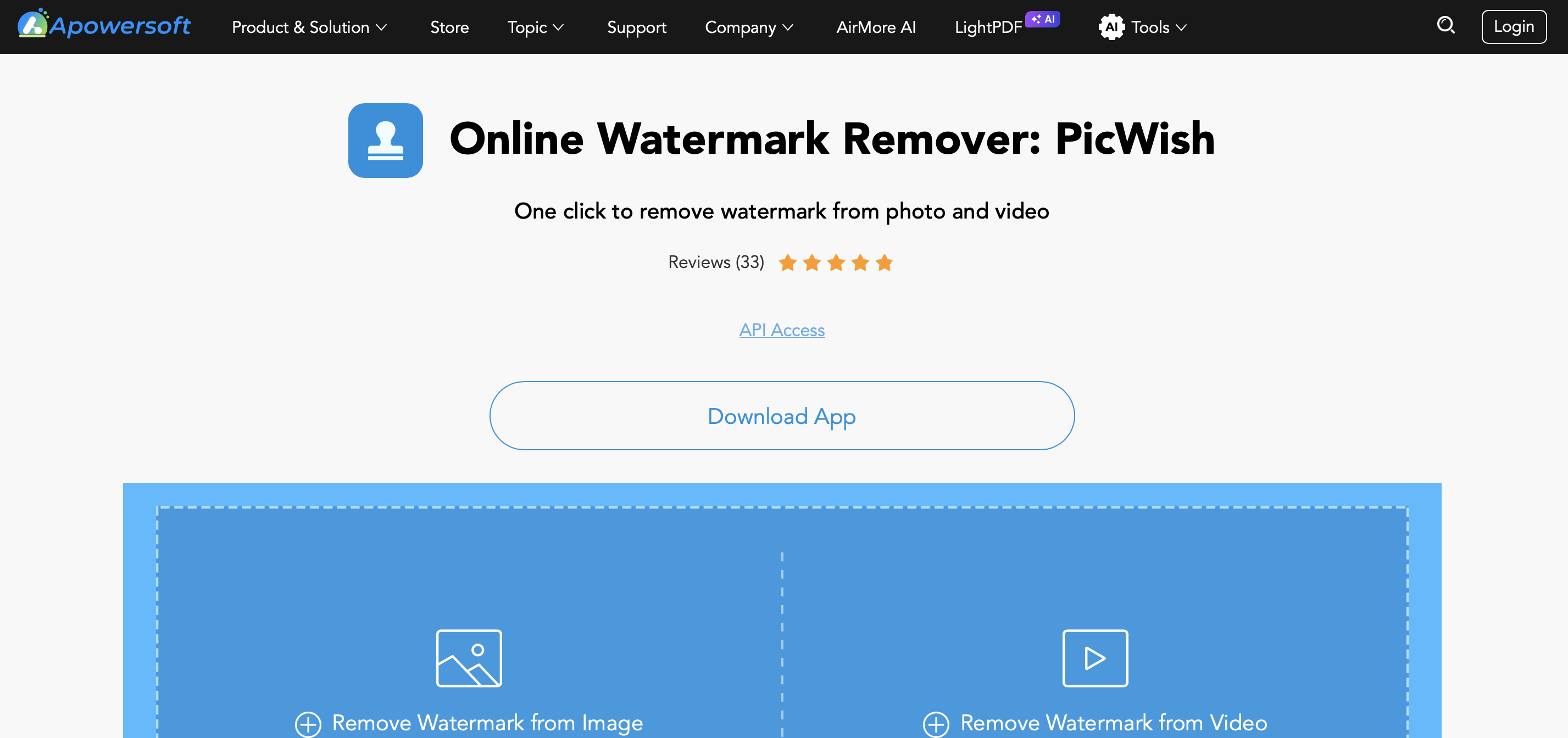
Available as both an app and a desktop tool, letting you remove a watermark from video or images in a click, with batch processing on plans starting around $29 a year.
If you want more editing firepower once the watermark is handled, see our roundup of the best clipping software for content creators, and if the mark sits over a b-roll clip specifically, our guide to b-roll for video creators covers how to source and cut clean replacement footage.
How Watermark Removal Compares to AI Video Generation in 2026
Traditional watermark removal is reactive and labor intensive. Masking, pixel healing and tracking overlays video by video is slow and doesn't always produce a clean result. Even with advanced tools, some blurring or minor distortion is common around the removed area.
AI generated video sidesteps this entirely, because the footage is created from scratch and is watermark free from the start. Removing a watermark becomes a secondary skill when you can simply produce original content you already own.
There's also a risk side to weigh. Removing branding or a watermark from somebody else's content can violate intellectual property law, and platforms are getting better at detecting manipulated video, which can limit reach or get edited content penalized.
Fully AI generated video sidesteps both problems, giving creators a scalable, compliant way to produce original work.

Subscription fees for watermark removal tools add up over time, and they still don't help you generate new content. Free watermarked tools can look like the cheaper option short term, but the cost of removal tools adds up fast, especially if you can't monetize the video anyway.
Investing in AI content creation tools that scale with you is the more sensible move. You can generate dozens of videos in the time it takes to manually clean the watermark off one, with every video consistent and on brand.
Ownership carries real weight now that anyone can generate a video from a prompt. Even after removing a watermark, you're technically still working with someone else's content, or a video that legally belongs to the platform you made it on. Full ownership only happens when you generate content from scratch and hold the copyright outright.
100% Ownership, No Watermark Removal Needed
Argil isn't a watermark remover. It's the reason you'll never need one. Argil is an all in one video generation platform that lets you script, edit and publish video in one interface, no camera or extra tools required.
With Argil, you own 100% of the content you create. Videos take under 10 minutes to produce and are ready to download, share or export instantly, fully watermark free.
Our AI agent adds B-roll, captions, transitions, AI voiceover and your own avatar or clone automatically, and every element is easy to tweak with one touch. Whether you're producing YouTube Shorts, TikToks or UGC for Instagram, every video belongs to you outright.
How Automation Helps You Create Watermark Free Content
Move from Reactive to Proactive Creation
Instead of removing a watermark after the fact, avoid it altogether. Tools like Argil let you build a workflow where every video comes out clean, branded and ready to publish, so you can keep pace with the newest AI video tools and trends without adding removal work to your process.
Automated Pipelines for Every Use Case
AI driven automation lets you repurpose existing content without the manual cleanup. A newsletter to video workflow turns long form writing into short, polished clips. Blog to video pipelines let high performing articles reach new audiences as bite sized Shorts, and LinkedIn post to video automations help professionals turn thought leadership into video, all watermark free from the source.
If your workflow leans on repurposing existing footage into shorter clips, the same principle applies. Start from a clean source and you skip the removal step entirely.
Brand Consistency at Scale
The biggest benefit of a tool like Argil is consistent branding. Every video keeps your style, tone and visual identity, with no third party logo to work around. B-roll, captions, transitions, AI voiceover and your avatar are added automatically, so removing a watermark from video simply stops being a step in your process.
More ROI Through Automation
Manually removing a watermark is tedious and slow. Automated video generation saves hours of editing while producing better, performance optimized results, freeing you up to focus on growing your audience, testing new ideas and building the business around your content.
FAQ: Removing a Watermark from Video
What's the easiest way to remove a watermark from a video?
For a single clip, a browser based AI tool that auto detects the watermark and paints over it, like HitPaw or Media.io, is the fastest option and needs no install. If you're publishing regularly, the easiest long term fix is generating original video with a tool like Argil so there's never a watermark to remove.
Is it free to remove a watermark from a video?
Some tools offer a genuine free tier. HitPaw processes lower resolution video for free, and Online Video Cutter is free for simple text watermarks. Professional software like Final Cut Pro or Filmora requires payment for the full feature set.
Can I remove a watermark without installing software?
Yes. HitPaw, Media.io, Apowersoft and Online Video Cutter all run in the browser, so there's nothing to download or install.
Will removing a watermark reduce video quality?
It can. Even with advanced pixel healing tools, some blurring or minor distortion is common around the area where the watermark used to be, especially with moving marks or complex overlays.
Is it legal to remove a watermark from a video?
It's legal and ethical when you own the underlying content, including an auto generated watermark on footage you made with a free editor. Removing a watermark from copyrighted material you don't own is against the law, unless a Fair Use exception applies.
Does removing a watermark violate copyright law?
Only if you don't have permission to use the underlying content. The watermark itself isn't what's protected, the content beneath it is, so ownership or a licensing agreement is what makes removal legal.
Sign up today and start your free trial. Paid tiers with watermark free video generation start at $39 a month, with individual creator and team plans available.