How to Make a YouTube Video Without Being on Camera (Full Guide)
A full walkthrough from idea to published video, with no camera and no crew: script it, produce it with AI, then upload it with the settings that matter.
How to Make a YouTube Video Without Being on Camera
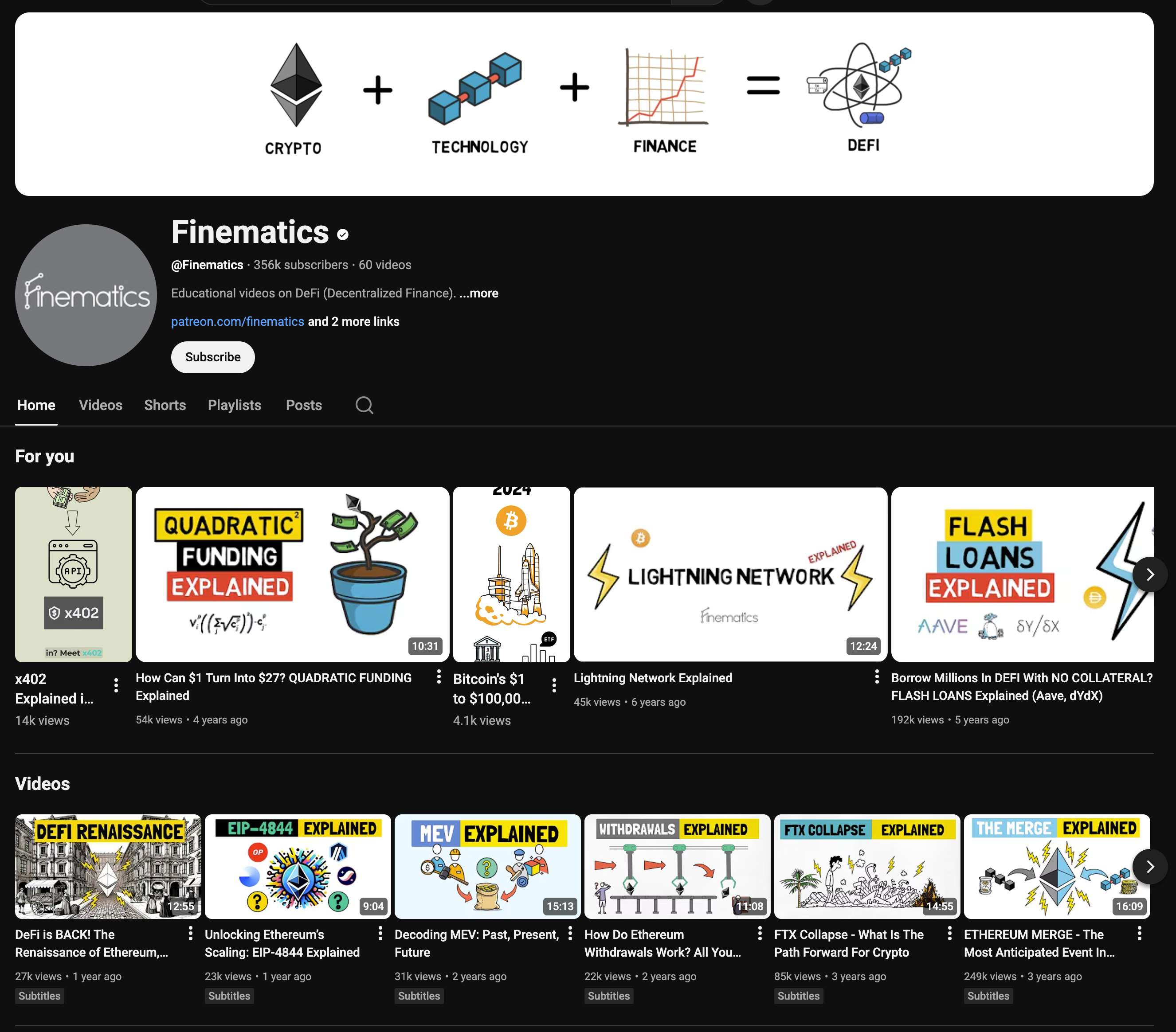
If you are avoiding YouTube because you do not want to be on camera, that is no longer a reason to stay off the platform. Faceless channels are everywhere now, and plenty of them have passed 100,000 subscribers. Creators like Finematics built large audiences without ever appearing on screen.
Most guides on this topic stop at "use screen recordings" and leave you there. This one runs the whole way: picking an idea, writing the script, producing the video without filming yourself, then actually uploading and publishing it on YouTube with the settings that matter. No crew, no studio, and no equipment beyond a computer.
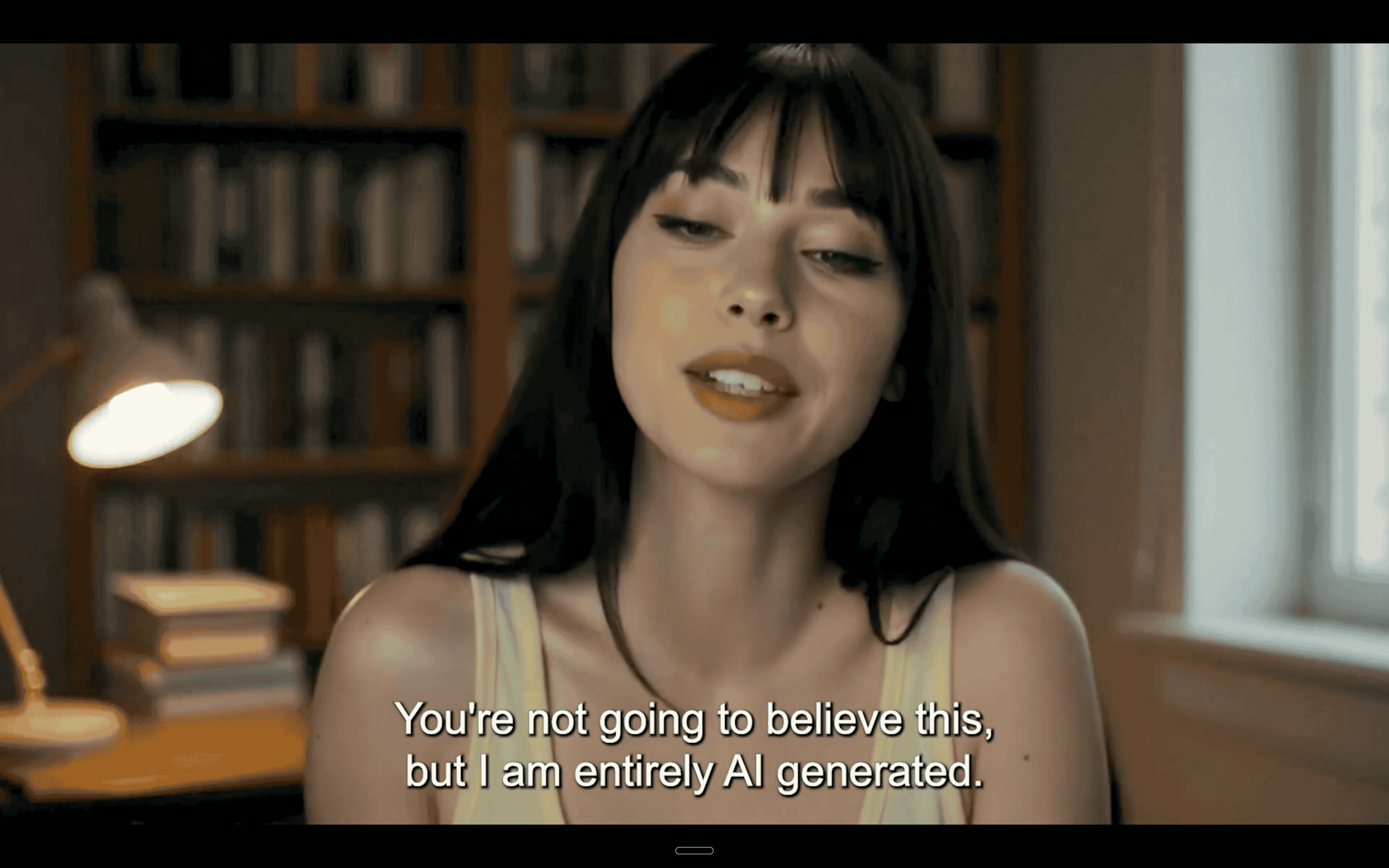
Some people just don't like appearing on camera. And the good news is, you don't need to.
What you actually need before you start
The honest list is short. A computer, a script, and a way to produce visuals and a voice. You do not need a camera, lighting, a microphone if you are generating the voice, or any editing experience.
You will need a Google account for YouTube. One thing worth doing on day one: verify your account in the YouTube mobile app. By default you can only upload videos up to 15 minutes long, and verifying removes that ceiling (YouTube Help). It takes a minute and it is annoying to discover halfway through your first upload.
Step 1: Pick an idea that works without a face
Faceless content succeeds when the value is in the information, not the personality. Software walkthroughs, explainers, tutorials, list formats, analysis and news summaries all work because the viewer came for the answer.
The formats that struggle are the ones built on personal presence: vlogs, reaction content, and anything where the draw is you specifically. If that is the channel you want, an AI avatar closes most of the gap, but a screen recording will not.
Pick one idea per video. The most common reason a first video sprawls to twenty minutes is trying to cover a whole topic instead of one question.
Step 2: Write the script before you produce anything
Writing first is what makes the rest of this fast. A rough benchmark is that 150 words of spoken script runs to about a minute of finished video, so a seven minute video is around 1,000 words.
Structure that works for a faceless video:
- Answer the question in the first fifteen seconds. Nobody waits through an introduction.
- Give the context or the caveat that makes the answer usable.
- Walk through the steps or the argument.
- Close with the single thing you want them to remember.
Read it aloud with a timer before you produce anything. Cutting words is cheap. Re-recording a finished video is not.
Step 3: Choose how you produce it
There are four routes that need no camera. They are not equivalent, and the right one depends on what your video is showing.
Screen recordings for tutorials and demos
If you are teaching something technical, the screen is the content. Software walkthroughs, how to guides and course material all work this way.
Tools like Loom or Screen Studio record your screen with a voiceover and let you leave the webcam off. You script the walkthrough, then record while explaining what you are doing.
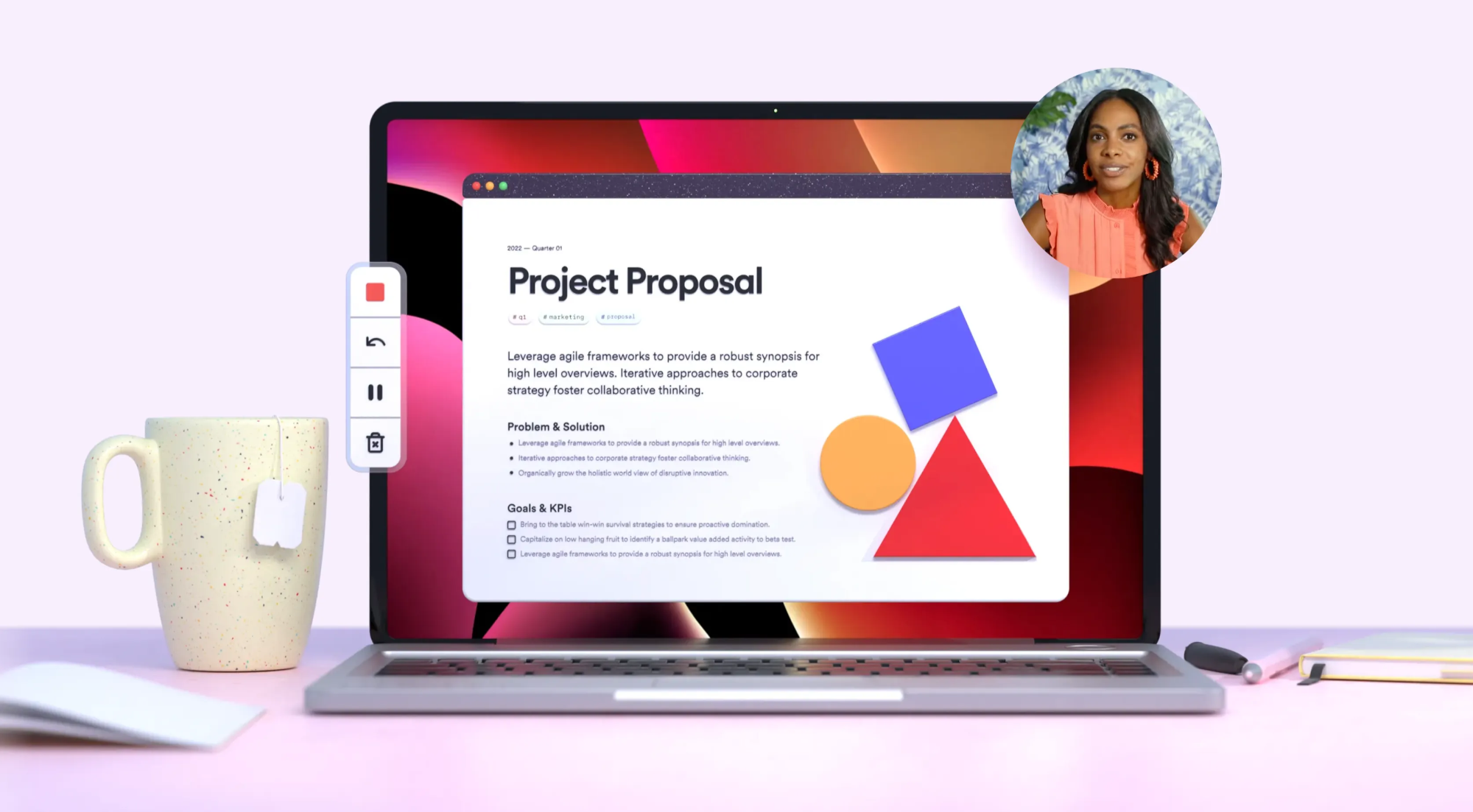
Add callouts, captions and visual highlights afterwards to keep it engaging. This suits faceless YouTube videos and lead magnets where viewers want clarity rather than personality.
Being on camera adds almost nothing to a software demo. The viewer wants the screen.
Stock footage with voiceover narration
Good for explainers, storytelling and brand content. Pull visuals from Pexels or Unsplash and pair them with narration.
You can record the voiceover yourself with a reasonable microphone, or generate it with tools like ElevenLabs. Motion graphics and transitions help it hold attention, which matters more on YouTube than on most platforms.
The trade off is that stock footage rarely matches your specific point, so it can drift into feeling generic. Keeping clips short and cutting on the beat of the narration helps.
Animation and whiteboard explainers
Animated formats perform well for SaaS explainer videos and finance content, where the diagram is the explanation.
Tools like Doodly and Animaker produce this kind of content without filming anything.
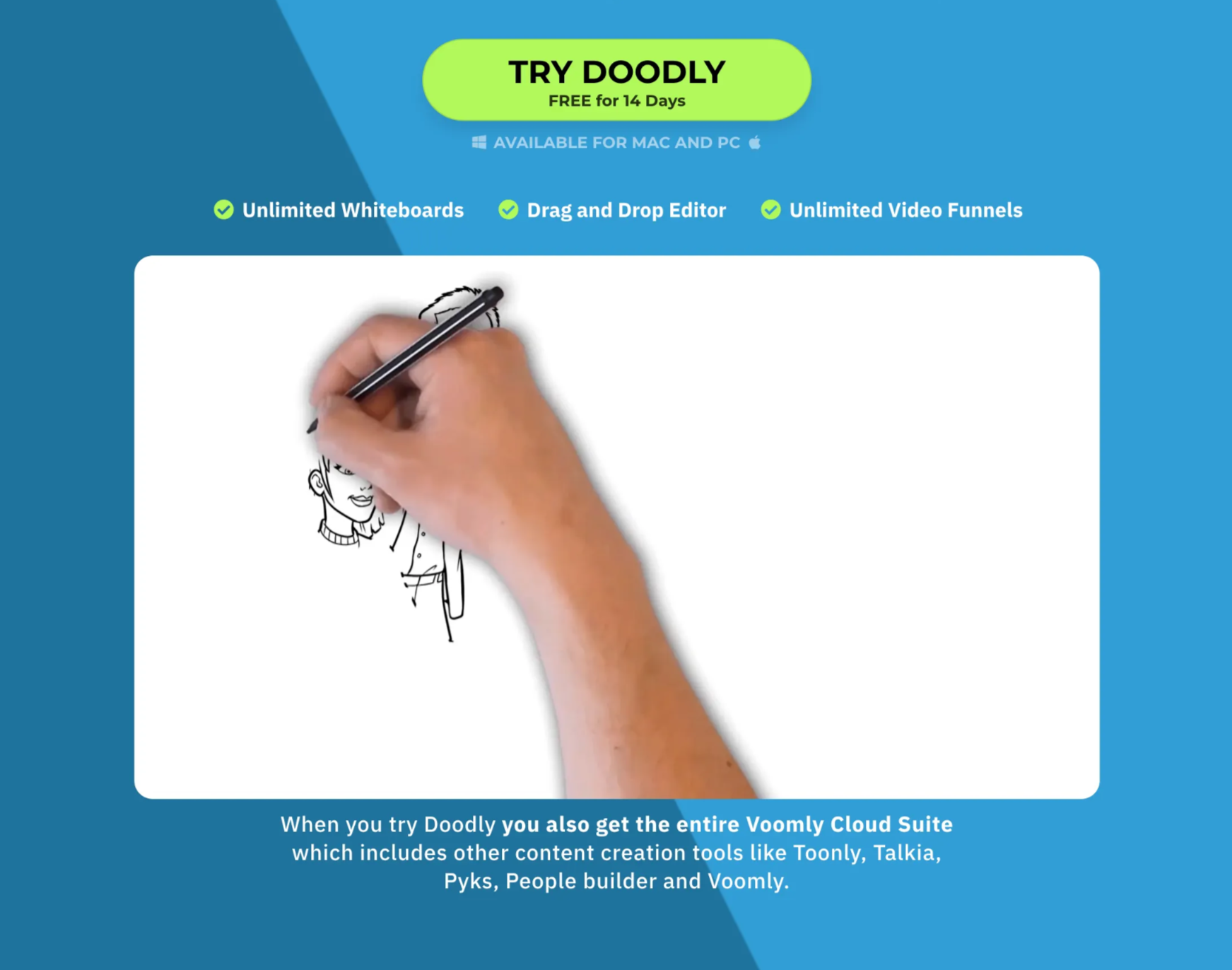
The downside is time. Animation is slow to produce manually, and you need either some animation skill or a strong template library to get a result that does not look amateur.
AI avatars and digital clones
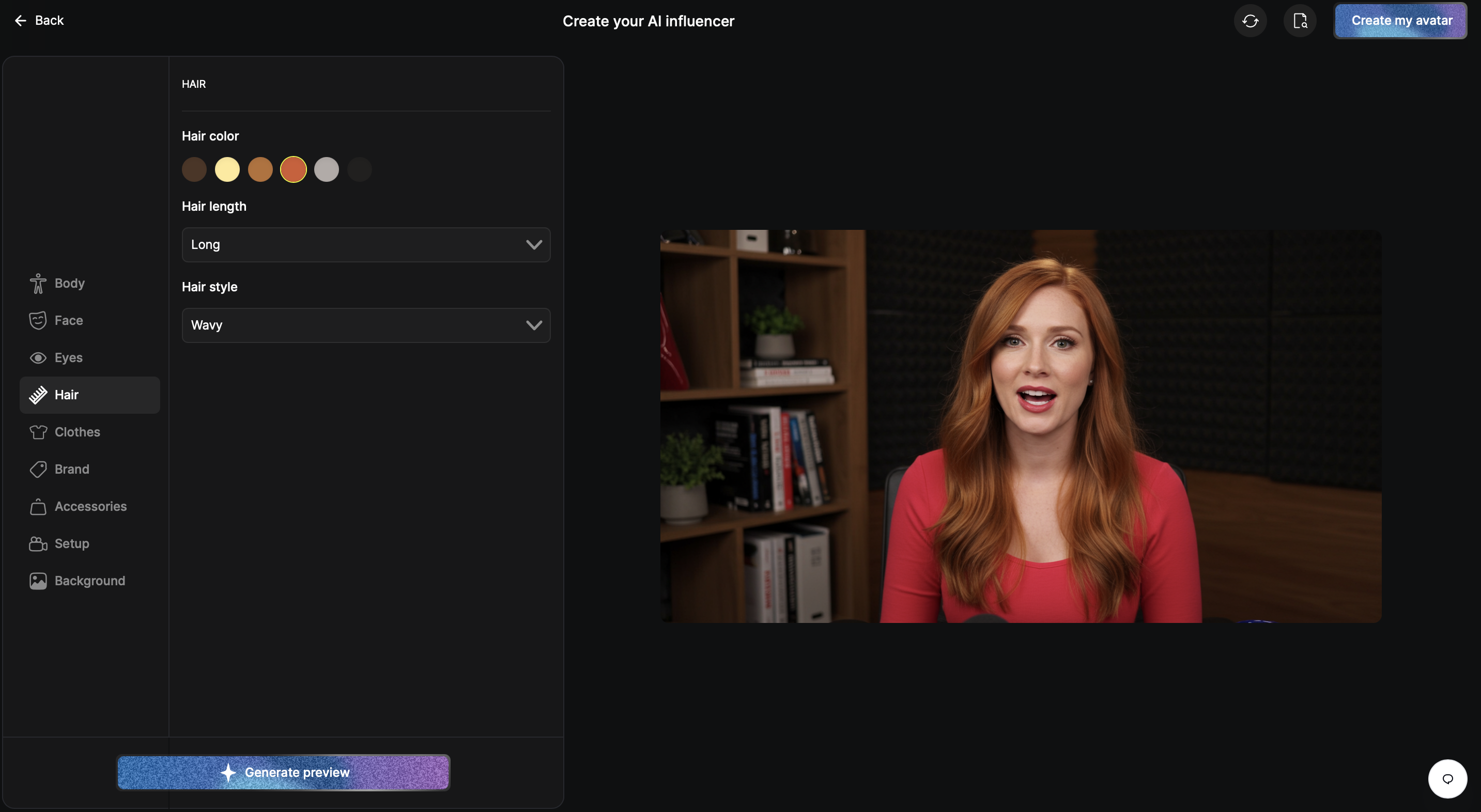
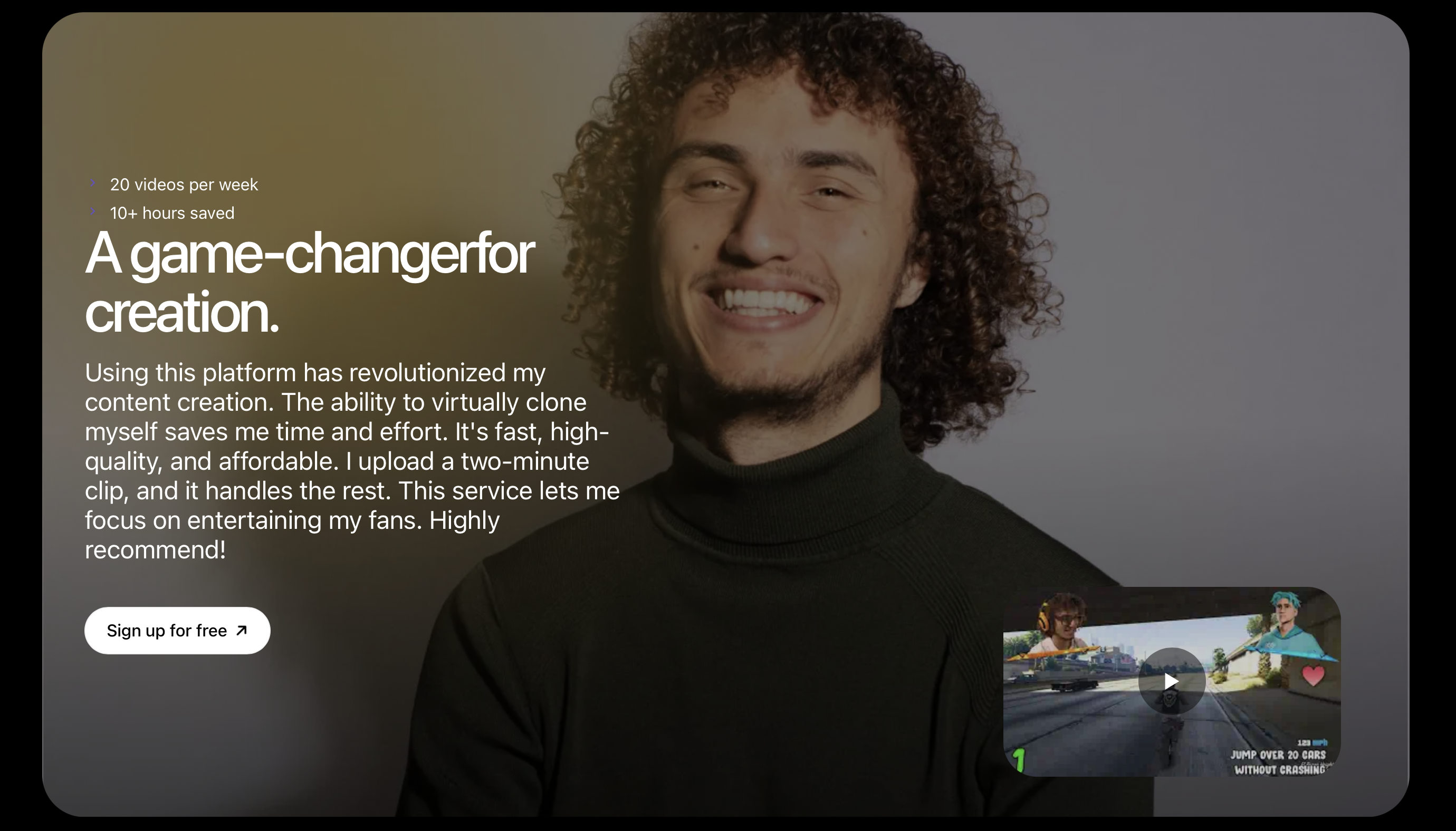
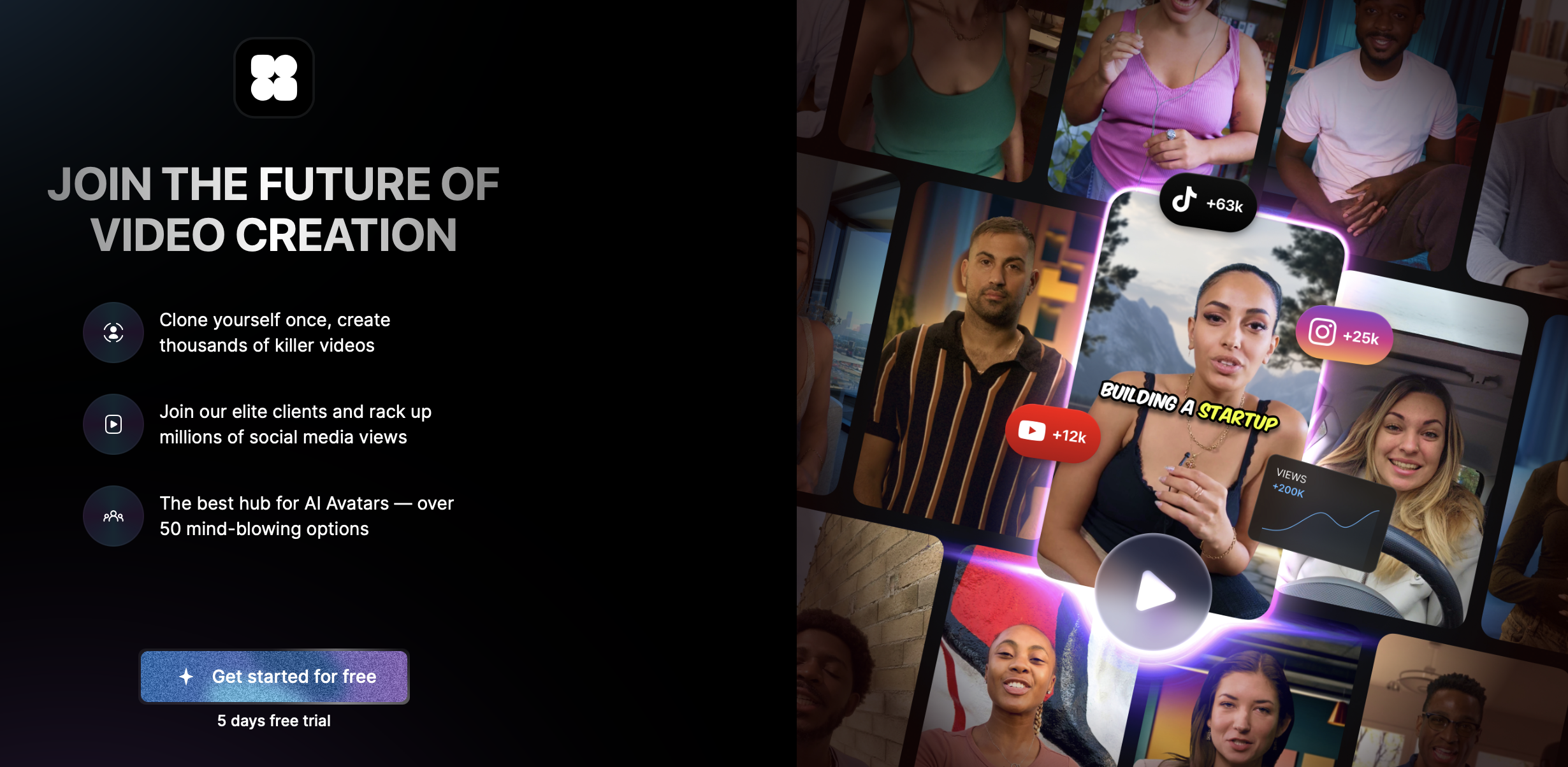
This is the route that keeps a human presence without you performing. You create a realistic digital version of yourself from a two minute selfie video, then your avatar delivers every script after that.
Your avatar can speak in other languages with matched lip sync, which is the practical way to run a multilingual channel without hiring translators or learning the language.
Step 4: Produce the video
This is the step where filming would normally happen, and where it does not have to.
With Argil, you upload a two minute talking head video once. That trains a clone of your voice, movement and speaking patterns, and it is the only time you appear on video at all.
After that, you paste a script into the editor and your avatar delivers it with matched lip sync, timing and emotion, in over 20 languages. B roll, captions, transitions and background music are generated around it, so what comes out is a finished video rather than footage you still have to edit.
The part that matters for a YouTube channel is what happens when something changes. Correct a fact, change an offer, or update a number, and you regenerate from the edited script in minutes rather than re-recording. That is the difference between publishing once and publishing weekly.
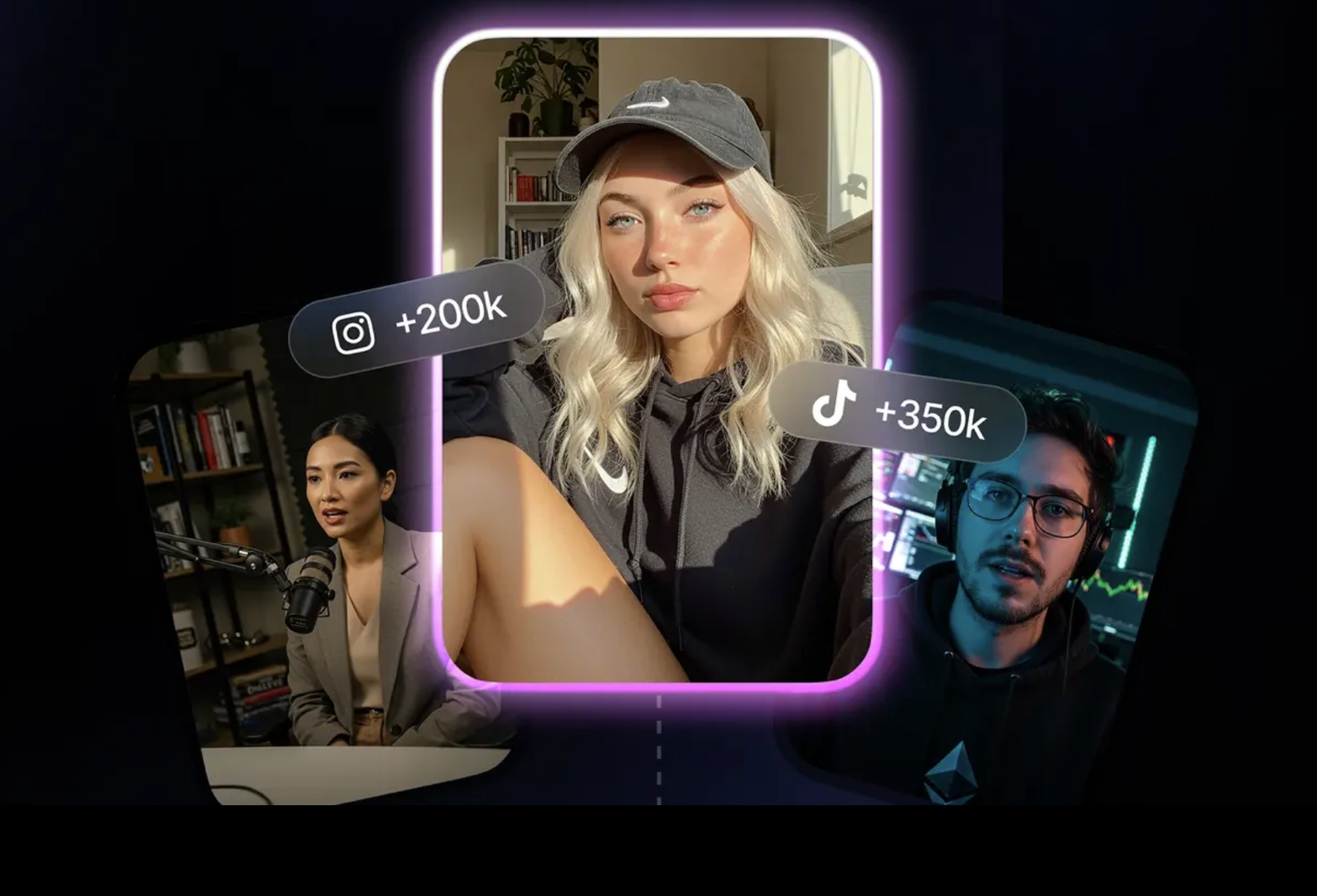
Argil suits solo creators building a personal brand who do not want to be on video, founders and course creators who need consistent output across multiple platforms, and agencies producing for several brands in different tones or languages without coordinating a single shoot. Teams also use it for internal training and onboarding, turning documentation into video without booking anyone's time.
Step 5: Edit for retention
Faceless video has no face to carry a slow moment, so pacing does the work instead.
Cut every pause and filler word. Put key points on screen as text, since a large share of viewing happens with sound off. Change what is on screen every few seconds so the frame keeps moving. Lead with your strongest visual rather than building to it.
Captions are worth the effort on their own. They keep people watching in situations where they would otherwise scroll past.
Step 6: Upload and publish on YouTube
This is the step most faceless video guides skip entirely, and it is where a good video quietly fails.
File limits. You can upload up to 256 GB or 12 hours, whichever is smaller (YouTube Help). Nothing you produce this way will come close, but the 15 minute default ceiling on unverified accounts will catch you if you skipped verification in step one.
Title. Up to 100 characters. Put the searchable phrase near the front, because titles get truncated in browse and search. Write the title for someone deciding whether to click, not for a keyword tool.
Thumbnail. This carries more weight than anything else on the page for a faceless channel, because you have no recognisable face doing the work. YouTube recommends 3840 x 2160 pixels with a minimum width of 640, a 16:9 ratio, and JPG, GIF or PNG. The file can be up to 2 MB from mobile or 50 MB from desktop (YouTube Help). Large text, high contrast, and one clear idea.
Description. Up to 5,000 characters. The first two lines show before the fold, so put the summary there rather than a channel introduction. Below that, add timestamps as chapters, then your links.
Aspect ratio and format. Standard videos are 16:9. If you are making a vertical video, note that it becomes a Short rather than a normal upload, which is a different format with different rules. Our guide to how long YouTube Shorts can be covers the classification rules and the copyright trap that catches Shorts over one minute.
Visibility. Set it to unlisted first and watch your own video the whole way through before publishing. Producing without a camera makes it easy to ship something with a mispronounced word or a caption that lags, and you will only notice on playback.
Scheduling. Publishing on a predictable day matters more than the specific day. A faceless workflow makes a weekly schedule realistic, so pick one you can hold.
Step 7: Watch the right numbers
For a new channel, the two numbers that tell you something are click through rate on the thumbnail and audience retention.
A low click through rate means the thumbnail and title are not earning the click, so the video itself is irrelevant until that is fixed. Good retention with low clicks is the easiest problem to have, because you only need to redo the packaging.
Retention tells you where people leave. Watch for the drop in the first thirty seconds, which is almost always the opening being too slow, and any cliff mid video, which is usually a section that could be cut.
Change one thing at a time. Changing the thumbnail and the format together tells you nothing about which one worked.
You do not need to be on camera to build a YouTube channel
Being on camera is a choice now rather than a requirement. Everything above works without filming yourself once, and the only step that ever needs your face is the two minutes it takes to train a clone.
If you want to see what that looks like for your own channel, create an account and produce your first video from a script.
FAQ
Can you make YouTube videos without showing your face?
Yes. Screen recordings, stock footage with narration, animation and AI avatars all produce complete videos with no filming. Faceless channels regularly pass 100,000 subscribers.
Do faceless YouTube videos get monetized?
Yes. Monetization depends on meeting the Partner Program requirements and following YouTube's policies, not on whether you appear on screen. What matters is that the content is your own work rather than reused material with little added.
How long should my first YouTube video be?
Long enough to answer the question properly and no longer. Verify your account before you start, because unverified accounts are capped at 15 minutes by default.
Do I need a microphone?
Only if you are recording your own voice. If you generate the narration or use an AI avatar, there is nothing to record, which removes the most common quality problem for beginners.
What is the fastest way to produce videos without a camera?
Writing the script first and generating the video from it. Filming and editing is where the hours go, so removing both steps is what makes a weekly schedule realistic for one person.