I Want Clips: How to Make Video Clips for Social Media
See how creators use AI avatars to turn a script into ready to post video clips for TikTok, Reels and YouTube Shorts, no filming required.
We've built a free resource for using AI avatars in your business. It centralizes 50 use cases across 4 categories (Personal Branding, Marketing and Sales, Internal and Enterprise, and Educational and side-hustles). You can access it here.
If you're thinking "I want clips" but don't know where to start, this article is for you.
Creating short clips for social media is one of the fastest ways to build engagement, grow a following and drive audiences toward your long form content.
The fastest way to make video clips for social media in 2026 is with an AI video tool: write or paste a script, generate the clip with an AI avatar or from your own footage, and export it already sized for TikTok, Instagram Reels or YouTube Shorts, no camera crew or editing background required.
Whether you're a content creator posting to YouTube, a social media influencer looking to monetize your work, or a marketer trying to generate sales, video clips are still the format that drives the most engagement.
Over the past few years, short video has become the dominant form of content, with TikTok, Instagram Reels and YouTube Shorts leading the way.
Short videos are quick, scalable and built for shorter attention spans, and their bite sized nature makes them easy to watch on the go. Captions mean people can follow along whether they're wearing headphones or scrolling on mute.
Video clips are an effective way to build an audience, but making them well hasn't always been easy. Even short clips have historically taken real shooting and editing skill, and turning a finished long video into a handful of clips that actually land takes time. You have to know what will hold attention and how to cut it so people stay to the end.
Thanks to AI powered video tools, that's changed. It's now realistic to create and edit clips from scratch, or to generate shareable clips automatically.
In this article, we'll show you how to use an AI powered tool like Argil to create short videos in under ten minutes for as little as $39 a month.
How AI Is Changing Video Clip Creation
Video clip creation used to be costly and slow. You'd need to hire actors and a camera crew, pay for editing software, and have the technical skill to use it. That works for big budget brands, but it was never realistic for the average content creator.
AI powered video tools have changed that. Anyone can now generate a video from a text prompt, and AI editing tools are built to be usable without any prior experience. That shift lines up with where marketing budgets are already going: 91% of businesses now use video marketing, and short form video under 60 seconds is the format still gaining engagement while others flatten out.
Creators can put together professional, shareable clips with no filming background and no upfront production cost.
That shift brings two real challenges with it, though:
- The market is now full of generic, faceless AI content, so it takes more to stand out than it used to.
- Platform algorithms shift constantly, and it's easy to fall behind if you're not adapting your format regularly.
Argil, our AI powered video production platform, is built to solve both of those problems.
'I Want Clips' - How Argil Helps
If you want clips that stand out and don't feel disposable after a couple of days, Argil is built for that. It lets you create professional, personalized videos fast, with no production team required.
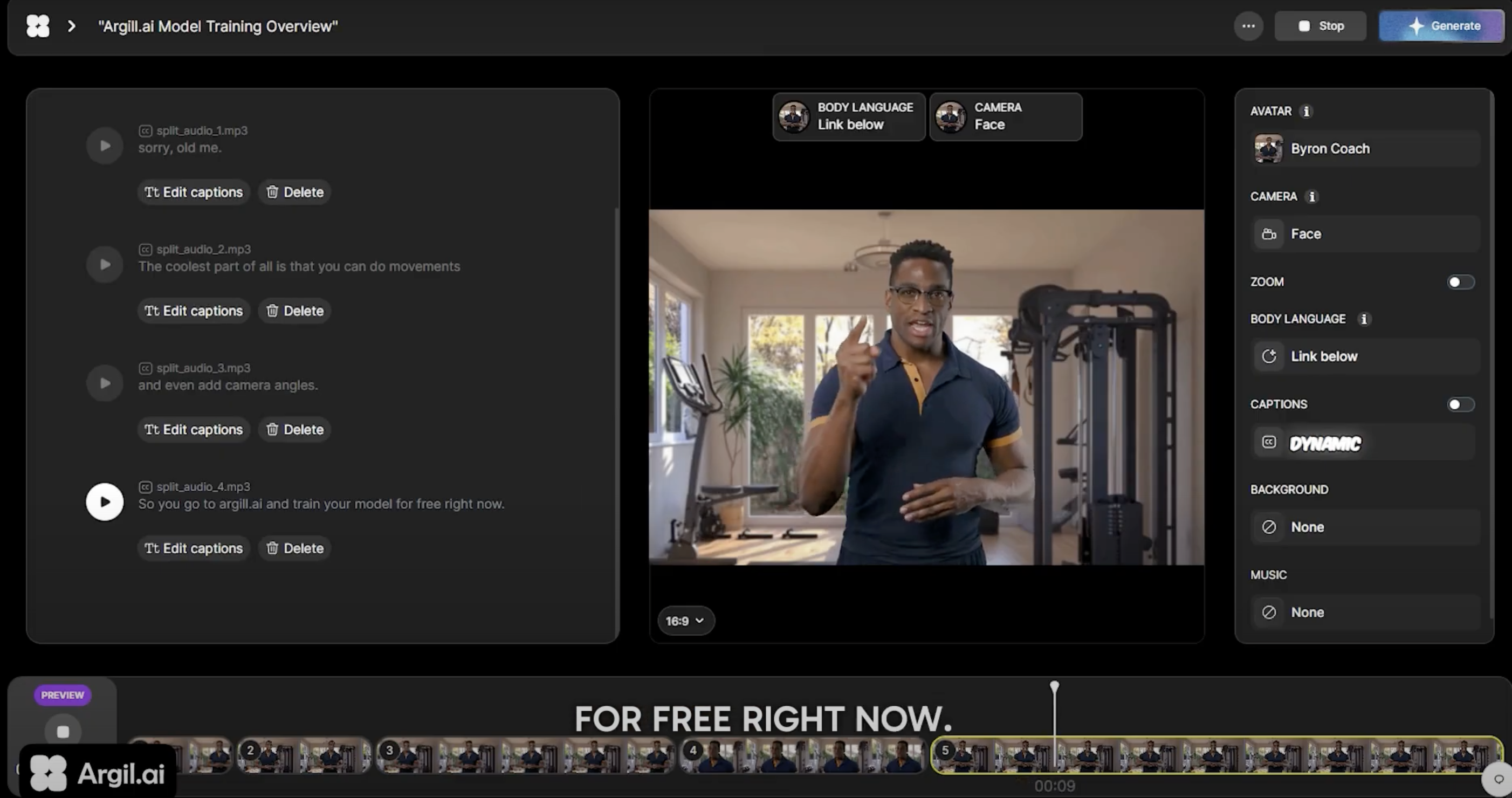
Like most AI video platforms, you can generate a short video from a simple text prompt or a URL. Argil's assistant writes the script, or pulls the strongest sections out of a longer piece of text.
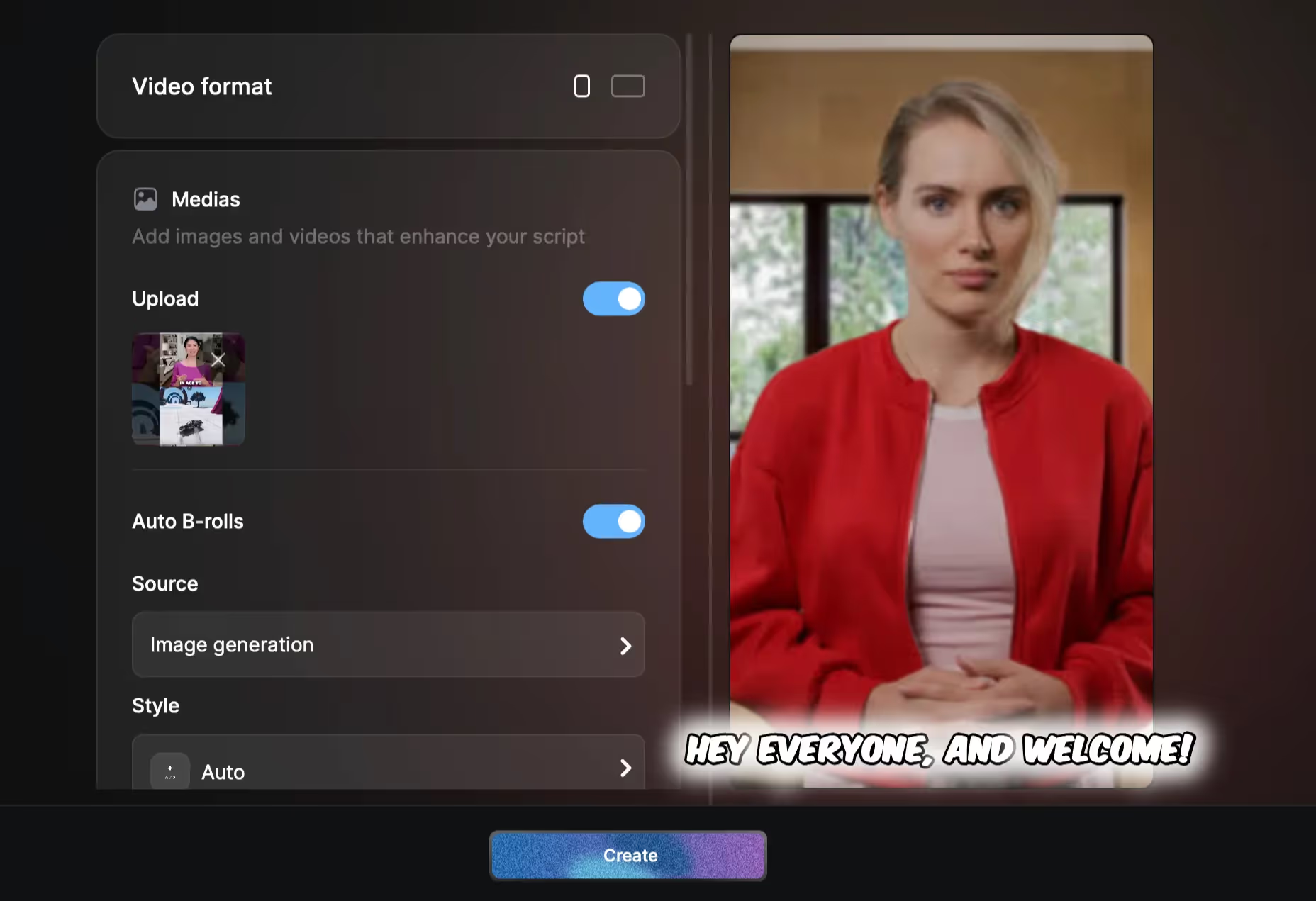
From there you can adjust captions, change the language of your subtitles or voiceover, and add editing touches like AI b-roll, transitions and branded elements through the drag and drop interface. Then you download the finished clip or publish it directly. All in a few minutes.
(If you're looking to cut down longer footage instead of generating new clips, we reviewed 5 Opus Clip alternatives worth checking out.)
A few things set Argil apart from other clip generators:
No More Faceless Content
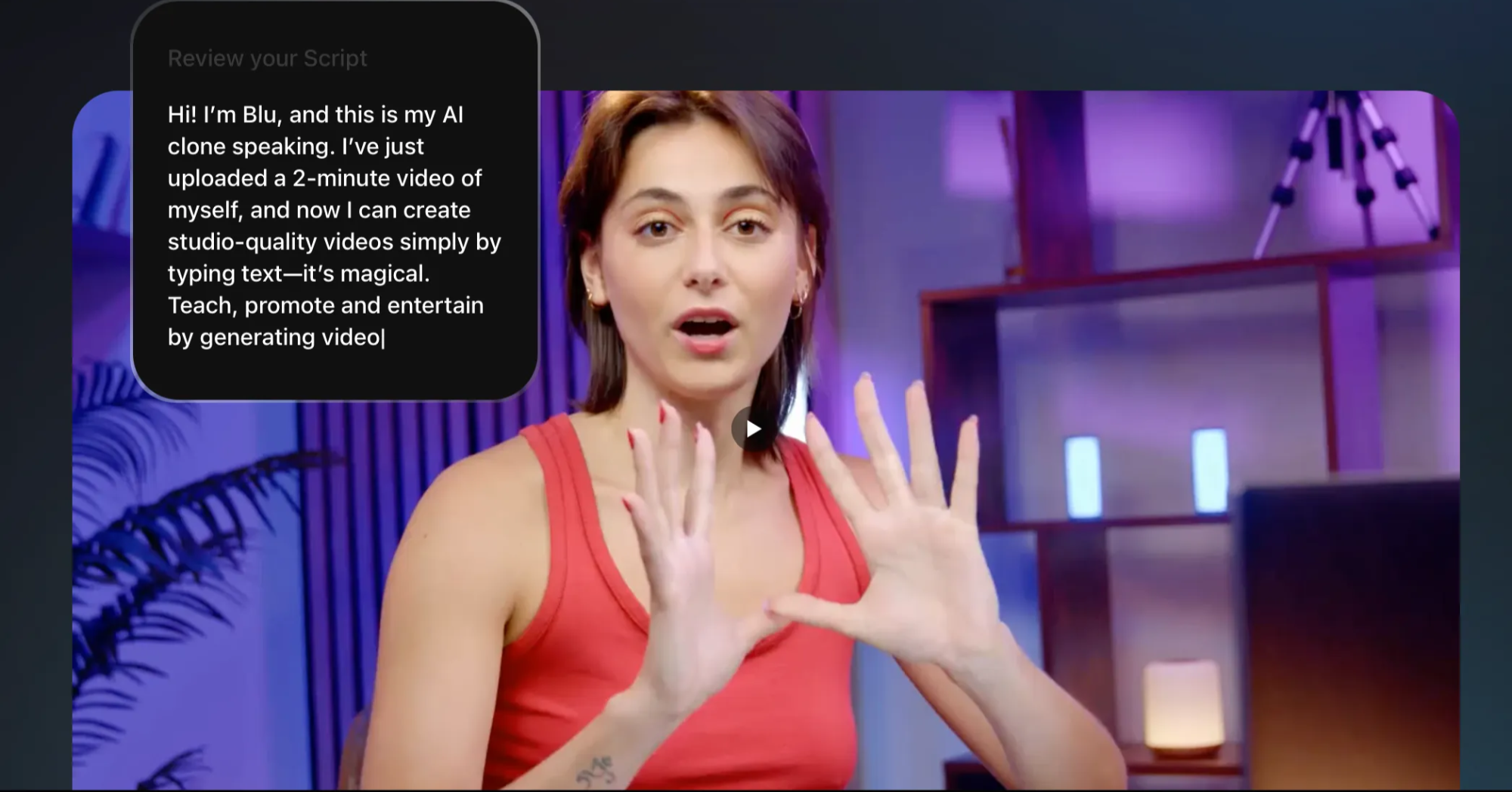
You don't have to appear on camera yourself to make personalized content. Upload a two minute video of yourself speaking, and Argil builds a personal AI avatar from it.
The model trains on your speech, body language and appearance, and you can adjust any of those details afterward if something's off.
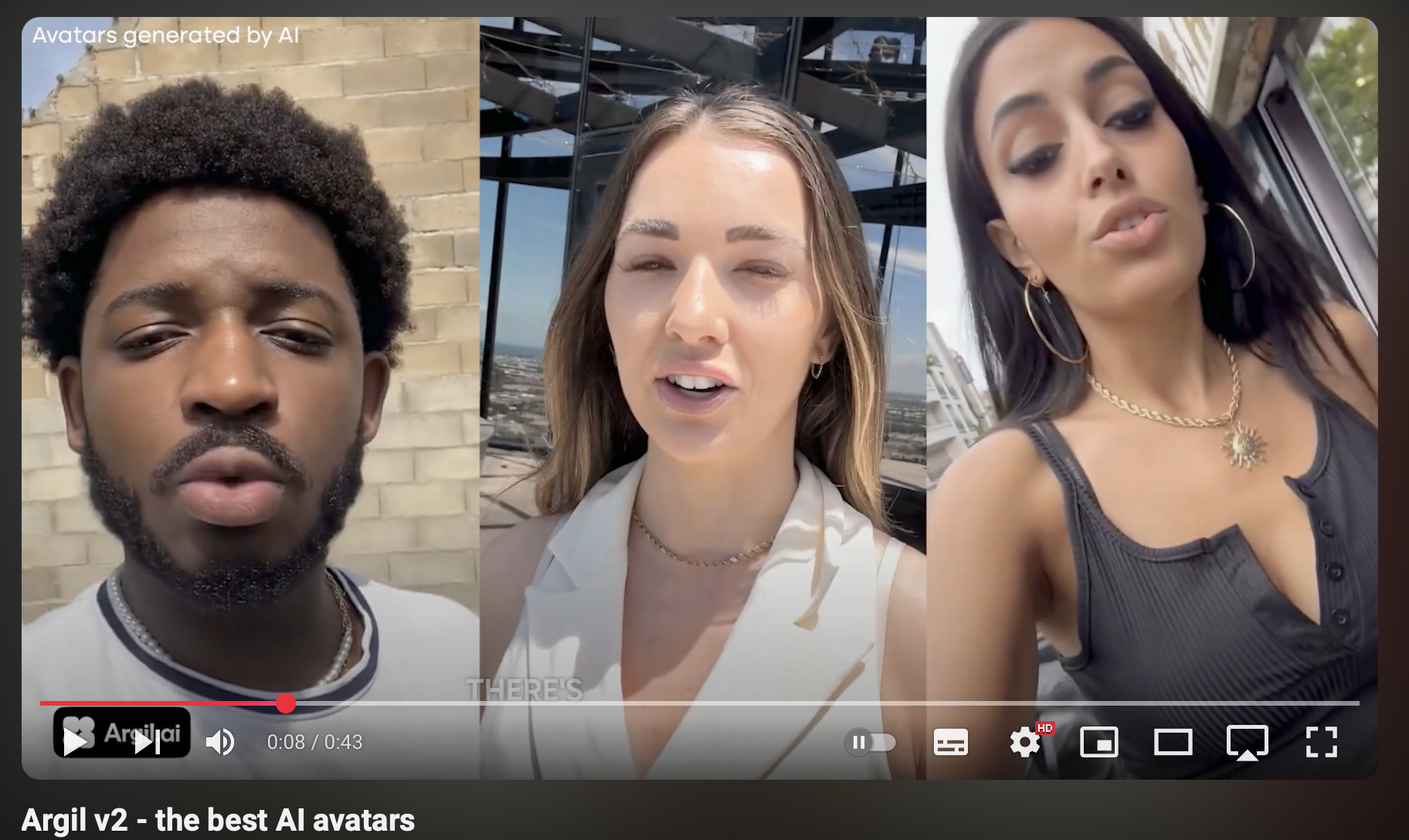
AI avatars aren't new. Tools like HeyGen and Synthesia offer them too. What makes Argil's different is how they're contextually aware: instead of you manually scripting expressions or gestures for key moments, the avatar reads the script and performs them on its own, which is what makes the result feel less robotic.
Social Media Optimization
Wanting clips that don't disappear into a sea of generic AI video is a fair concern. Argil helps here too, suggesting tags and meta descriptions built around the keywords that actually get videos found.
Argil also works like an AI agent: it tracks how platform algorithms shift, learns from your past content, audience preferences and engagement, and adjusts its suggestions as it goes, so you're not the one manually chasing every ranking change.
Turning Clips Into Revenue
Going from "I want clips" to "I want clips that make money" is the natural next question, and AI generated clips can genuinely open up more than one income stream.
If you've posted online before, you know each platform has its own built in payout option, like TikTok's Creator Rewards Program (the program that replaced the old Creator Fund) or YouTube's ad revenue share. Most of these require you to hit a follower or watch time threshold first, and the payouts alone rarely make a full living, which is why most working creators lean on a mix of income sources instead.
Affiliate Marketing
One reliable way to move from "I want clips" to actually earning from them is linking products through TikTok Shop, YouTube's affiliate tools, or Amazon Influencer links. You add affiliate links to your captions or scripts and earn a commission whenever someone clicks through and buys.
Video tends to build more trust with a viewer before they click a link than a single static post does, which is why a repeatable clip format for product reviews is worth setting up if affiliate income is the goal.
Product Placement and Sponsorships
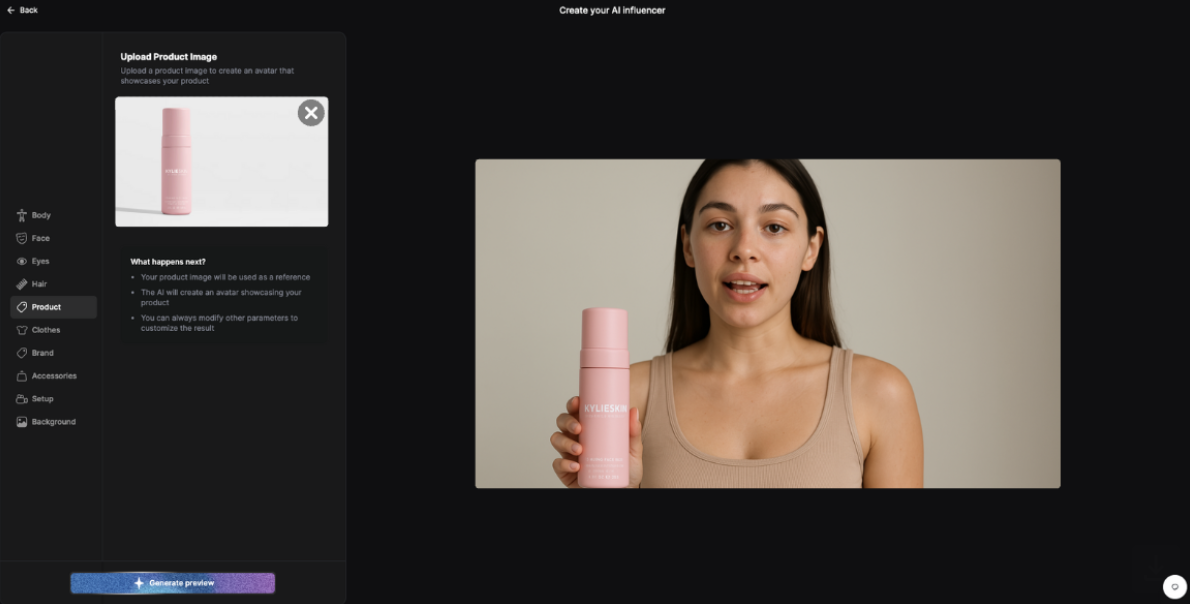
Direct product placement is another route. With Argil's product features, you can insert a product into an AI generated video using just an image, letting your avatar hold, wear or interact with it, which works well for UGC style content without the shipping and logistics a physical shoot needs.
Sponsored posts are a further revenue stream, and payouts here usually scale with engagement rather than raw follower count. With one script, you can generate multiple video variations to match different sponsors, niches or audience segments, and use A/B testing to see which version performs best with each group.
Cross-Platform Distribution: Maximizing Your Reach
'I Want Clips I Can Reuse' - Repurposing With Argil
If you don't have the time or budget for a full editing pass every time you need new content, this is where Argil earns its keep.
There's no editing experience required. It takes about ten minutes to go from script to a fully edited, publish ready clip.
Argil auto generates clips from a single script, complete with b-roll, background music, voiceover and dynamic captions. If you want to appear on camera without filming equipment, your AI clone can stand in for you, trained from that same two minute video.
You can quickly generate multiple versions of a clip to test across Instagram, TikTok and YouTube Shorts, or into Pinterest or LinkedIn if either fits your audience. Avatars can perform in over 50 languages, so the same script can repurpose into multiple markets without re-filming anything.

Optimizing for TikTok, Instagram and YouTube Shorts
Every platform's algorithm weighs different signals, so posting the exact same clip everywhere rarely performs as well as it could. 63% of consumers say they'd rather learn about a product through a short video than any other format, so the clip you post first still matters more than how many places you post it.
Argil automatically resizes your clip and adjusts caption placement per platform, and keeps each version at the right length for where it's going.
That auto editing also makes it fast to swap intro hooks, CTAs, avatars or background music without reshooting or re-editing from scratch.
Argil Use Cases for Creators Making Video Clips
If you've got plenty of ideas but production is the bottleneck, this is where Argil is built to help. From a single script or prompt, it handles the production side so you can focus on the ideas, the consistency and the repurposing strategy. That works whether you're building a personal brand, running a course, or shipping product marketing, since the production step is the same either way.
It also works well if you'd rather not be on camera. You can build an AI clone of yourself, or a fully separate avatar, and adjust its hair, expressions, clothing, speech and movement.
Here are a few of the more common use cases:
Personal Branding Content
Whether you're building authority on LinkedIn or going full time as a content creator, Argil turns ideas, existing posts or written content into fully edited video without a camera crew or an editing background.
Posting consistently in short form helps you build authority in your niche and stay connected with your audience through storytelling and product recommendations. Argil learns your brand's tone over time, which keeps that voice consistent across every clip.
Educational Videos
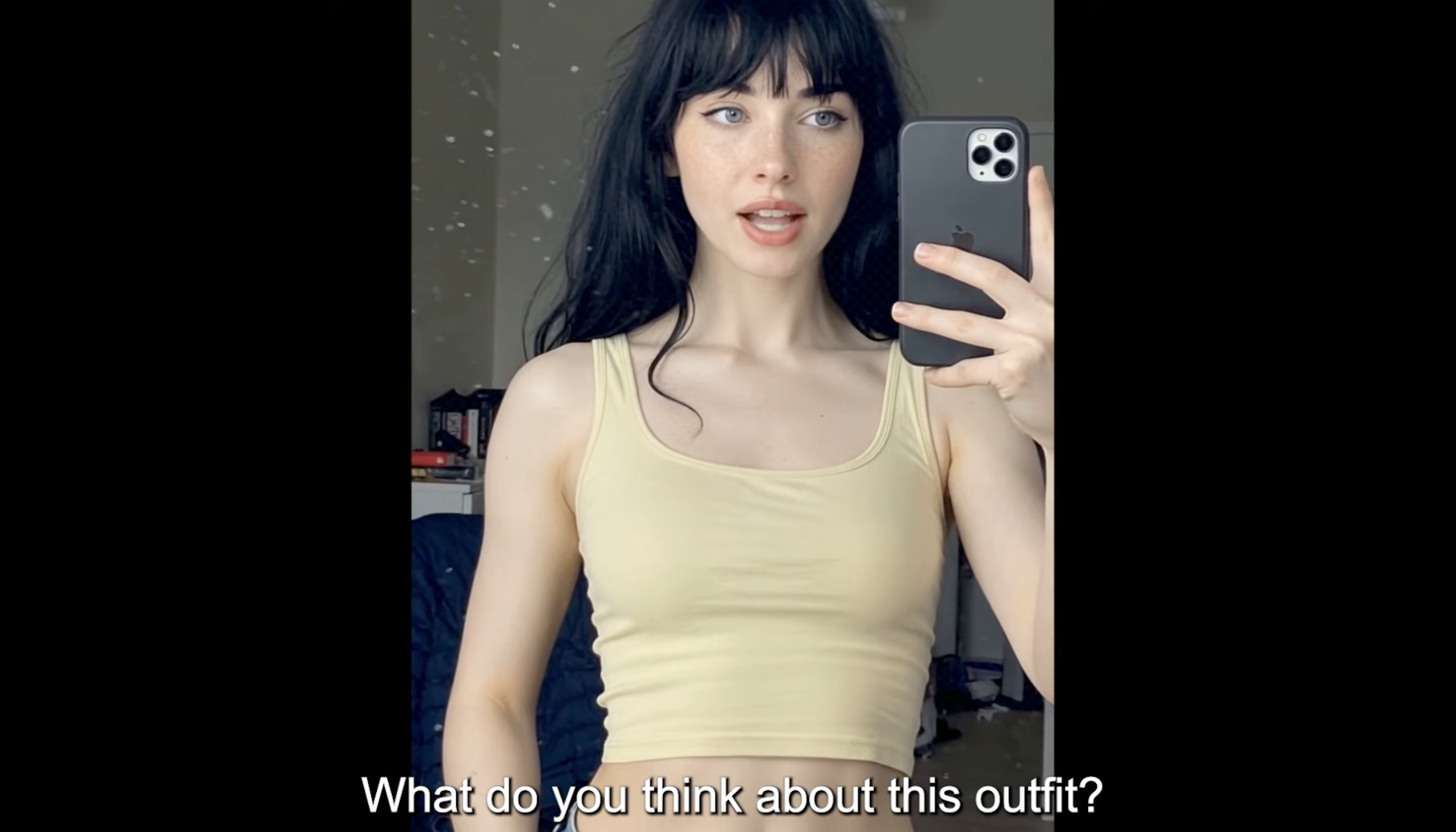
Using Argil's article to video function, you can turn any text into video, including PDFs and ebooks. That means dense lessons or course notes can become short, shareable clips you can sell or use to promote a course.
You can also build clips that advertise a course or reinforce your credibility in a niche, which is a fast way to go from "I want clips" to a consistent content routine.
Marketing and Sales
Argil also works for product update videos, customer testimonial content, sales outreach clips and event promos. There's no meaningful learning curve, which matters if you need less technical team members to be able to produce video too.
Automating Clip Production With Argil and Make
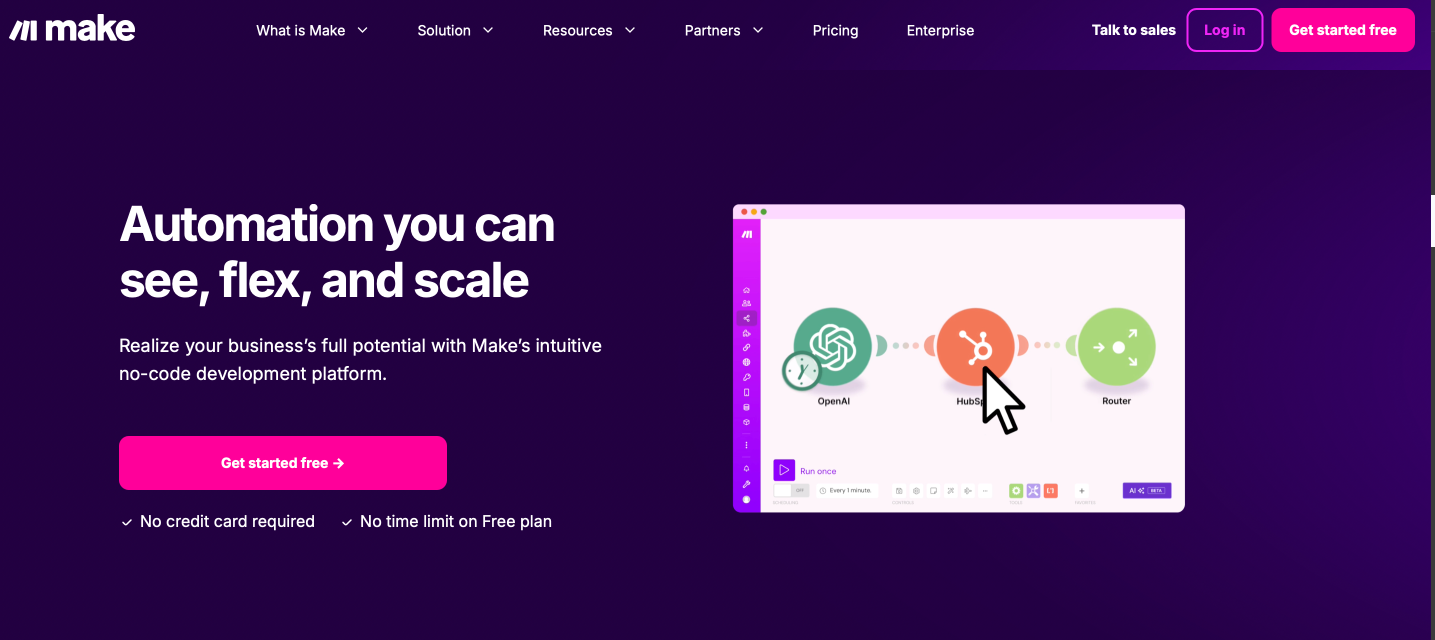
If you want the process to run without you touching it daily, you can connect Argil to Make, a no code automation platform. Once connected, the whole workflow runs on its own from idea to publish, and you only step in to check the finished video before it goes out.
Make links Argil to thousands of other apps, including email platforms, CMS tools, scheduling software, WhatsApp, Notion and Slack.
With Argil and Make connected, you can automate the full path from idea to publish. An entrepreneur building LinkedIn thought leadership clips, for example, could set up a workflow that generates a video every time a new item lands in their content queue.
Each time the workflow triggers, whether from a new row in Notion or a Google Doc, Argil generates a video using your trained clone and its automatic editing. You can even route AI generated images or scripts into the workflow from other tools.
Make can also push the finished clip straight into your content calendar or publish it directly, so the whole loop runs while you focus on higher value work.
How to Set Up an Argil x Make Workflow
- Create an account on Make
- Connect your Argil account
- Connect Google Sheets or Notion, wherever your content ideas live
- Set Make to trigger Argil whenever a new content idea is added
- Connect Slack or your scheduling tool so you're notified, or so the clip publishes automatically
Frequently Asked Questions
Do I need to be on camera to make video clips?
No. Argil lets you build an AI avatar from a two minute video of yourself, or use a fully custom avatar, so you can publish consistently without filming each clip yourself.
What's the best length for a social media clip?
Most short form platforms reward clips in the 15 to 60 second range. Argil auto formats each clip's length and captions to fit wherever you're publishing it.
Can one video turn into clips for every platform?
Yes. Argil auto resizes and adjusts a single script into versions suited to TikTok, Instagram Reels, YouTube Shorts, and other platforms, without you re-filming or re-editing per platform.
How much does Argil cost?
Argil has a 5 day free trial, then plans start at $39 a month for the Classic tier, with Pro and Scale tiers available for creators and teams producing higher volumes. Current pricing is on the Argil pricing page.
'I Want Clips': Get Started With Argil Today
If you've decided "I want clips," Argil is a straightforward place to start. Sign up and you can begin creating and editing videos for free.
You can generate clips from a simple text prompt, or use Argil's text to video conversion to turn a blog post, podcast transcript or clip a video you already have into something new.
To build your personalized avatar, upload a short video of yourself speaking and adjust it through the drag and drop interface.
If you want unwatermarked video and full editing features, paid plans start at $39 a month. See the full Argil pricing breakdown, or just get started and stop searching "I want clips."