Can You Use a Hand-Drawn Sketch for AI Video Generation? 6 Best Tools (2026)
Yes, AI can turn a hand-drawn sketch into video. Compare the 6 best sketch to video AI tools for 2026, from image animators to script-to-video platforms.
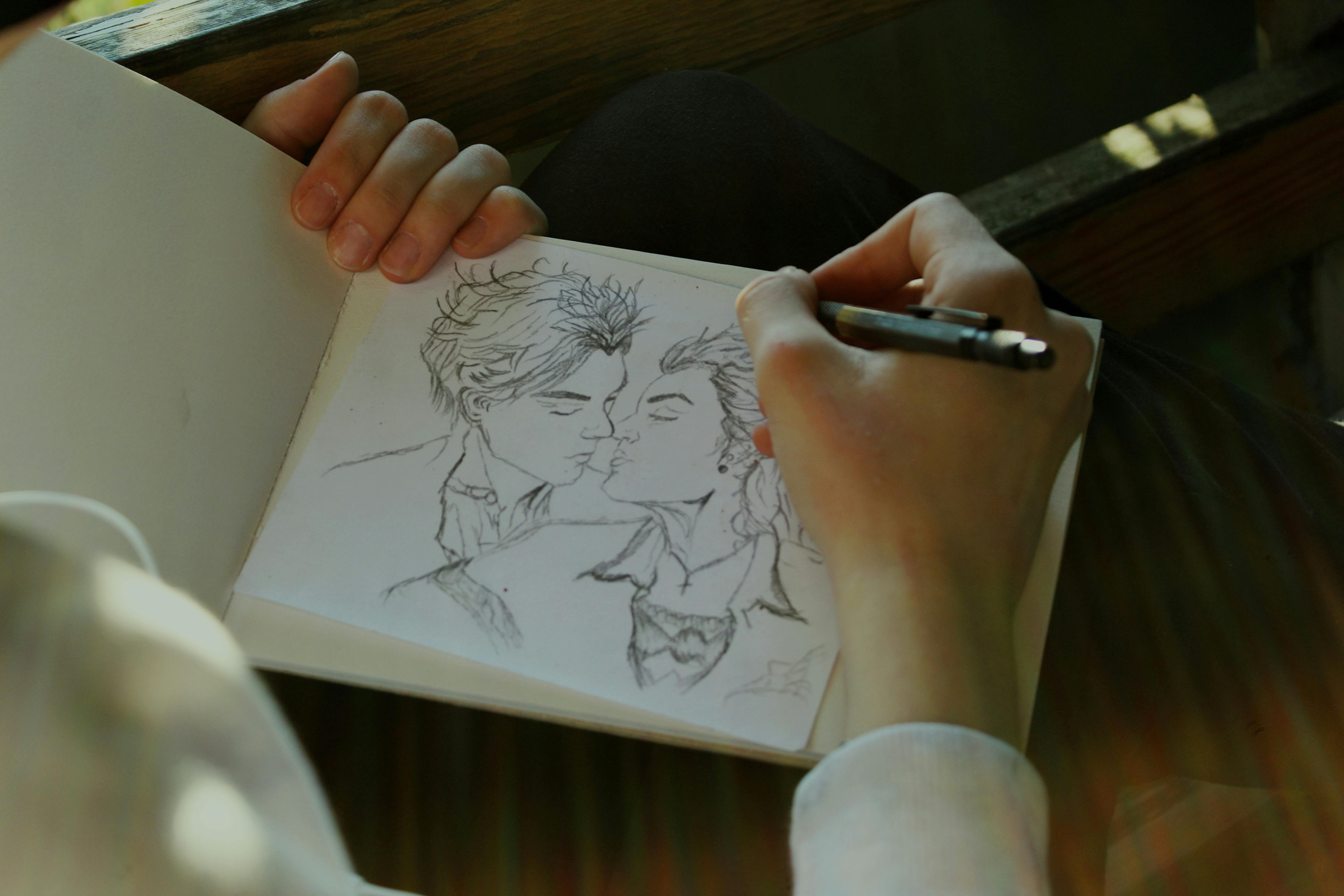
Yes, you can use a hand-drawn sketch as a reference input for AI video generation. Sketch to video AI has become one of the fastest growing categories in the modern creator's tool stack: upload a static image, a hand-drawn sketch, or a storyboard frame, and the AI turns it into a moving video that keeps the composition and subject placement you drew. For anyone wanting to turn their own art into videos or Shorts, this is a genuine production shortcut.
However, not every sketch to video AI tool is equal. Some tools animate existing images, others convert storyboard sequences into full scenes, a newer class of tools is built exclusively around literal sketch upload, and script-to-video platforms skip the sketch entirely. Knowing which approach is right for you could mean the difference between shaving hours off your production timeline and wasting them.
This guide breaks down the six best tools for every approach, compares them side by side, and helps you figure out which workflow actually makes sense for what you are building.
What Is Sketch to Video AI?
The term "sketch to video" AI refers to any tool that takes a static visual input (a pencil sketch, a digital illustration, a photograph, or a storyboard frame) and generates video from it using artificial intelligence. The AI handles motion, transitions, camera movement, and sometimes even audio.
The main benefit of these tools is production speed. Traditional video production requires filming, editing, color grading, and sound design, and even a 30 second clip can take hours. Sketch to video AI tools compress that pipeline: you go from concept to output without a camera, a studio, or a timeline full of keyframes.
On one end, simple animation tools add subtle motion to a still image (a sketch of a landscape gets gentle wind in the trees, for example). On the other end, full AI video generation turns a rough storyboard frame into a photorealistic scene with characters, lighting, and physics. For a broader look at the category, see our roundup of the best AI video generators for content creators.
According to Grand View Research, the AI video generation market was valued at $788.5 million in 2025 and is projected to reach $3,441.6 million by 2033, growing at a CAGR of 20.3%. That growth is being driven by creators and businesses who need video output at a pace that traditional production cannot match.
The Best Sketch to Video AI Tools in 2026
Image-to-Video AI Tools
These tools take a single image, sketch, or photograph and generate a short video clip from it. They work best when you already have a strong visual and want to add motion. If you want a fuller comparison beyond the three below, see our list of AI image-to-video generators.
1. Runway Gen-4.5
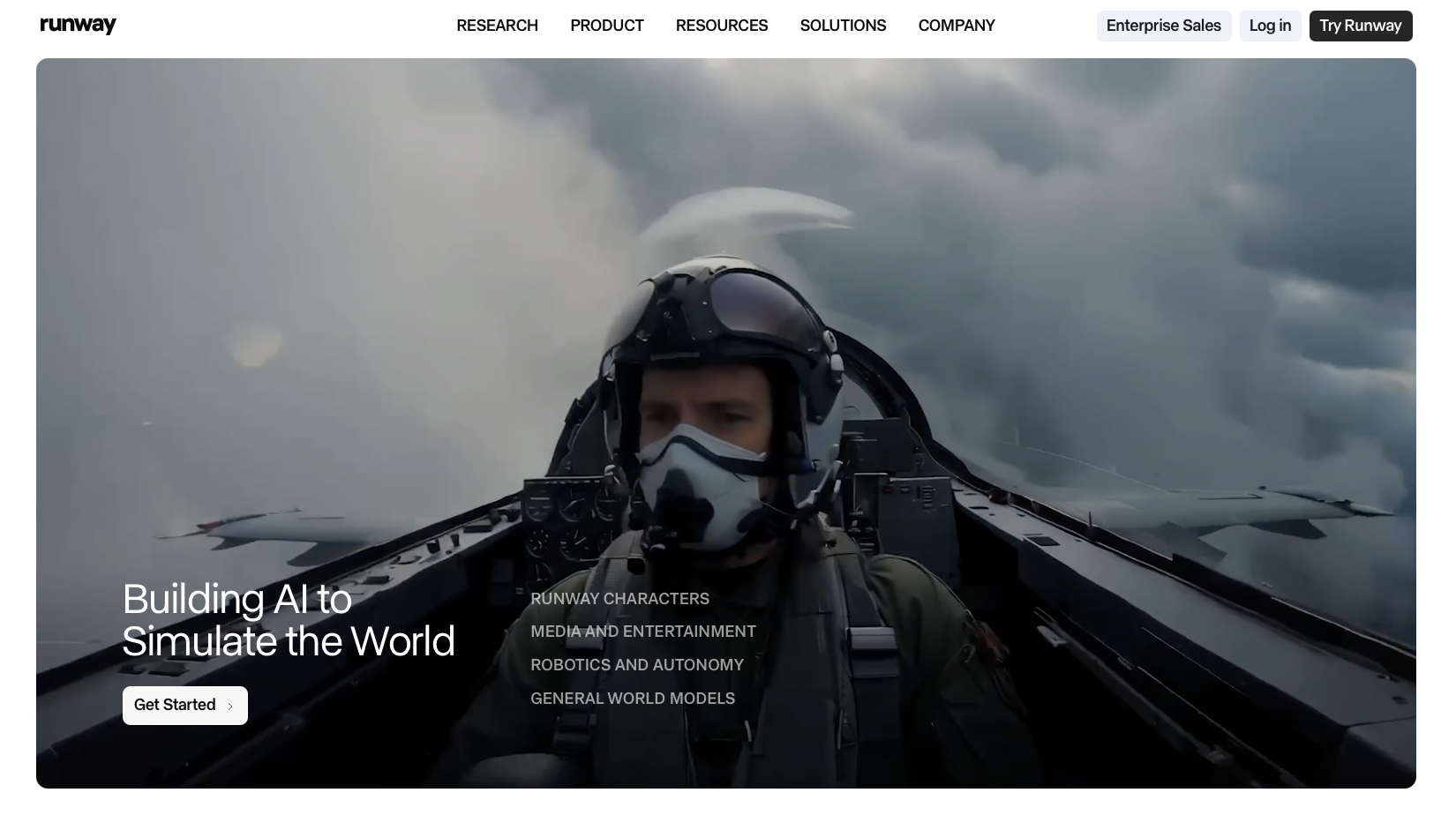
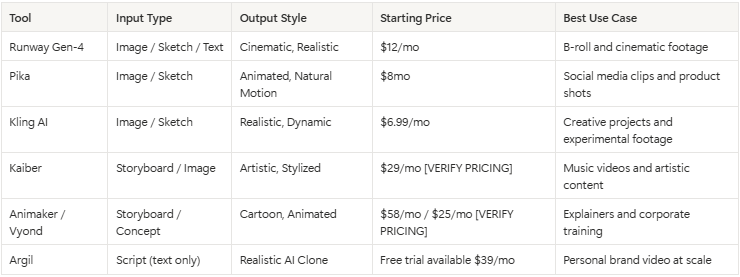
Runway has been one of the defining tools in AI video since Gen-1 launched in 2023. Gen-4.5, its current flagship model, pushes image-to-video generation to a new level of coherence. Upload a sketch, illustration, or photo, and it generates a clip with camera movement, lighting changes, and natural motion. Output is strongest on cinematic b-roll, so an establishing shot, a product reveal, or atmospheric footage for a brand video all come out well, and text-to-video prompts work too if you want a clip without any visual input at all.
Human subjects are the gap: no avatar system, no lip sync, nothing that puts a person on screen speaking. The Standard plan runs $12/month billed annually for 625 credits, and heavy users burn through that fast, which is one reason filmmakers, brand teams, and editors mostly reach for it to generate b-roll and cinematic clips rather than a whole video.
2. Pika
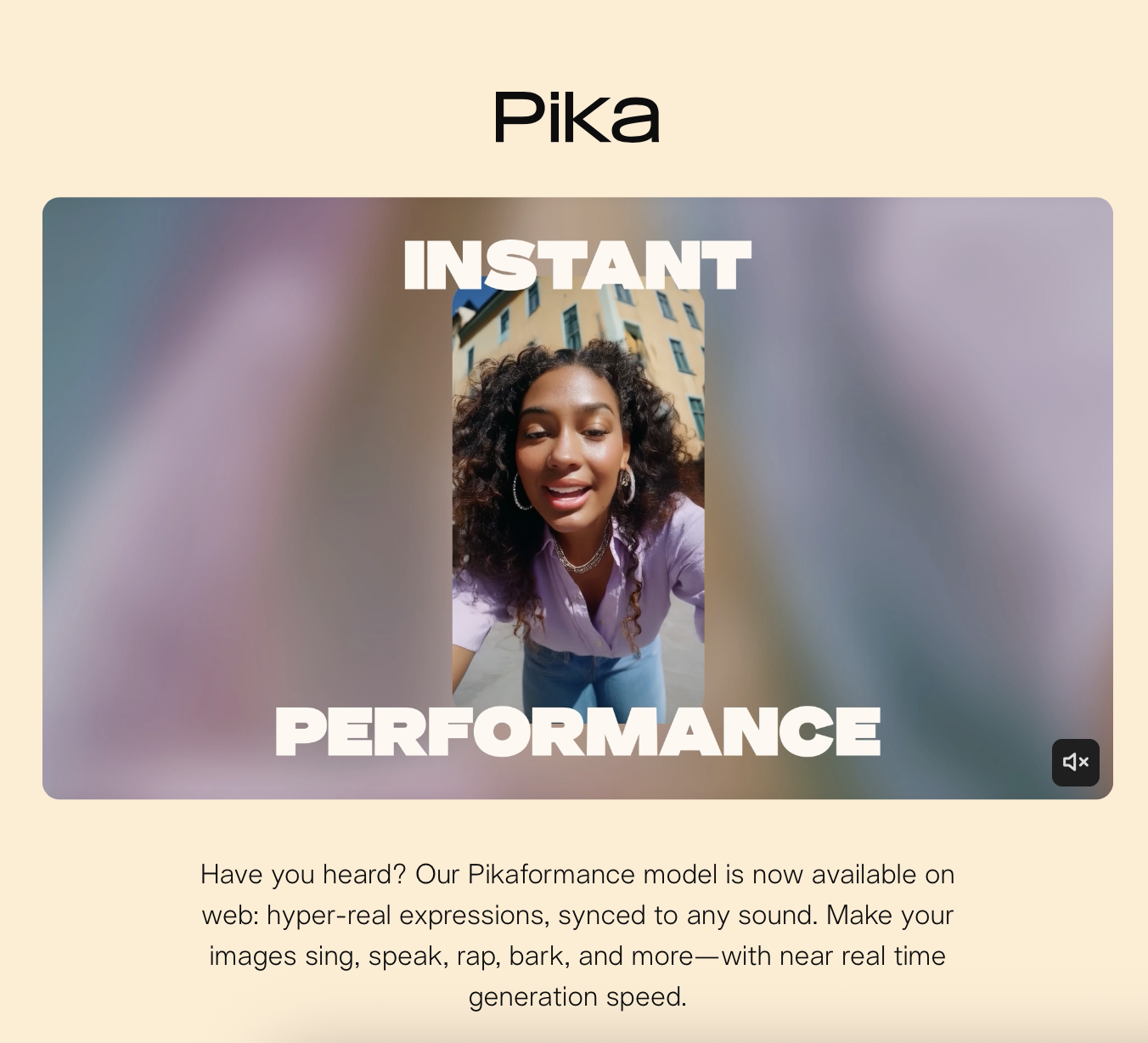
Pika carved out its niche by making image animation feel natural, not mechanical: upload a sketch or photo, and it adds motion that respects the physics of the scene, hair moving, water flowing, fabric shifting. The effect reads closer to a cinemagraph than a full video, and that is exactly what social media managers, e-commerce brands, and creators reach for when they want a quick animated clip from a product image.
Pika 2.5, the current flagship model, added finer control over motion direction and intensity, useful when a product sketch animated with a slow rotation or a reveal effect needs to become a social-ready clip in under a minute. Clip length caps around 10 seconds and there is no avatar or clone system, so a talking person is off the table, but the free tier (80 monthly credits) and paid plans from $8/month for Standard up to $76/month for the fastest tier make it easy to trial.
3. Kling AI
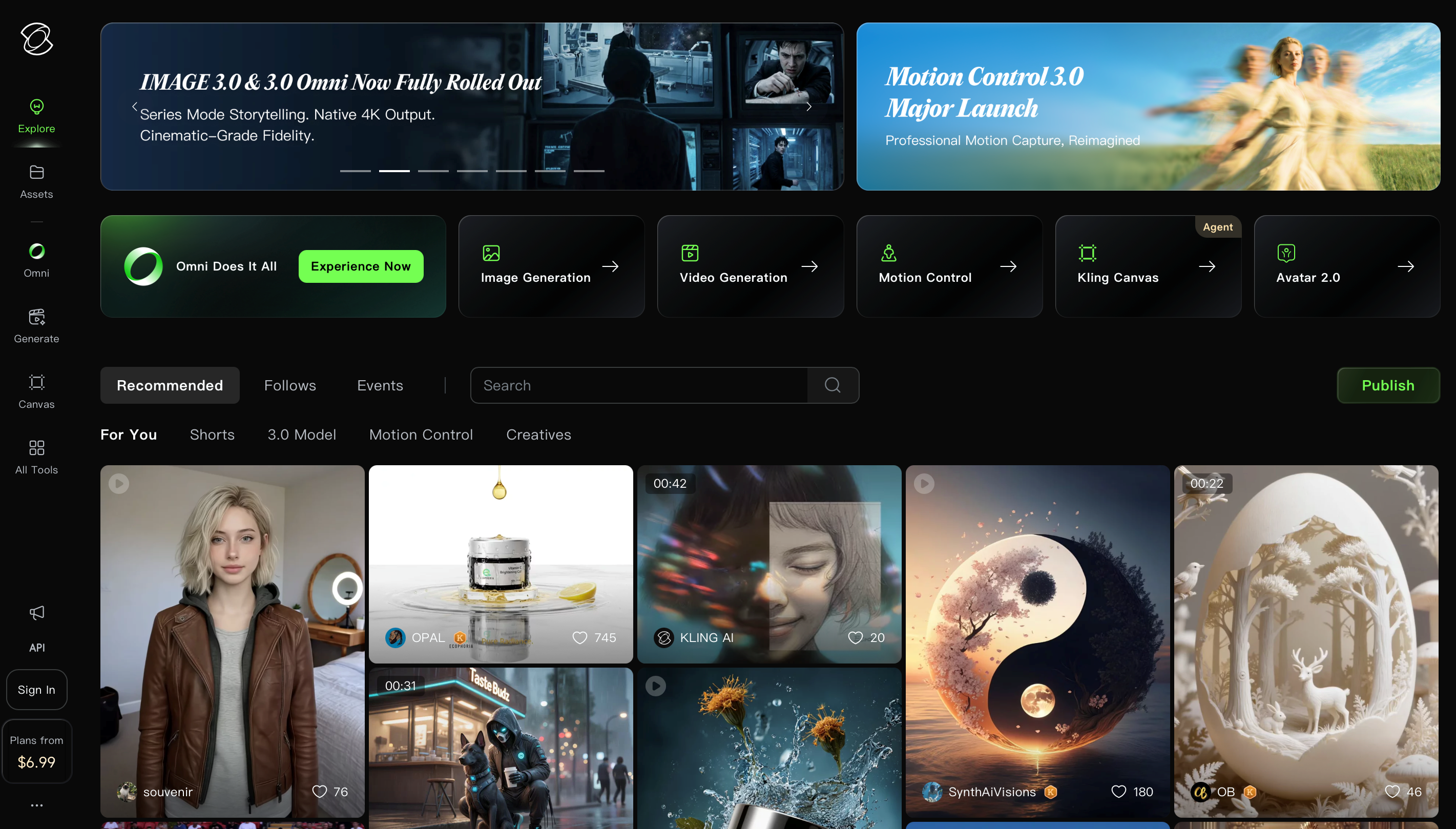
Kling AI, developed by Kuaishou, made waves in 2025 with image-to-video results that rivaled Runway at a fraction of the cost. It pushes motion further than Pika's subtler shifts: a sketch of a city street gains moving cars and changing light, a product sketch turns into a rotating showcase with depth and shadow, and the model handles complex scenes better than most alternatives in this price range.
Outputs vary between generations enough that a stunning first try or several attempts chasing the motion you wanted are both normal, and that inconsistency is what draws creative professionals and indie filmmakers who do not mind iterating toward the result. There is no human presenter capability, and the editing controls trail Runway's interface. Free daily credits are available, with paid plans from around $6.99/month for the Standard tier.
Storyboard-to-Video Tools
These tools are built for sequences rather than single frames. You provide multiple storyboard panels, and the tool generates a continuous video that follows the narrative arc.
4. Kaiber
Kaiber occupies a different lane in sketch to video AI. It skips photorealism and leans into stylized, artistic output: feed it a series of storyboard frames or sketches and it returns animated sequences with real stylistic flair, think watercolor motion, an ink wash look, or the texture of oil paint layered onto your visual narrative. Musicians, artists, and creative directors making stylized video from hand-drawn storyboards or concept art are the ones who lean on it.
The Starter plan runs $10/month for 500 credits, with a Creator tier at $29/month adding commercial usage rights, both cheaper entry points than most of the tools above, and pay as you go credit packs are available too. What it will not give you is a realistic human presenter or a product demonstration; style comes first here, output second.
5. Animaker / Vyond
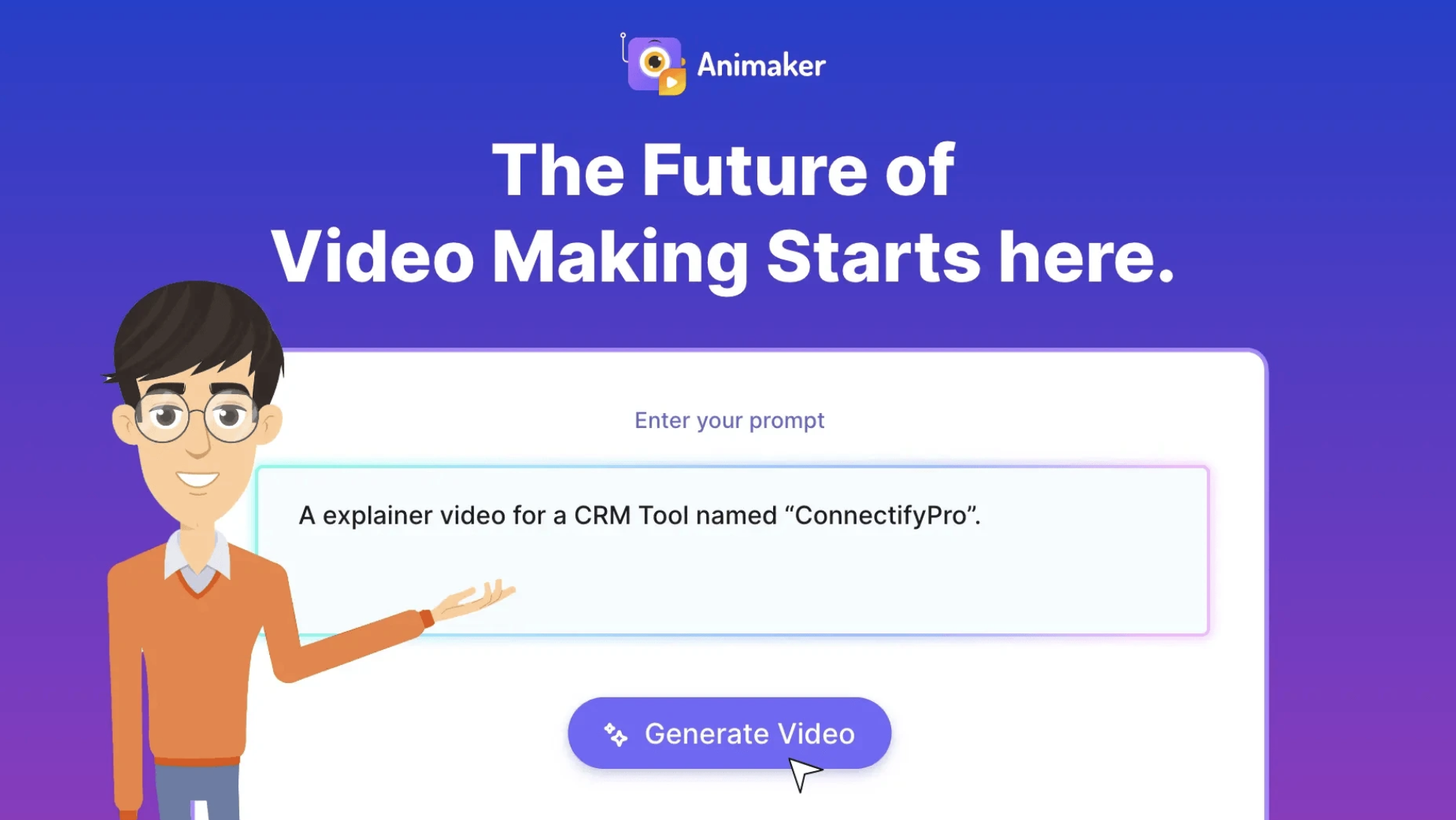
Animaker and Vyond sit at the traditional end of the sketch-to-video spectrum, in spirit, not by literal sketch upload. You pick characters, scenes, and camera moves from a template library, and the tool assembles a polished explainer video or training piece around your choices, the sketch working as a planning step rather than something you actually upload. Vyond alone counts more than 20,000 companies as customers, including over 65% of the Fortune Global 500, mostly for internal communications and training content.
The tradeoff shows up as the cartoon look: consistent and professional, but never a rendering of your actual drawing, since neither tool takes an actual photo of a hand-drawn sketch as input. Corporate teams, educators, and SaaS companies making explainer or training videos get more use out of it than a brand chasing a polished, camera-quality feel. Vyond starts at $58/month billed annually; Animaker from around $15/month, with its AI video credit tiers from $25/month.
New in 2026: Platforms Built Around Literal Sketch Upload
Since this list first ran, a newer class of tools has launched built exclusively around the actual hand-drawn sketch, not a general image. Higgsfield's Sketch to Video AI accepts a photo of a sketch, storyboard, or doodle and preserves the ink, pencil, or marker line work while adding camera movement, then routes the animation through models like Kling, Veo, and Sora, with plans from $19/month. SketchVideo AI takes a similar approach, holding your composition and subject placement exactly as drawn, with output ready in about two minutes. If sketch fidelity matters more than general image animation, both are worth testing alongside the tools above.
Script-to-Video: Skip the Sketch Entirely
6. Argil
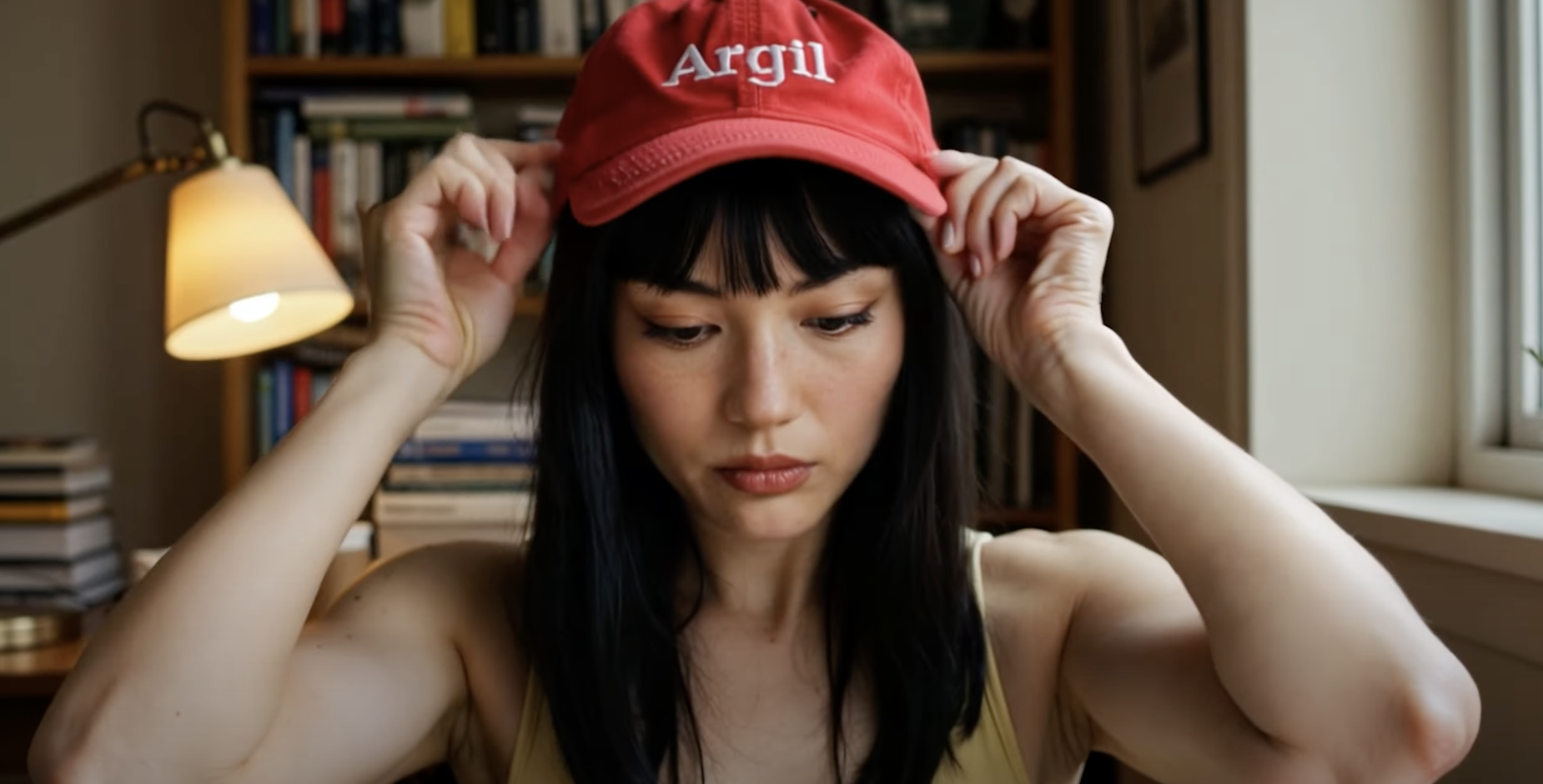
The tools above all start with a visual input: a sketch, an image, a storyboard. Argil starts from a script instead.
Argil is an AI video creation platform built around a simple premise. You record a 2 minute training video of yourself. Argil builds an AI clone of your face, voice, and mannerisms. From that point forward, you write a script, and Argil generates a fully edited short-form video of your clone delivering it, complete with lip sync, captions, b-roll cuts, and transitions.
This is a fundamentally different workflow from sketch to video. You skip drawing storyboards and creating visual assets to feed an AI tool: you write what you want to say and get a finished video back. The production barrier that sketch-to-video tools reduce, Argil removes entirely. Argil also handles the reverse workflow well: if you already have written material, see how to go about repurposing blog content into video without starting from a sketch or a script from scratch.
Because Argil works from a real recording of you, the clone preserves your expressions, your timing, and the way you actually move when you talk, the kind of detail a sketch-generated clip never attempts to capture. The tradeoff is upfront effort: the training recording needs clear audio and even lighting for the clone to hold up, and Argil will not give you the hand-painted, stylized look Kaiber produces.
According to a recent Wyzowl survey, 84% of consumers say they want to see more video content from brands, so demand was never the problem. The problem has always been the cost and time of producing it, and Argil collapses that cost to the time it takes to write a script.
For content creators building a personal brand, the appeal is immediate: far more video without touching a camera after the initial training recording, several posts a week instead of one. Real estate agents can create property walkthroughs narrated by their own face. Lawyers can produce educational content at scale. SMBs that never had the budget for video production now have a viable path to consistent video output.
The lip sync technology behind Argil reconstructs your facial movements frame by frame based on the audio from your script, rather than pasting your face onto a generic avatar. The result is natural looking speech that matches your cadence, well past the uncanny valley output that plagued earlier avatar tools. You can also fully customize your AI clone's appearance and mannerisms to match different content formats.
Someone reaching for artistic animation from hand-drawn frames still wants Kaiber, and someone after cinematic b-roll from concept art still wants Runway. None of those tools put you on screen, talking to your audience, at a pace that matches how fast you can write. That is the specific job Argil was built for. For a broader view of where AI video generation is headed, the shift from visual-input tools to script-input tools is one of the clearest trends in AI video this year.
Comparison Table
Sketch to Video vs Script to Video: Which Workflow Is Better?
When comparing sketch to video vs script to video, the answer depends on what you are making and who it is for.
Sketch to video makes sense when the visual concept itself is the point. If you are directing a music video with a specific aesthetic, storyboarding a commercial with precise camera angles, or creating concept art previews for a client pitch, then starting from a visual input gives you creative control that text prompts alone cannot replicate. The sketch is doing real work in the process, not just adding a step.
For most content creators, though, the bottleneck is production time, rather than visualization. You know what you want to say and how you want to show up on screen. What stops most creators from publishing five videos a week is the time each one takes to film, edit, add captions, cut in b-roll, and export. Sketching a storyboard before handing it to an AI tool adds a step that script-to-video tools have made unnecessary.
Sketch-to-video workflows have a minimum of three stages: create the visual input, feed it to the AI tool, and edit the output. Script-to-video compresses this to two, write the script and generate the video, and at volume that one fewer stage compounds into hours saved per week.
There is also the question of output type. Sketch-to-video tools produce footage without a human face. That works for b-roll, product visualization, and artistic content. But 91% of businesses now use video as a marketing tool, and the fastest growing format is short-form content featuring a real person talking directly to the audience. For that format, sketch-to-video tools are the wrong starting point. You need a tool that puts you in the video, and that means either filming yourself or using an AI clone.
Use sketch-to-video when the visual is the product, and script-to-video when the message is the product. If you want to create video content without being on camera every time, the script-to-video path is almost always faster.
How to Get the Best Results from Sketch to Video AI
Getting quality output from any AI video tool comes down to input quality and iteration.
Input quality decides most of the outcome. Higher contrast sketches with clear lines produce better results than rough pencil scribbles, and digital sketches outperform photos of paper drawings because the AI has less noise to interpret. For tools like Runway and Pika, the resolution of your input image directly affects output quality.
Most image-to-video tools also accept a text prompt alongside the image, and a detailed one helps: describing the motion you want, such as "slow camera pan right, soft wind effect on foliage, warm afternoon lighting," gives the AI more to work with than uploading an image and hoping for the best.
First generation outputs are rarely final, and that is normal, not a failure. The tools are probabilistic, not deterministic, so running two or three generations with the same input and picking the best result, or adjusting your prompt between runs, is standard practice.
For script-to-video tools like Argil, the equivalent of input quality is script quality. A well written script with clear pacing, natural pauses, and conversational tone produces a clone video that looks and sounds like a real recording. How you actually talk reads differently on screen than how you'd write it, and closing that gap is what makes the output feel natural.
None of the tools above cover every use case. An artistic animation tool has no talking head mode, and a script-to-video tool was not built for cinematic b-roll. Match the tool to the job, and the results follow.
FAQ
Can you use a hand-drawn sketch as a reference input for AI video generation?
Yes. Tools like Runway and Kling AI, plus platforms built specifically for sketch input, such as Higgsfield's Sketch to Video AI and SketchVideo AI, accept a hand-drawn sketch as the reference image and generate motion around it. Upload the sketch as a photo or scan, and the AI treats your composition and subject placement as the starting point. Dedicated sketch tools go further and preserve your actual line texture, so the animation still looks like your drawing, not a generic style.
Can AI turn a hand-drawn sketch into a realistic video?
Yes, but with caveats. Tools like Runway Gen-4.5 and Kling AI can take a hand-drawn sketch and generate a realistic video clip from it. The AI interprets the shapes, lines, and composition of your sketch and generates a photorealistic scene with motion.
The output quality depends heavily on the clarity of the sketch and the prompt you provide alongside it. Simple compositions with clear subjects produce the best results. Complex multi character scenes can confuse the model.
What's the best free sketch to video AI tool?
Pika and Kling AI both offer free tiers with limited daily generations. Pika gives you a small number of free video generations per day, and Kling provides daily credits for free users. Neither free tier supports high volume production, but they are useful for testing whether the tool fits your workflow before committing to a paid plan. Argil also offers a free trial for script-to-video generation.
How long can AI-generated videos from sketches be?
Most sketch-to-video tools generate clips between 4 and 10 seconds per generation. Runway Gen-4.5, Pika, and Kling all produce clips in that range.
You can extend output by stitching multiple generated clips together, but no single sketch-to-video tool produces multi minute videos from one input. Script-to-video tools like Argil generate longer outputs because the script itself provides the temporal structure that keeps the video coherent for minutes at a time.
Do you need artistic skills to use sketch to video AI?
No. While better sketches produce better results, most tools also accept photographs, screenshots, or AI generated images as input. You can use a text-to-image tool to create your starting visual and then feed it into a video generation tool.
Script-to-video tools bypass the visual input entirely, so artistic ability is not a factor at all. The barrier to entry for AI video creation is lower than it has ever been.
Can AI create videos of real people from sketches?
No. Image-to-video tools like Runway and Pika can animate a photograph of a person, adding subtle motion like hair movement or a head turn. But generating a video of a specific real person speaking requires either deepfake technology, which raises ethical and legal concerns, or an AI clone platform like Argil where the person has consented and provided training data. The distinction matters. Argil only creates clones from your own recording, which keeps the process consent based and commercially viable.
What's the difference between sketch to video and text to video AI?
Sketch to video starts with a visual input, a drawing, image, or storyboard. Text to video starts with a written description and generates video without any visual input.
Some tools, like Runway, support both. The key difference is creative control: sketch-to-video gives you more influence over composition and framing because you are providing the visual reference. Text-to-video is faster when you do not have a specific visual in mind.
Related Articles
- How to Lip Sync a Video with AI in 2026 (Step-by-Step Guide)
- What's New in AI Video Generation? Key Trends and Tools to Watch in 2026
- How Do Custom Matches Work in AI Video? Here's How to Fully Clone Yourself with Argil in 2026
- 5 Best AI Image-to-Video Generators for Creators in 2026
- 7 Best AI Video Generators for Content Creators (Free and Paid)
- How to Repurpose Blog Content into Short-Form Videos with AI
Best sketch to video AI tools for content creators in 2026