What is seedance ai and how does ByteDance's AI video generator actually work in 2026?
Seedance ai is ByteDance's AI video generator for text-to-video and image-to-video at up to 2K. Here's what it does, where it falls short, and who it's for.
What Is Seedance AI and How Does ByteDance's Video Generator Work?
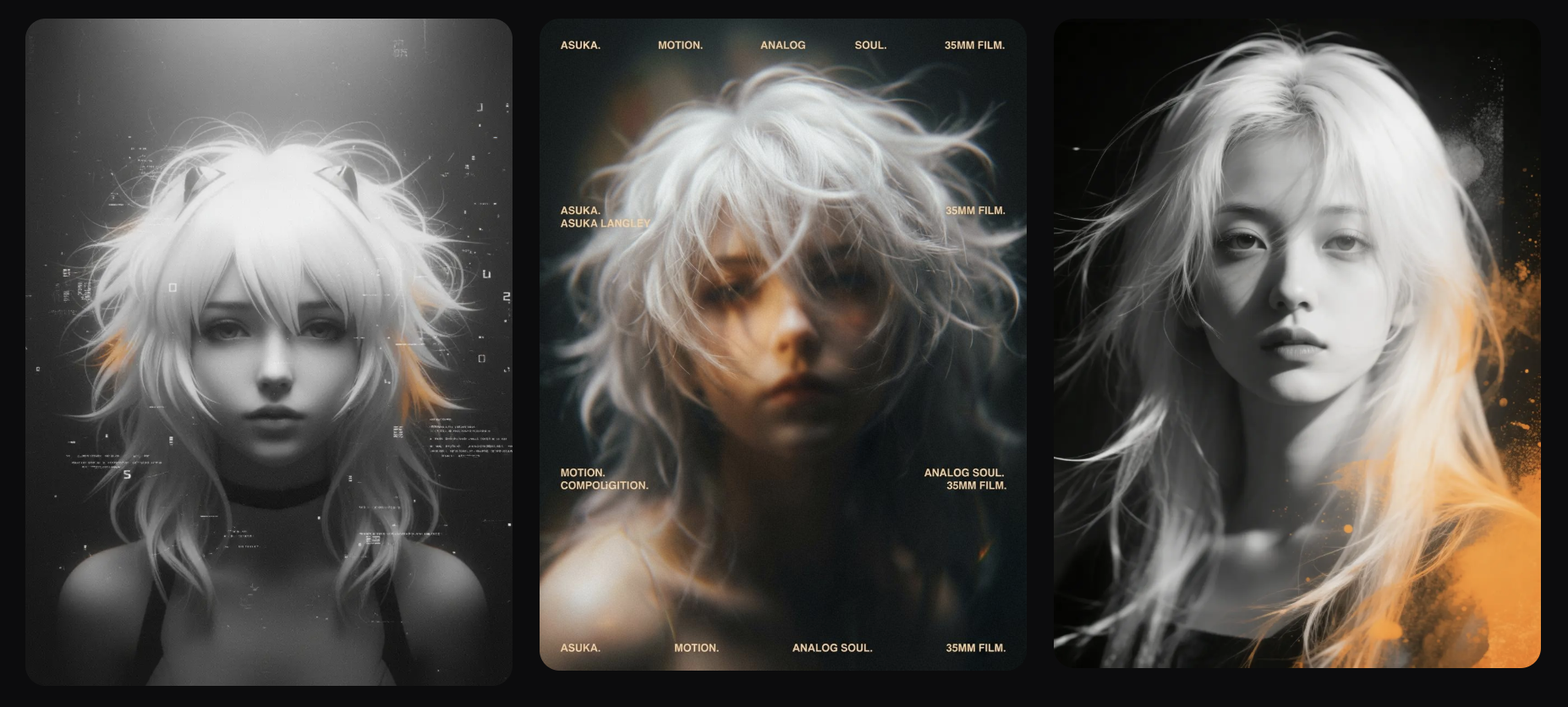
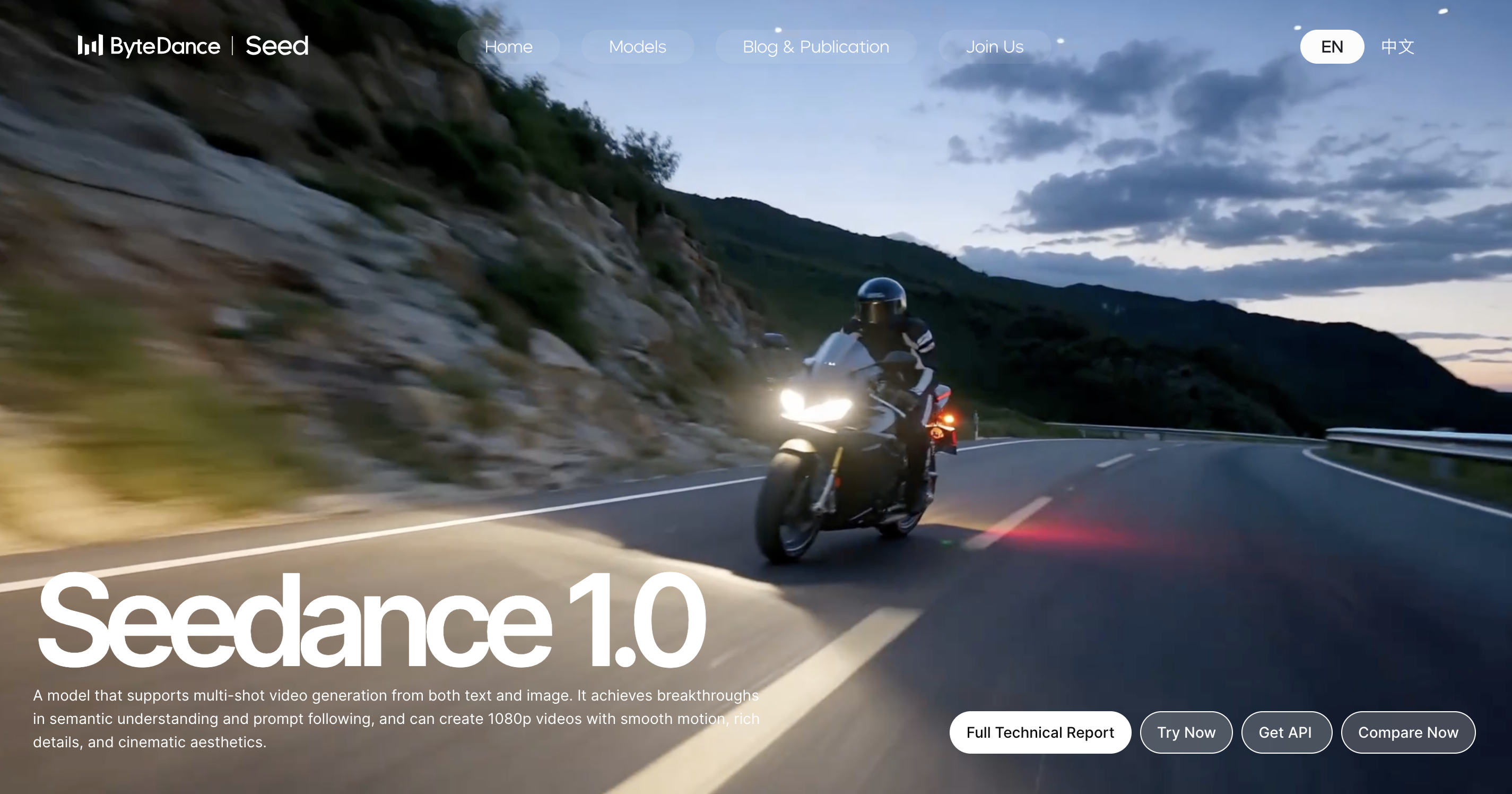
Seedance AI is ByteDance's AI video generation model. It turns text prompts and still images into short video clips, and it comes from the same company behind TikTok and CapCut. Since launching in 2025 it has grown fast: by mid 2026 ByteDance had shipped three major versions, most recently Seedance 2.5, which can generate a full 30 second clip in a single pass.
If you've come across Seedance AI, you're probably asking what it actually does, how it turns a prompt or a photo into motion, and whether it's useful for real content rather than just impressive demo reels.
This article explains Seedance in practical terms. We'll look at what ByteDance built, how Seedance AI turns text and images into video, and where the limits of "Seedance image to video" show up depending on what you're trying to create.
In most cases, the answer comes down to whether you need Seedance to create cinematic visuals or consistent personal content, so we'll suggest the best tool for both.
What Is Seedance and Who Built It?
Seedance is an AI video generation model developed by ByteDance's Seed research team, the same company behind TikTok and CapCut. It was first introduced publicly in 2025 alongside research explaining how the system works and why it produces smoother results than earlier AI video tools.
Seedance AI came from combining two internal research efforts focused on video generation and large scale AI infrastructure. The result was a model that performed strongly from the beginning rather than improving slowly after release.
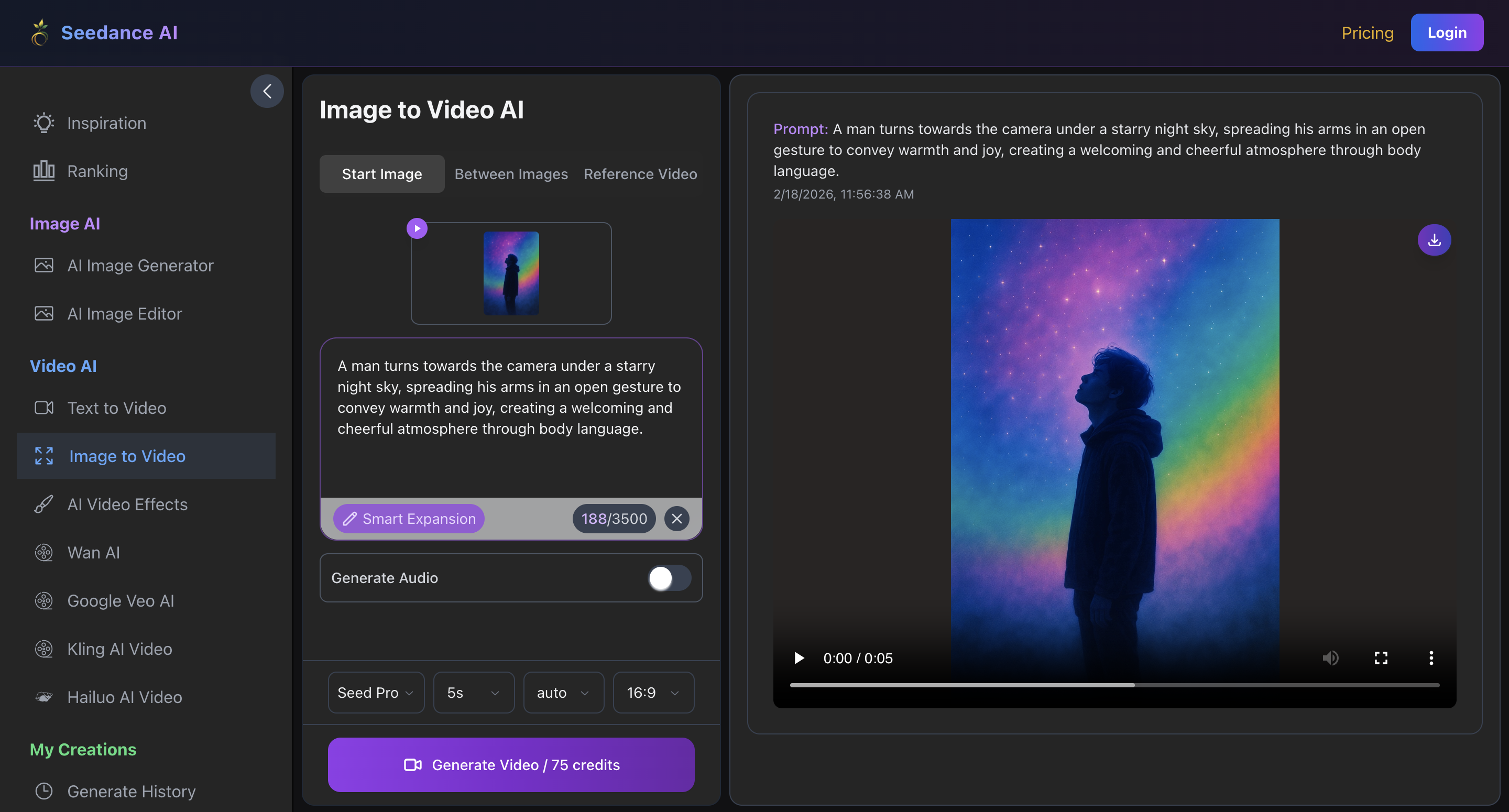
At a basic level, Seedance creates short video clips from prompts. It works in two main ways: the first is text to video, where you describe a scene and the model generates it from scratch, the second is Seedance image to video, where you upload a still image and the model adds movement while keeping the original layout and subject intact.
Seedance's output resolution has stayed at up to 1080p through its latest confirmed release. Clip length is where the most has changed: the original model produced short clips only a few seconds long, but Seedance 2.5 (released to ByteDance's own apps on July 31, 2026, with developer API access following on August 7) generates a native 30 second clip in one pass, with a beta long video mode that extends output to three minutes. ByteDance has said 4K output is a target for a future release, but 1080p is what's confirmed shipping today.
Different variants focus on different priorities, with lighter versions designed for speed and lower cost, while higher end versions aim for better visual quality.
Seedance image to video gained attention quickly because its motion appeared much more natural than many competing tools. Early comparisons showed users often preferred its movement and scene consistency, which helped it stand out in a crowded marketplace.
ByteDance released Seedance 2.0 in February 2026, adding synchronized audio generation alongside video and a reference system that lets a scene draw on multiple source files for more consistent characters and settings. Seedance 2.5 followed a few months later with native 30 second generation, support for up to 50 reference inputs, and local editing that lets you change one part of a clip without regenerating the whole thing. Because the technology is moving fast and legal questions around AI generated content are still being worked out, many commercial teams stick with earlier, more predictable versions rather than adopting each release immediately.
How Does Seedance AI Generate Video From Text and Images?
Understanding how Seedance AI works helps to explain why the output looks so different from other tools on the market.
Seedance Text to Video
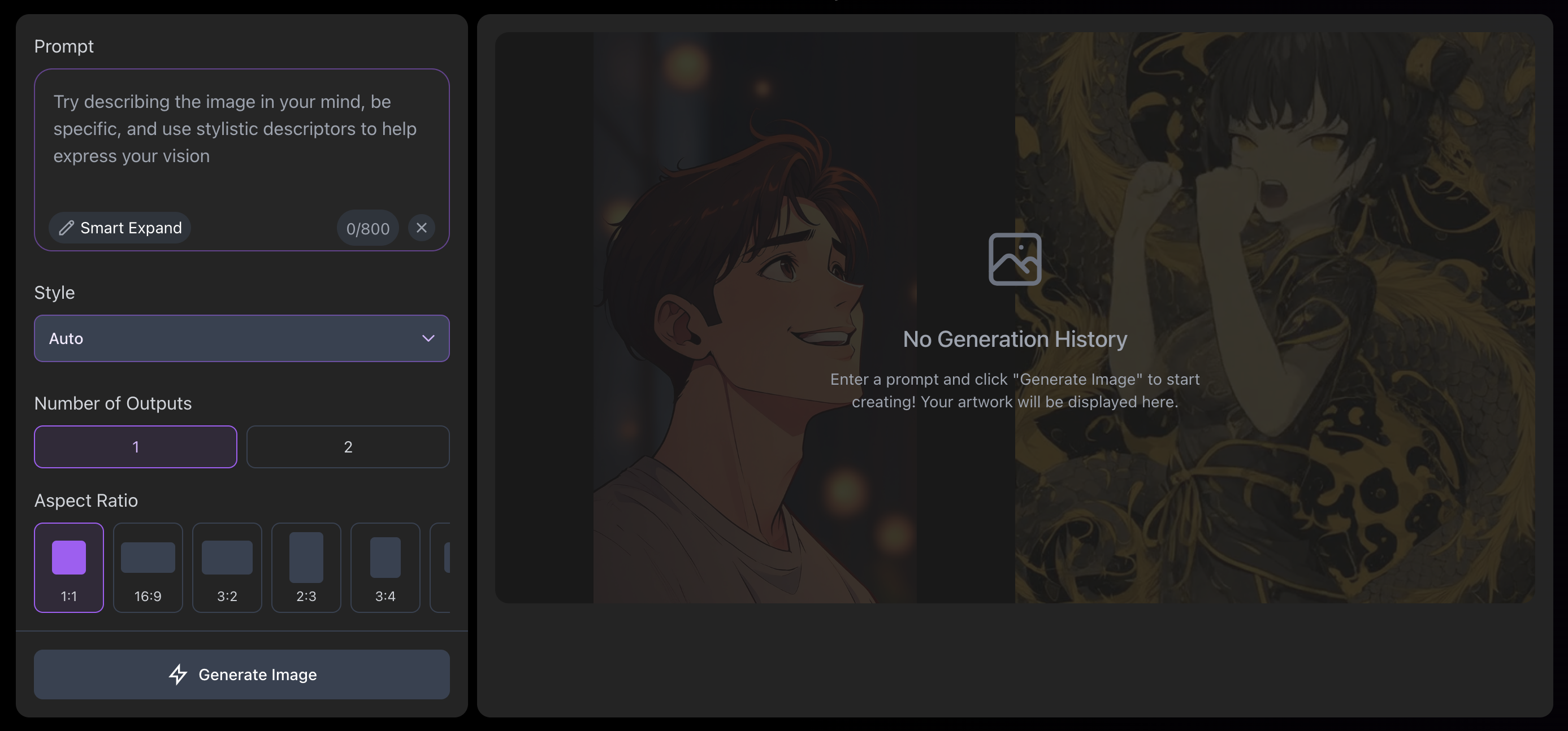
In Seedance text to video mode, a user writes a prompt describing what should happen in the scene. This might include the subject, environment, style or camera movement.
Before generating anything, the Seedance system first builds an internal understanding of the scene. Then, instead of simply matching words to images, the AI works out how objects relate to each other and how the camera should move.
Seedance then creates the video gradually through a process that refines the image step by step until a finished clip appears. With Seedance 2.5, that same process now runs long enough to hold a full 30 second scene together in one generation instead of stitching shorter clips end to end.
Seedance Image to Video
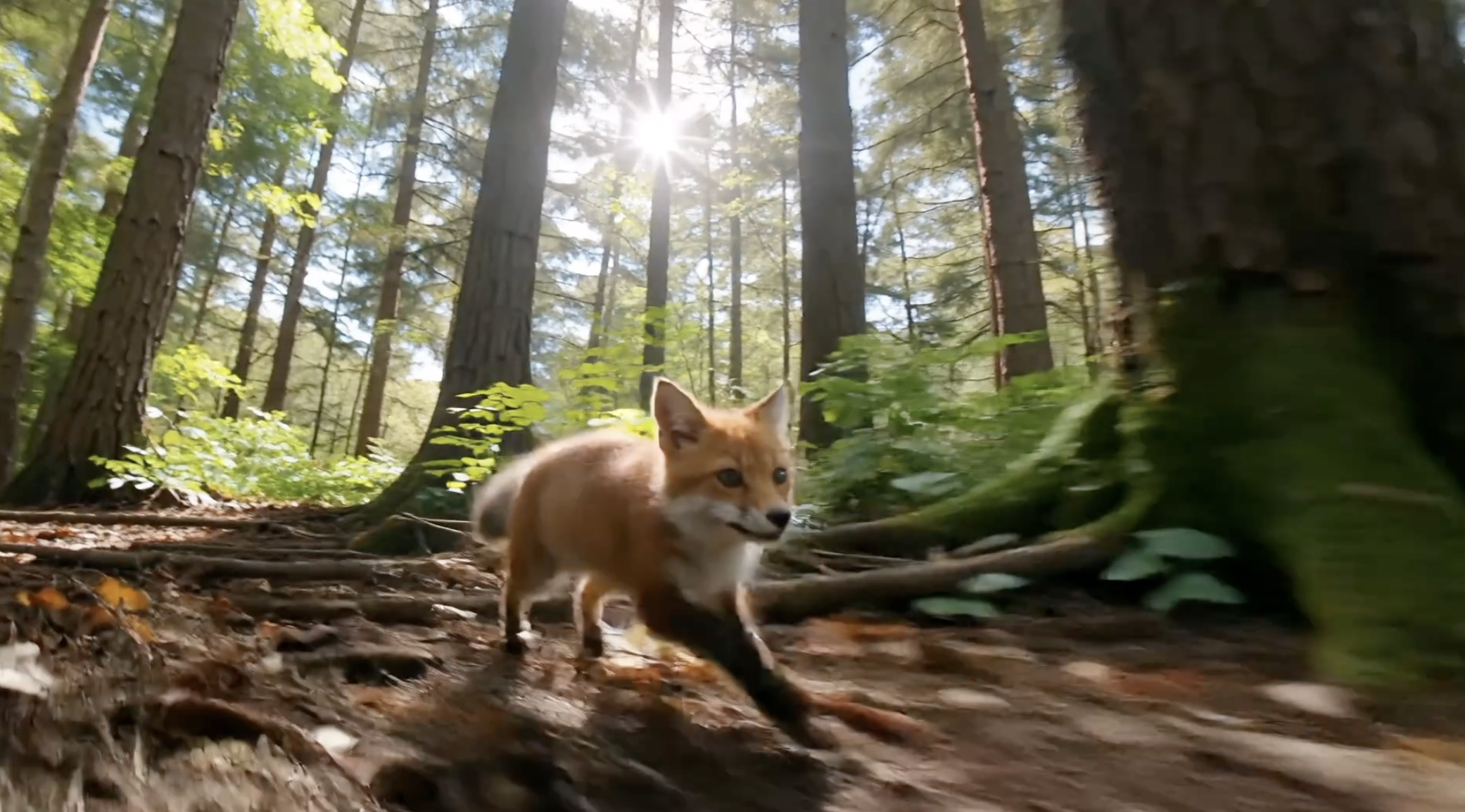
The Seedance image to video workflow starts differently. The uploaded image acts as a starting point, and the model creates motion around it while trying to preserve lighting, composition and the main subject. This makes it useful for animating artwork, product images or still photography.
One reason Seedance looks smoother than earlier AI video tools is that it generates small sections of video at a time rather than treating every frame separately. This helps prevent flickering or sudden changes between frames. Training on large amounts of real video also helps Seedance AI understand how movement normally behaves, which is why motion often feels more believable. Seedance 2.5's local editing tools add another layer here, letting you touch up one area of a generated clip, like a background or a prop, without regenerating the entire shot.
Users can guide camera movement directly in prompts by describing pans, zooms or tracking shots. Combined with style descriptions, this makes it possible to create anything from realistic footage to stylised animation.
In practical terms, a short high definition clip can usually be generated in under a minute on modern hardware, which is fast compared with older AI video systems offering similar quality.
Who Actually Benefits From Using Seedance AI?
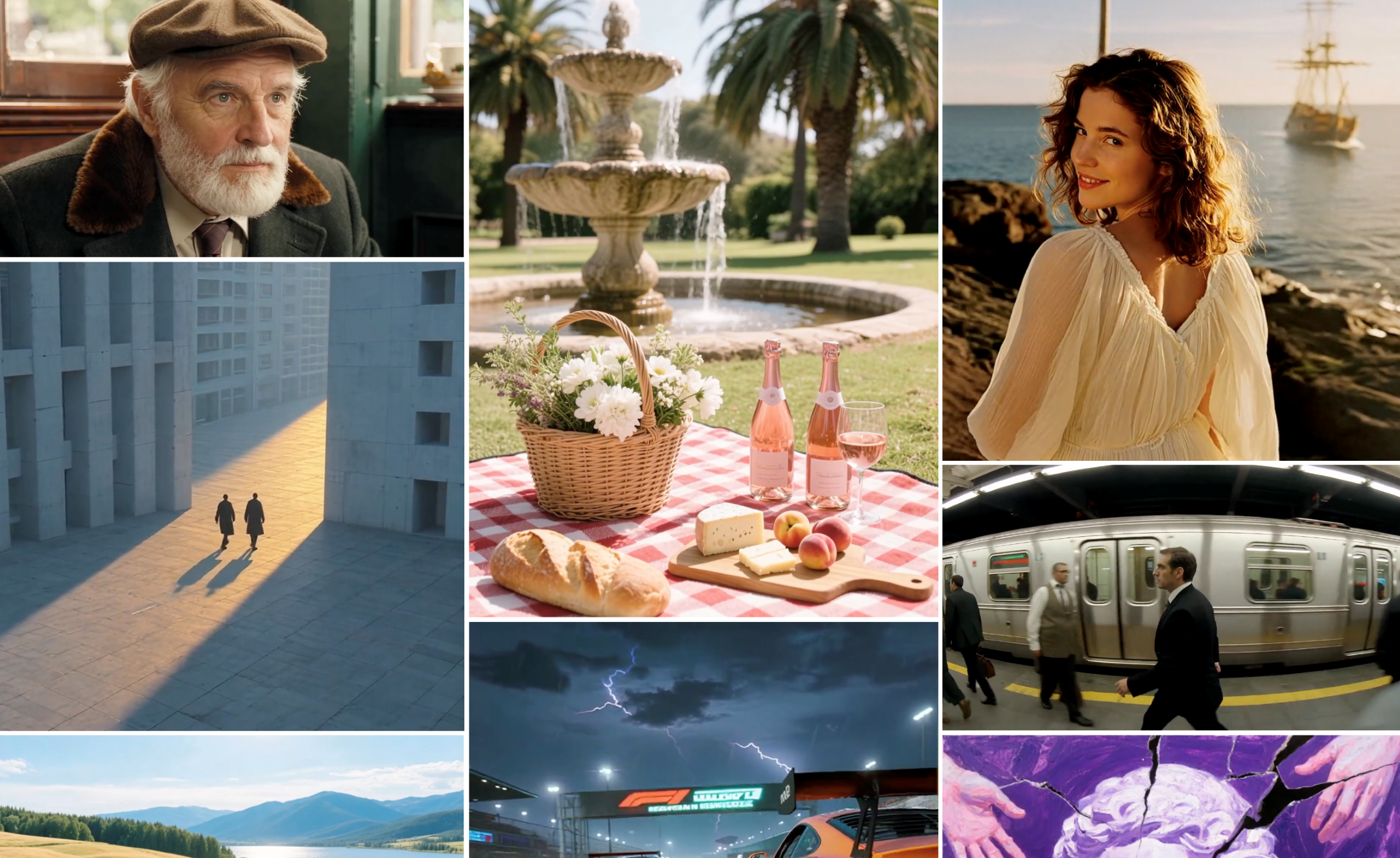
Seedance AI works best when the goal is visual generation rather than personal communication. Filmmakers and production teams can use Seedance to test ideas, plan shots and explore visual concepts before committing to expensive shoots.
Agencies can also use the tool to create cinematic background footage or experimental creative assets. Designers and game studios use it to explore visual styles quickly during early development.
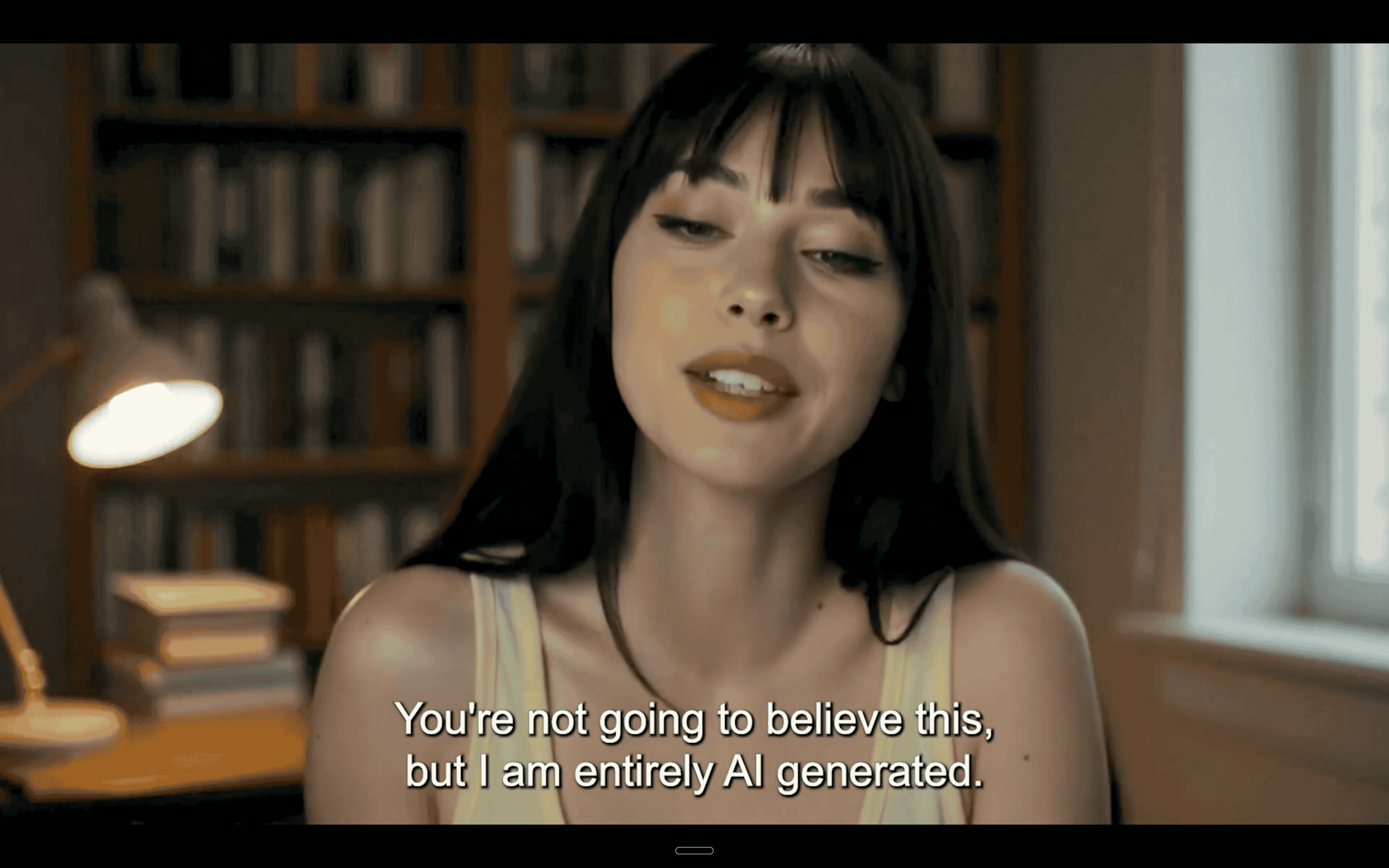
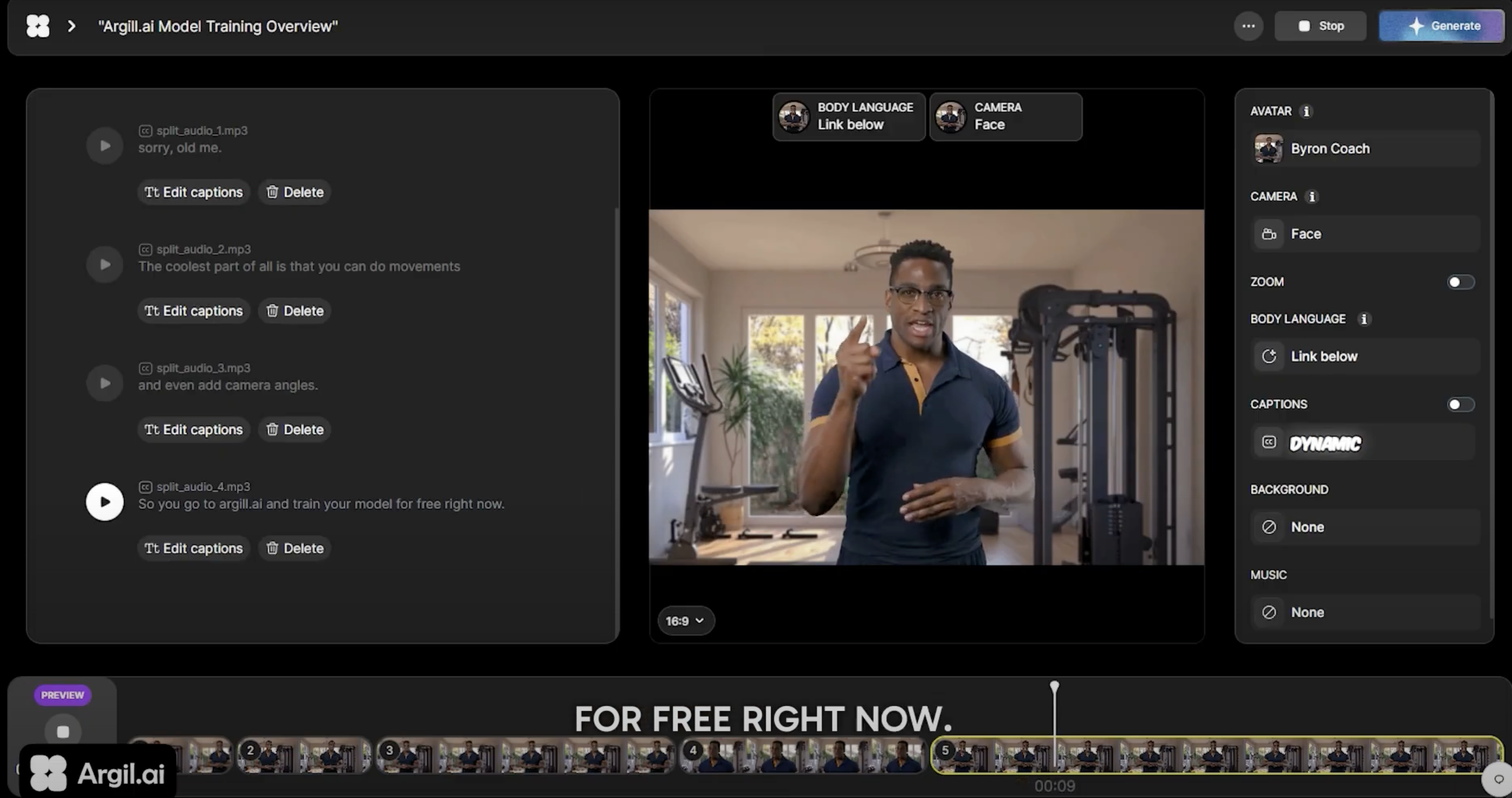
However, many people searching for Seedance image to video are trying to solve a different problem. They want to produce regular video content for social media, marketing or personal branding. Seedance does not solve that problem because, unlike AI avatar generators like Argil, it does not put you in the video.
This is where AI avatar platforms take a different approach. Instead of generating fictional scenes like Seedance, these tools create a digital twin of the user so videos can be produced without filming each time. The focus moves from generating visuals to maintaining a consistent on camera presence.
Argil is one example of this approach. A short training video is used to create an AI version of the user, and scripts can then be turned into finished videos with captions and editing handled automatically. The result is content that still feels personal while reducing the time and effort normally required for video production.
How Seedance Compares to Other AI Video Generators in 2026
Seedance sits alongside several major AI video tools, each designed with slightly different priorities.
Google Veo focuses heavily on realism and integrated audio but can be slower and more expensive. OpenAI shut down the consumer Sora app in April 2026 and is retiring its API in September 2026, so it is no longer a going option for anyone building an ongoing workflow around it. Runway is strong at motion generation but often requires more editing within existing production workflows.
All of these tools operate in the same general category as Seedance AI. They generate video from prompts rather than creating personalised video content of the user themselves, and with Seedance 2.5's jump to a native 30 second single pass, ByteDance has pulled ahead of most of them on raw generation length. For a closer look at how it holds up against tools built specifically for marketers, see our comparison of Seedance vs Arcads vs HeyGen.
Because of this, many creators end up combining tools rather than choosing only one. Argil lets you generate scripts, create videos and edit every frame, all in one place.
Understanding What Seedance Is… and What It Isn't
Seedance represents a major step forward in AI video generation. Its ability to create short cinematic clips from text or images, and now full 30 second scenes in a single pass with Seedance 2.5, makes it one of the most capable visual tools currently available.
Just remember what it's built for. Seedance renders scenes, not people. If your content or outreach depends on your own face and voice showing up on camera every week, pair Seedance's scene generation with an AI avatar tool rather than expecting one model to do both. Sign up today to get started with Argil and see the difference for yourself.