The Best AI Video Generator for Business in 2026: Top 8 Tools Compared
See how the top 8 AI video generators for business compare in 2026: pricing, features and the best use case for each, so you can pick the right one.

What Is the Best AI Video Generator for Business Right Now?
Looking for an AI video generator for business, because you need ads, product demos or marketing content without the usual production overhead?
The best AI video generator for business depends on the job: Argil and HeyGen for scalable, avatar led marketing content, Synthesia for corporate training, and Runway or Veo 3.1 for high end brand film work. There is no single winner across every use case, which is why this guide compares all eight side by side with real pricing rather than naming one tool and stopping there.
Commercial video production used to mean hiring freelancers or agencies, booking filming days and clearing a real budget. AI video tools changed that. Businesses of every size can now generate professional video content in minutes without touching a camera.
The catch is choice. There are so many AI video tools on the market now that picking the right one for your business feels harder than making the video itself. Some are built for hobbyists, some are beautiful but impractical for a real workflow, and some are priced in a way that defeats the point of using AI in the first place.
This article breaks down eight of the best AI video generators for business use in 2026, what each one is actually good at, current pricing, and which one fits your workflow.
How Businesses Actually Use AI Video Tools
Video is the top performing format on every platform, and marketers, agencies and brands now post new video content on a weekly, sometimes daily, cadence to stay competitive.
Traditional video production was never built for that pace, for the reasons above: long filming and editing pipelines and budgets that do not scale with volume.
So which AI video generator for business actually solves that without sacrificing the quality your brand needs? Smaller teams in particular are turning to an AI commercial generator built for SMBs rather than a general purpose tool, because it is scoped to exactly this problem: real ad output, without an in house production team.
What to Look for in a Video Generator for Business
When you are producing content for brands, campaigns or paid distribution, quality matters more than novelty. Here is what to look for.
Does It Automate the Editing Workflow?
If you are still manually editing every video, your AI tool has not solved anything. The best platforms turn scripts or content calendars into finished videos with minimal human intervention, saving hours every week rather than minutes per clip.
Argil's text to video tool, for example, turns written content like blogs and email campaigns into fully edited videos in minutes.
Does It Keep Your Brand Consistent?
One video looking different from the last destroys trust. You need a tool that keeps the same visual style, tone and messaging across dozens of videos without starting the prompt over each time, especially once you are producing at scale.
Argil's clone customizer captures a consistent on screen presence that matches your brand voice and can be reused across every video, which is the same problem an AI avatar video maker for business advertising is built to solve for paid campaigns specifically.
Can One Person Do the Work of Five?
Real scalability means your team can produce fifty or more videos a month without burning out. Tools that still need hours of manual editing fail this test and are generally not worth the subscription. Platforms that automate editing, captions, transitions and delivery save both time and budget, which is where the investment pays off.
Does It Work for Social Platforms?
Horizontal 16:9 video does not perform in 2026. To stay competitive on Instagram and TikTok you need vertical formats, auto captions and mobile first layouts. Tools that generate multiple formats from a single source file make distribution far easier.
Argil's AI clip maker, which turns written content into social ready video formats, is a good example of this in practice.
Can You Create Multilingual Content Without Starting Over?
Many brands need corporate videos in multiple languages, but a separate shoot for each market is not realistic for most budgets.
Tools that support translation and localization inside the same workflow are far more efficient than adding to your filming load. Argil's guide to localized video content walks through adapting videos for multiple regions without reshooting, and it is worth comparing against HeyGen's video translation setup if translation is your main use case.
The best AI video generator for business is the one that delivers consistent content at scale while reducing both workload and budget. Here is how the eight leading options actually compare.
The 8 Best AI Video Generators for Business, at a Glance
| Tool | Best for | Starting price | Note |
|---|---|---|---|
| Argil | Consistent avatar led content at scale | Credit based plans, free 5 day trial | Full script to video pipeline: captions, B-roll and transitions built in |
| Synthesia | Corporate training and internal comms | From $18/month (billed annually) | 160+ languages, SCORM export for LMS platforms |
| Veo 3.1 | Top tier visual realism | From about $19.99/month via Google AI Pro | Native audio generation, near photorealistic footage |
| Sora 2 | Long form narrative footage | ChatGPT access only as of September 2026 | OpenAI shut the standalone app in April 2026 and is retiring the API on September 24, 2026 |
| Runway (Gen-4.5) | Full editorial control | From $12/month (billed annually) | Camera controls, brand kits, no watermark on paid plans |
| Luma Ray3 | Fast concept ads and previews | From $30/month (Plus plan) | Credit based access across Luma's own and third party models |
| Adobe Firefly | Teams already inside Adobe Creative Cloud | From $9.99/month | Text to video, image to video and talking avatar generation in one app |
| Grok Imagine | Mood boards and previz, not final cuts | Included with SuperGrok, from $30/month | 1 to 15 second clips with built in sound, not built for a finished commercial |
Argil: for Fully Scalable Commercial Workflows
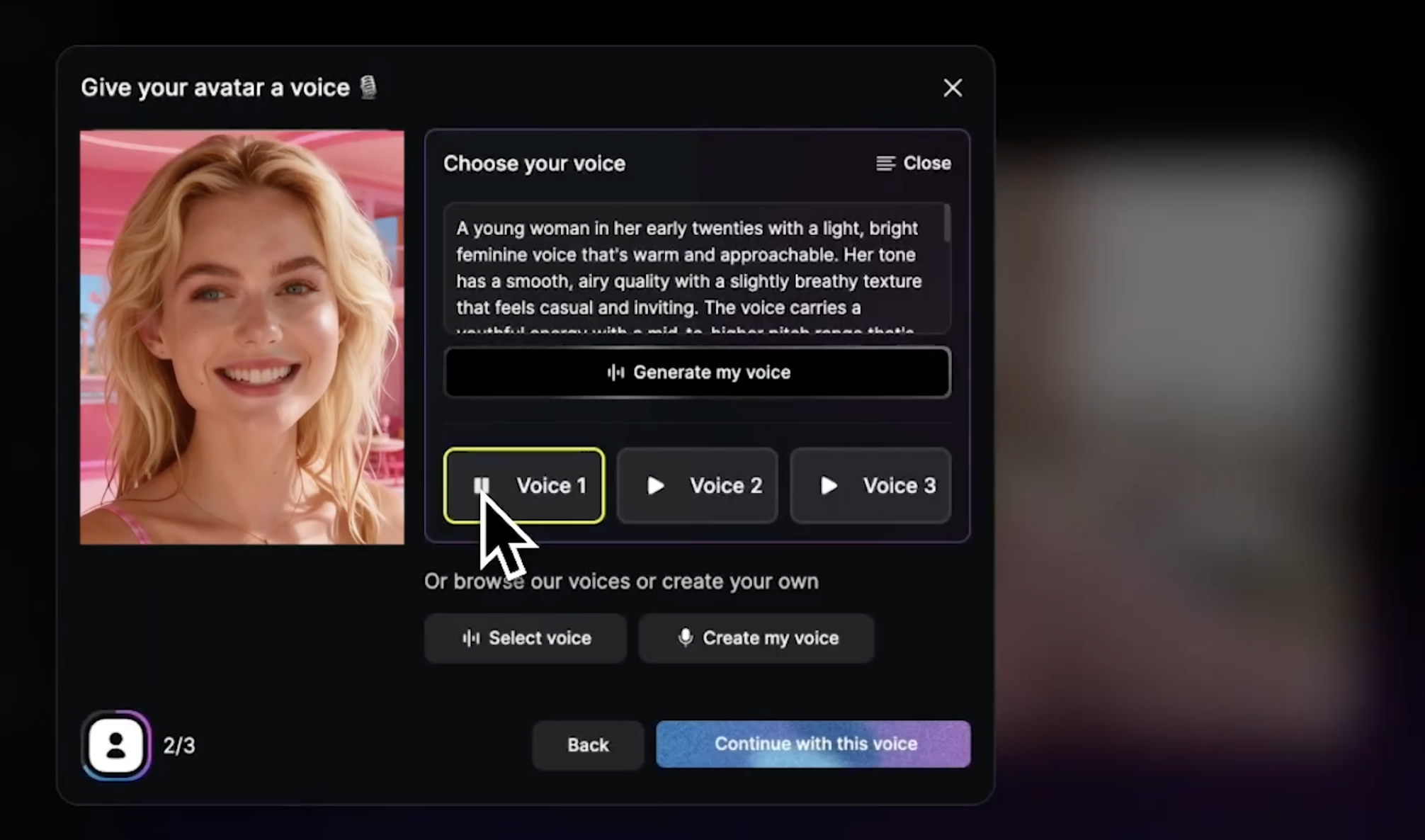
Argil is built for brands and creators who need consistency, automation and volume, not a single polished one-off.
With Argil you do not need a camera at all. Record yourself once, a short selfie video, and it creates your own AI avatar that mirrors your appearance, speech and movement. From there you create videos in minutes using that avatar to perform your script.
Argil combines editing, captions, transitions and B-roll generation in one platform, so you never jump between tools or juggle separate subscriptions. Agencies managing multiple clients use Argil to handle the kind of workload that used to require a full production team.
Use this tool if: you are a marketing team, agency or creator who needs camera free, scalable video production.
Synthesia: for Standard Corporate Use
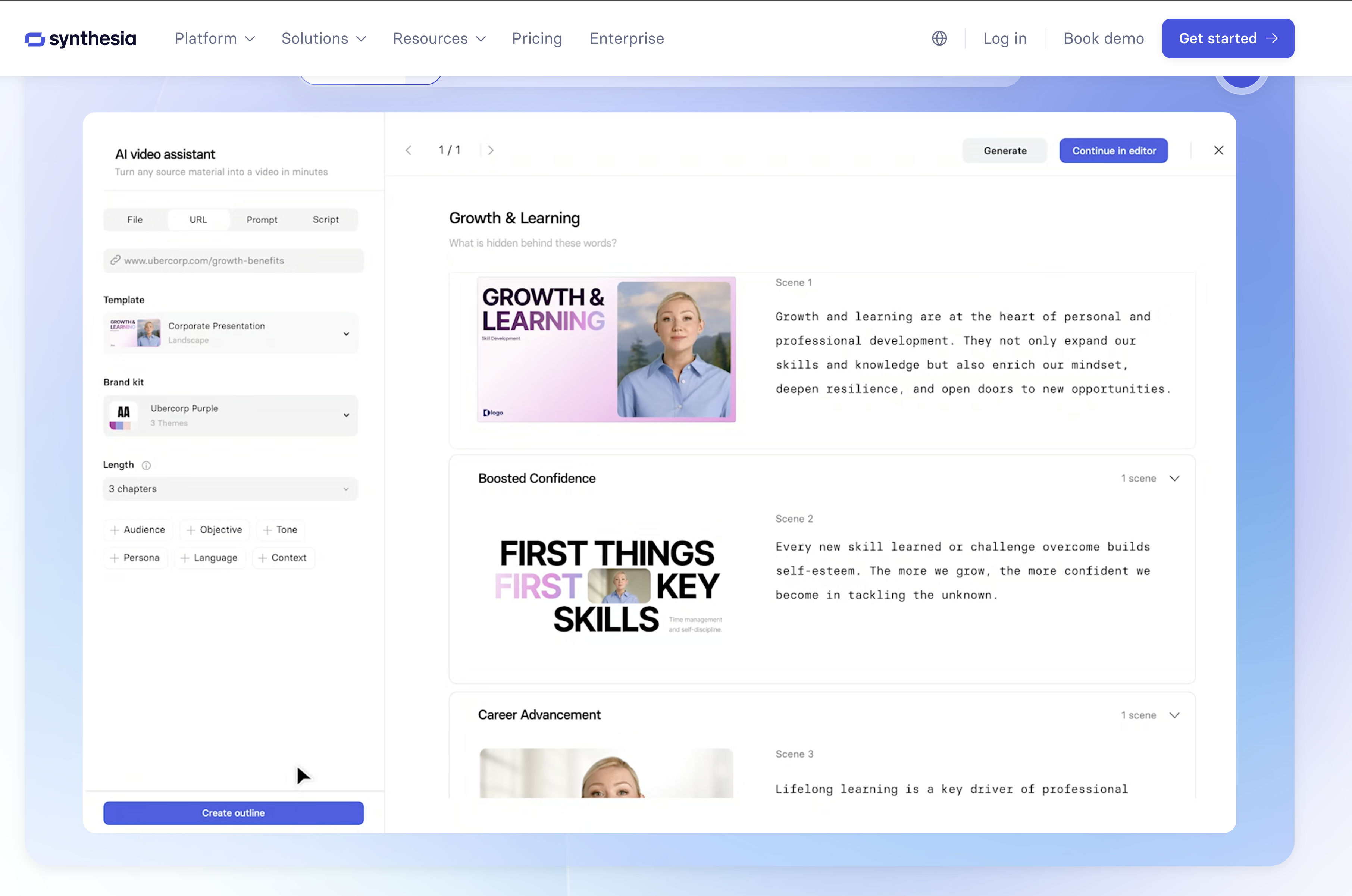
Synthesia remains one of the most established enterprise video tools, powering text to video workflows for training and internal comms, with over 90% of the Fortune 100 among its customers. Current plans start at $18/month billed annually for the Starter tier, with the Creator tier at $64/month adding API access and interactive branching video. You can read more about Synthesia in our recent guide, or see how it stacks up against other spokesperson style tools.
Use this tool if: you need formal business videos, training content or internal comms at enterprise scale.
Veo 3.1: for Top Visual Quality
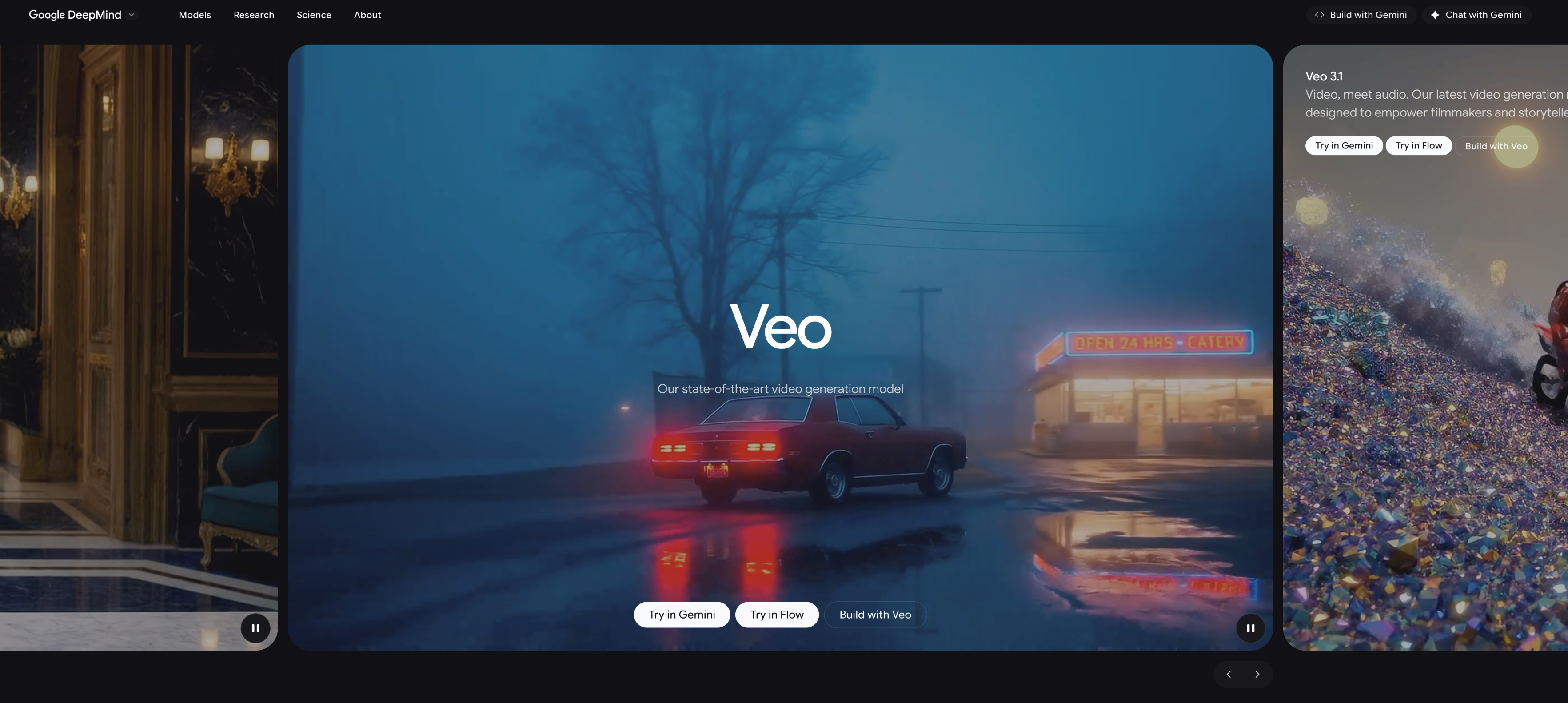
Google DeepMind's Veo 3.1 leads on pure visual realism and now generates native audio in the same pass, so if your focus is high end brand ads or a luxury product launch, this is worth the price. Access runs through Google's AI subscription tiers, starting at roughly $19.99/month for AI Pro (Veo 3.1 access), scaling up to AI Ultra for full quality and higher generation limits.
Use this tool if: you are an agency creating narrative brand content where every frame needs to hold up.
Sora 2: Fading Fast for Commercial Use
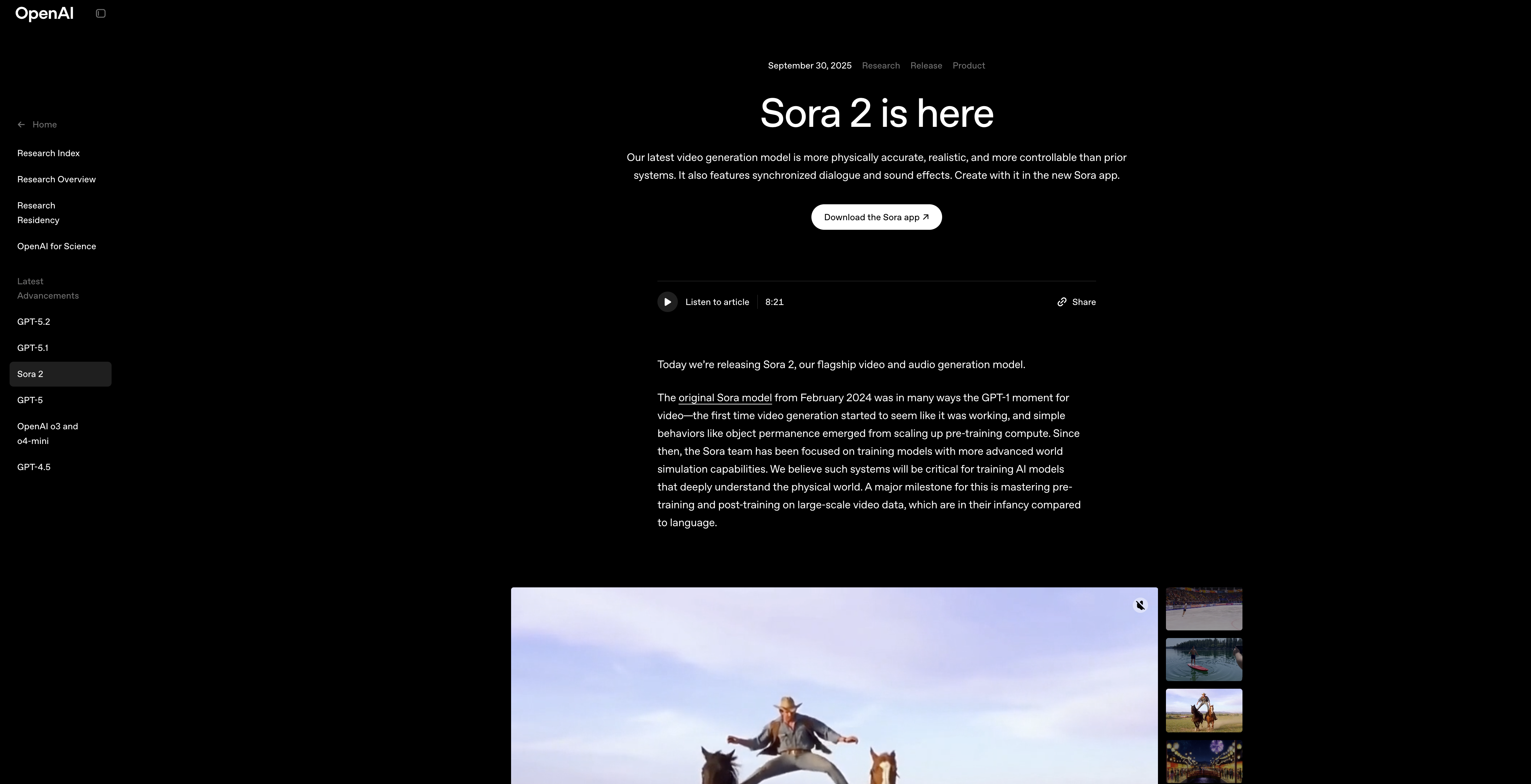
OpenAI's Sora 2 can still generate longer clips with consistent characters and narrative flow, which made it a strong pick for emotional, story driven ads. That said, its footing for business use has shifted hard in 2026: OpenAI discontinued the standalone Sora web and mobile app in April, and the developer API is scheduled to stop accepting requests on September 24, 2026. For a business planning content beyond this quarter, that timeline matters more than the output quality. The remaining path in is a ChatGPT subscription rather than a dedicated video plan, so treat Sora 2 as a tool to test rather than one to build a pipeline around right now.
Use this tool if: you want to trial narrative style generation inside ChatGPT before committing budget elsewhere.
Runway: for Full Control and Flexibility
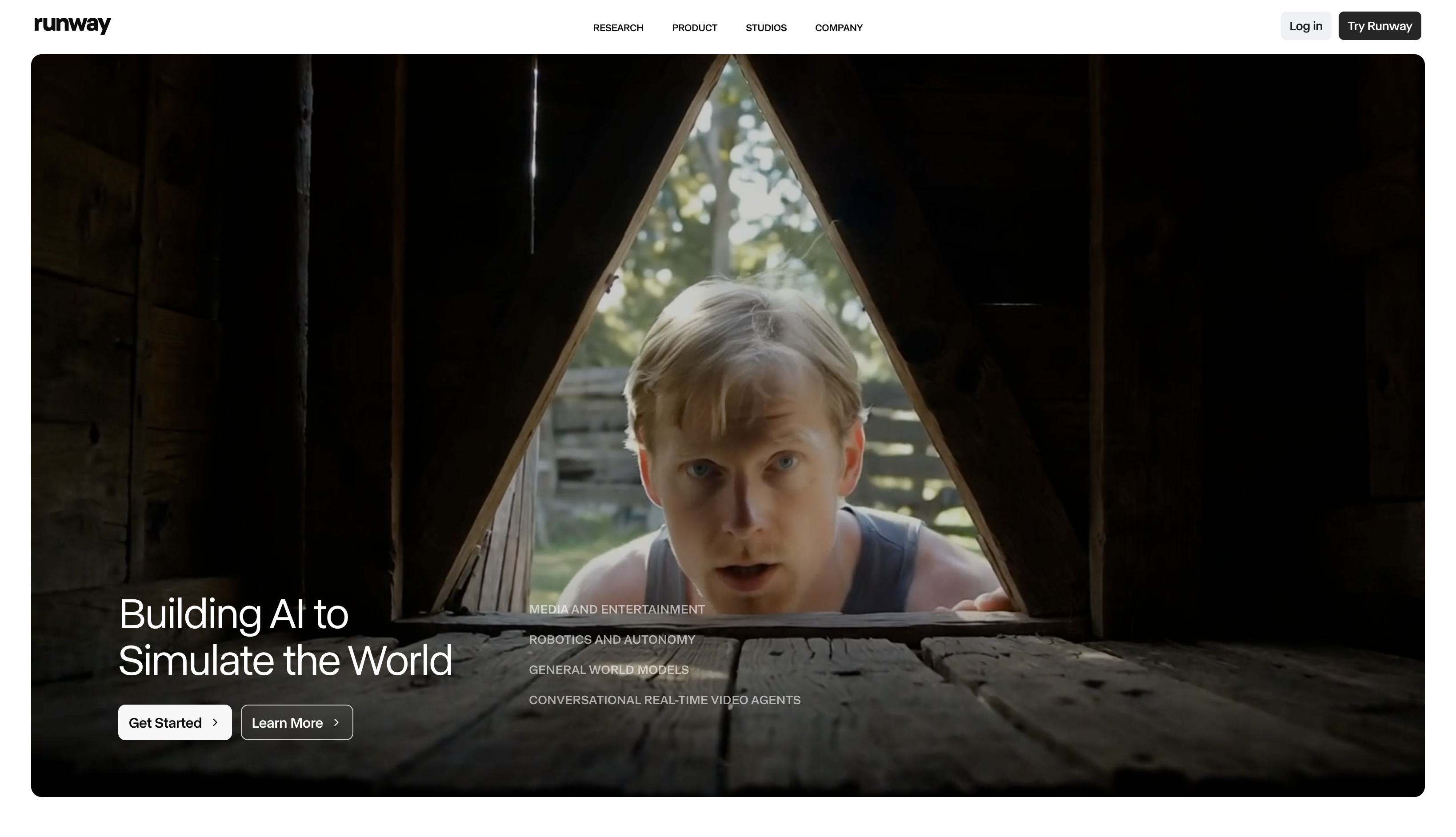
Runway is another strong AI video generator for business, and its current Gen-4.5 model pairs generation with real editing tools: camera controls, timeline effects, sound sync and brand kits, closer to a studio in your browser than a single purpose generator. Paid plans start at $12/month (billed annually) for Standard, rising to $76/month for Max, which adds ProRes export and unlimited 4K upscaling for polished commercial delivery. It reads as agency grade rather than a generic generator.
Use this tool if: you need full editorial control for agency grade finished content.
Luma Ray3: for Fast Ads and Concept Testing
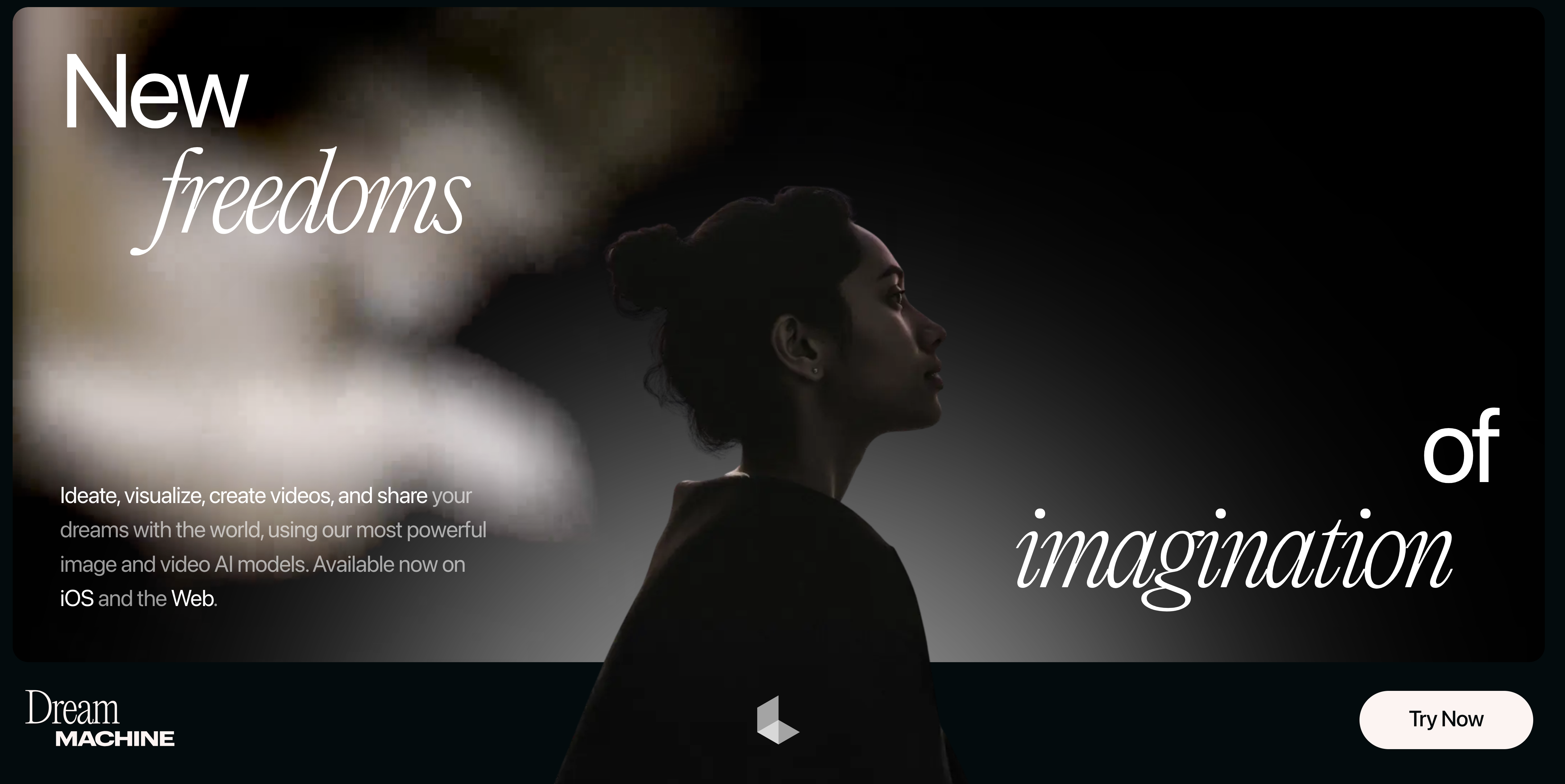
Luma's product has moved on from the "Dream Machine" branding: its current video models are Ray3.2 and Ray3.14, accessed through credit based plans starting at $30/month for Plus. It is strong for quick concept previews and short, high motion ads, and it doubles as an aggregator giving credit based access to third party models like Kling and Veo alongside its own.
Use this tool if: you are generating high volume social ads and want to test concepts fast before committing to a full production pass.
Adobe Firefly: for Adobe Creative Cloud Users
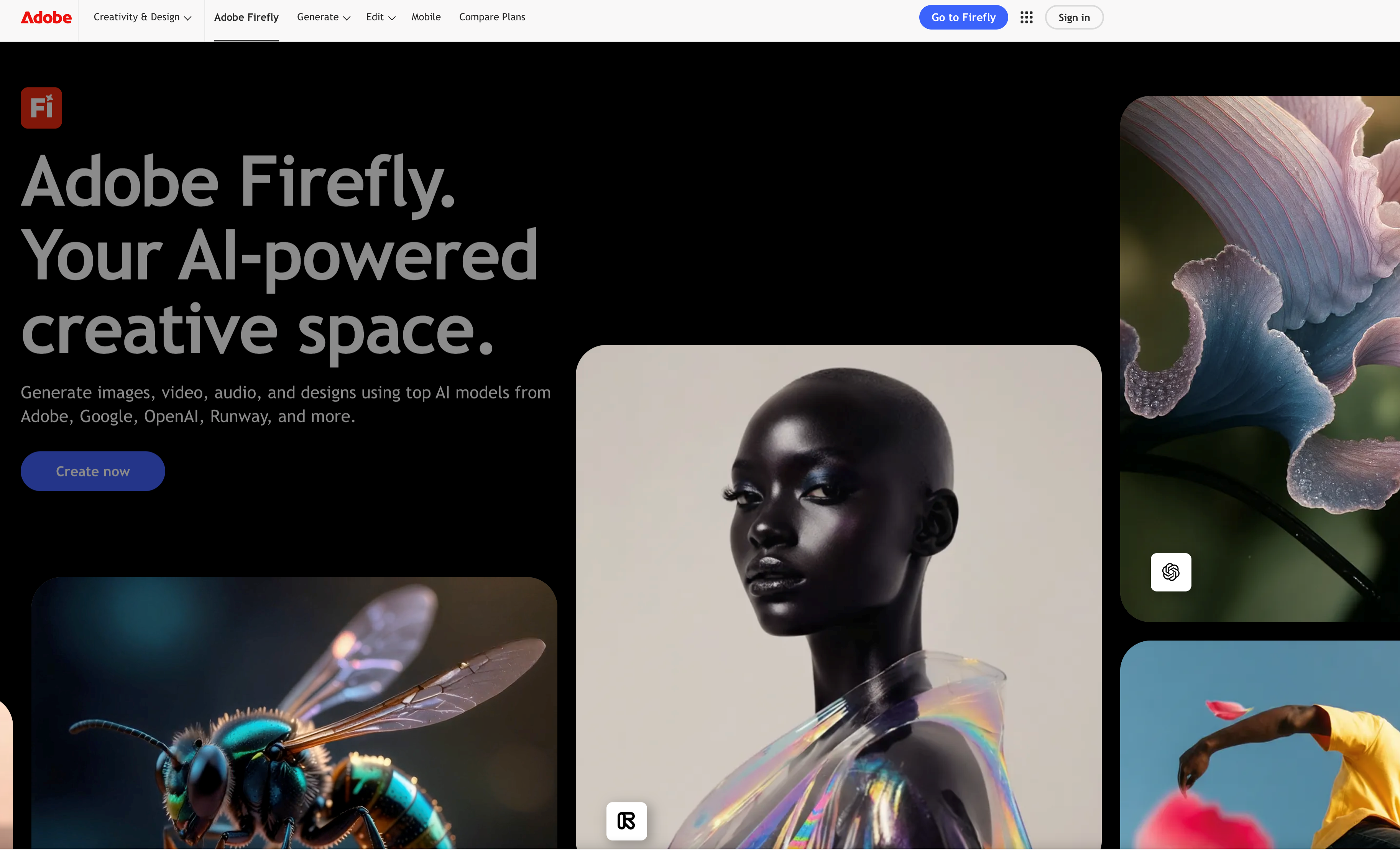
If your team already works inside Adobe products, Firefly speeds up asset creation, motion design and transitions. It now runs as its own standalone app with text to video, image to video and talking avatar generation, starting at $9.99/month for the Standard plan, while still feeding straight into Photoshop, Premiere and Express for further editing. It works well as an assistant inside a larger creative pipeline rather than a full replacement for one.
Use this tool if: your creative team is already invested in Adobe and wants faster asset workflows.
Grok Imagine: for Mood Boards, Not Final Edits
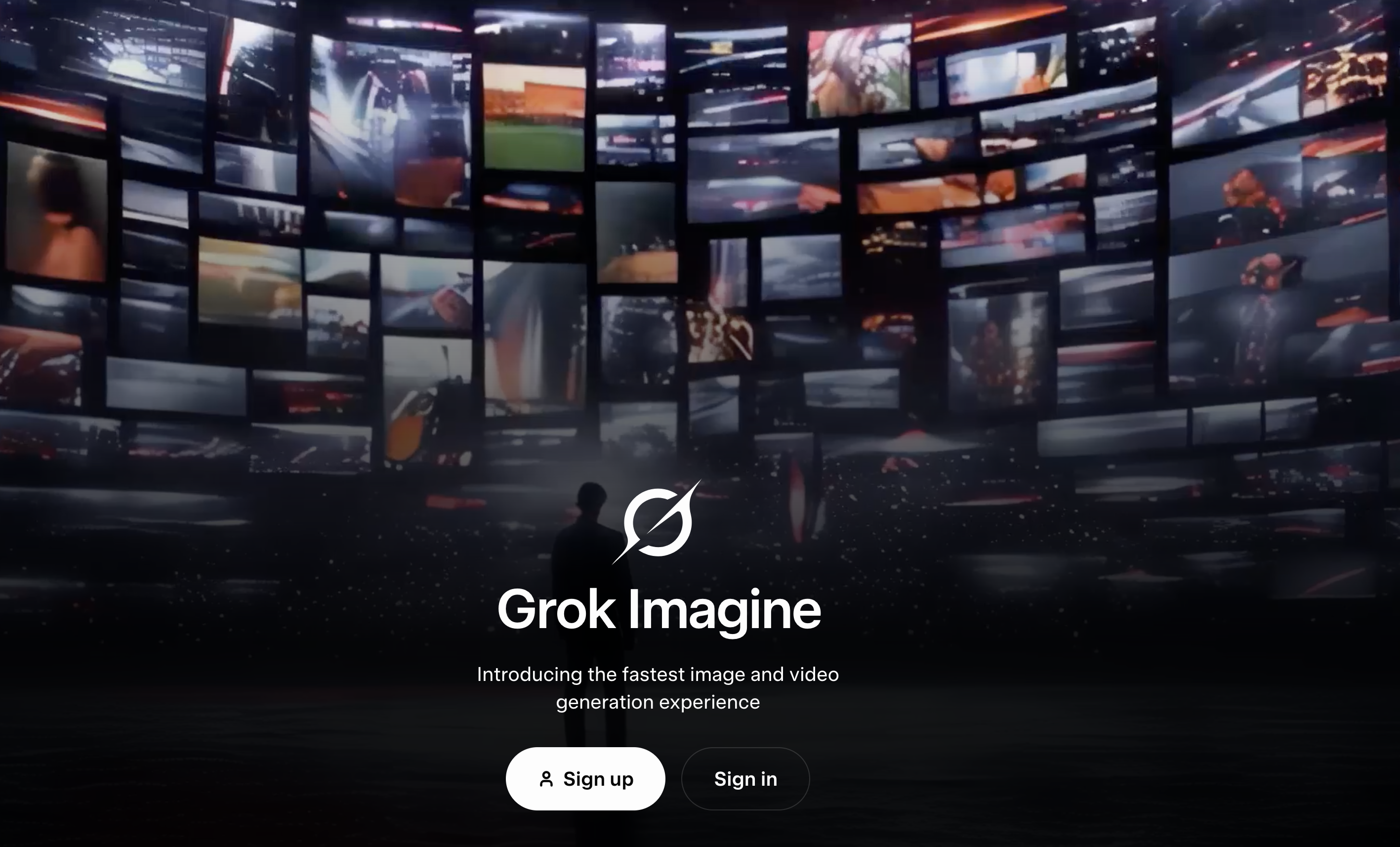
Grok Imagine is genuinely useful for early stage ideation: mood, color and tone exploration, and its Video 1.5 preview can turn a still image into a short cinematic clip with built in sound in the same pass. Access requires a paid SuperGrok subscription, from $30/month. It is still not a production ready tool for a finished commercial, and that has not changed since last year.
Use this tool if: you need conceptual creative direction or a quick mood board, not finished video content.
Why Argil Makes Sense for Most Commercial Workflows
The best AI video generator for business covers the entire workflow from script to publish without jumping between tools, and most of the platforms above only solve one piece of that chain.
Argil is one of the few platforms built end to end. Rapid testing, multilingual content, consistent branding, automated editing, captions and transitions are all built in, so instead of generating one video and stopping, you build a pipeline that keeps running every time you need new content. Marketers weighing Argil against other performance-focused options may also want to see how Seedance, Arcads and HeyGen actually compare before deciding.
For teams that care about speed, quality and consistency, Argil's hyper realistic AI avatars offer a fast, practical and scalable approach. Turning blogs into videos, automating localization and keeping brand identity uniform across formats helps commercial teams meet real deadlines without expanding headcount.
Commercial video does not have to be a manual process anymore. The AI video generator for business you choose today decides whether you stay stuck in manual production or run a content engine that grows with you.
Frequently Asked Questions
What is the cheapest AI video generator for a small business? Adobe Firefly starts at $9.99/month and Argil runs a 5 day free trial, so both are reasonable starting points if budget is the main constraint. Avoid judging a tool on its free tier alone though, since commercial use rights and export quality are usually locked to a paid plan.
Can I use AI generated video for commercial advertising? Most paid plans allow commercial use, but the terms vary by tool and by tier. Check the license on the specific plan you pay for before running paid ads with the output, since some free and lower tiers restrict commercial use.
How much does an AI video generator cost for a business? Pricing ranges from free trials and sub-$20/month starter plans up to $100 or more per month for enterprise tiers with more minutes, seats and export quality. Some models, like Veo 3.1 and Sora 2, are also priced per second of generated video through an API rather than a flat subscription.
Do AI avatars look realistic enough for brand videos? Avatar quality has improved sharply over the past year, and tools like Argil and Synthesia now produce presenters that read as real on first watch for most audiences. It is still worth testing your specific script and audience before a full campaign rollout.
Is Sora 2 a safe choice for ongoing commercial use? Not right now. OpenAI discontinued the standalone Sora app in April 2026 and is closing the developer API on September 24, 2026, so a business built around it would need to migrate shortly after launch. It is fine to test inside ChatGPT, but not to build a pipeline on.
Ready to scale your workflow? Argil offers a 5 day free trial so you can try it and see how it fits your pipeline. Sign up today.