Google Veo 3 Audio Missing? How to Fix It in 2026
See why Google Veo 3's official native audio can drop out, plus the exact settings and fixes that bring the sound back in 2026.
We've just built the most complete FREE resource to leverage AI avatars in your business. We've centralized 50 use cases across 4 categories (Personal Branding, Marketing and Sales, Internal and Enterprise, and Educational and side-hustles). You can access it here NOW. Enjoy :)
Is Veo 3's Audio Generation Actually Official, and Why Does It Go Missing?
Yes, Google's Veo 3 generates audio officially and natively, in the same pass as the video. Dialogue, sound effects and ambient sound are built in from the start, not bolted on afterward the way older AI video tools handle sound. That's a real feature, not a workaround.
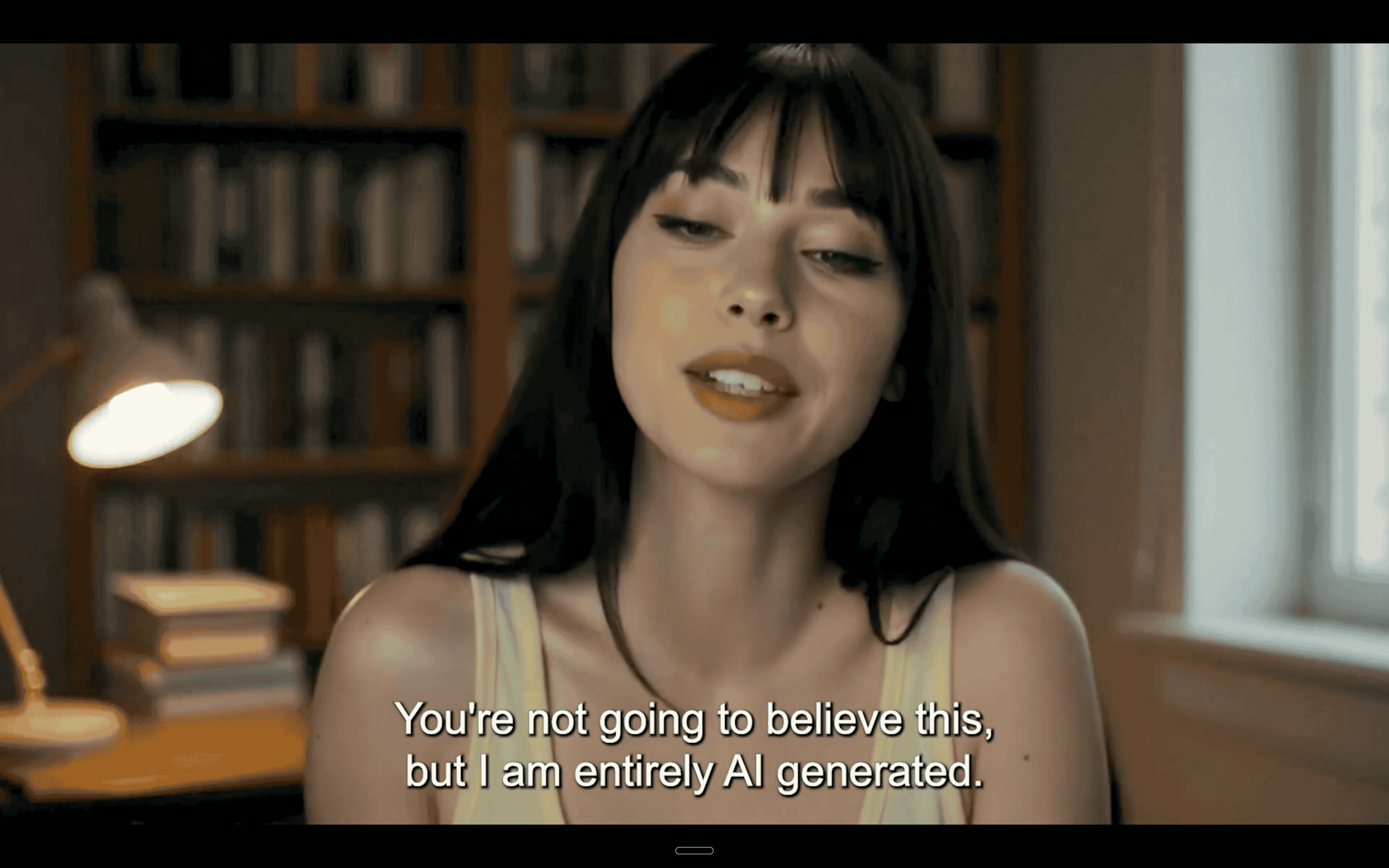
The problem is that plenty of users still hit a bug where that native audio simply doesn't come through: silent clips, desynced voice tracks or poor sound quality even when a prompt clearly asks for dialogue or sound effects. If you've searched "Veo 3 audio missing," you're not alone, and this article covers why it happens and exactly how to fix it in 2026.
Sound is an important part of video production, and it's vital to your engagement, so these audio issues are not ideal. This article will help you troubleshoot Veo 3 audio problems while also explaining the current limitations of the tool.
For serious creators, marketers or teams looking for a reliable, long term Veo 3 alternative, we'll also introduce you to Argil, our video generator designed specifically for content creators.
Veo 3 Audio Missing: What's Causing This Issue?
Issues with AI tools like "Veo 3 audio missing" can be incredibly frustrating. You turn to these solutions to help you create content faster and more reliably, and then a key part of the video is missing when you go to download and share your work, completely defeating the purpose of an automated tool.
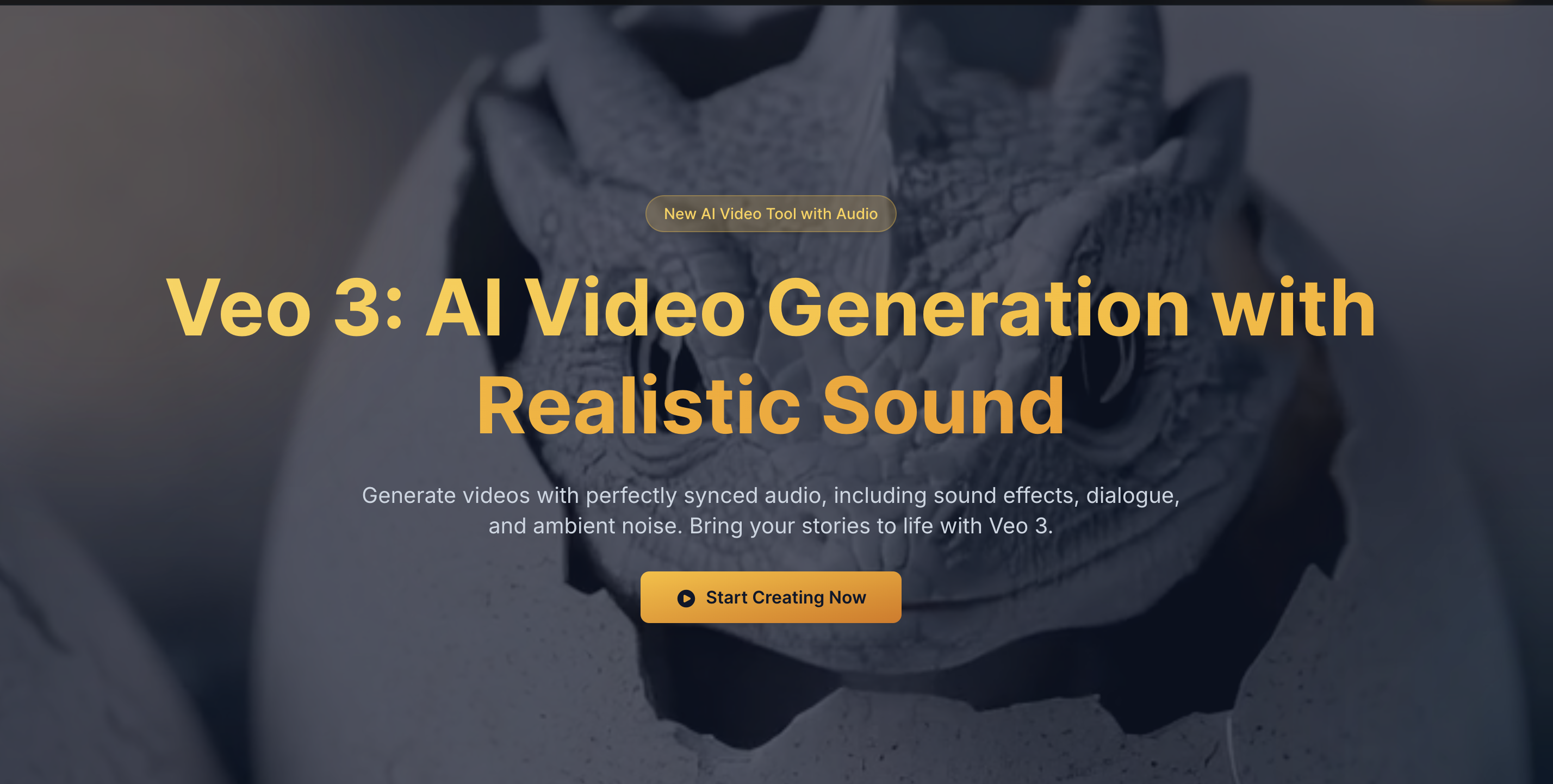
Like others on the market, such as HeyGen and Synthesia, Google's Veo is an AI video platform that generates content from text prompts. Google has moved the model on since the original May 2025 launch: Veo 3.1 is now the default version behind most Veo 3 requests, adding 4K output and tighter audio and video sync. Even so, the missing audio bug hasn't fully gone away, and it's common enough that it fills multiple threads on Google's own Gemini support community.
Google hasn't published an exact technical explanation for why audio drops out on some generations and not others. What users consistently report is that it happens more on longer or more complex prompts, on scripts with multiple speakers or languages, and during heavier usage periods when the service is under more load.
If you're missing audio completely, some of that is simply the model still maturing rather than a setting you got wrong. Editing features that build on top of an existing clip, extending it, upscaling it, or regenerating part of a scene, seem to carry a higher risk of losing the audio track along the way.
None of this is great news if you're trying to create high quality, optimized videos for your social media channels. Bottlenecks like Veo 3 audio missing will slow down your production timeline and lead to delays in your posting schedule, which could stagnate your growth and impact overall engagement. So how do you fix it?
How to Fix Veo 3 Audio Missing Problems
The issue of Veo 3 audio missing stems from the tool still working through this bug, and it will probably improve with time. However, there are some troubleshooting tips you can try if you're keen to fix the problem right away, rather than move on to another tool.
Describe the Sound You Want, Not Just the Picture
Veo 3 generates audio from the same prompt as the video, so a prompt that only describes what should be seen gives the model nothing to work with for sound. Spell out the dialogue, sound effects and ambient noise you want in the scene, the same way you'd describe the visuals, rather than assuming audio will fill itself in.
Check the Audio Before You Build On Top of a Clip
If you're extending, upscaling or regenerating part of an existing clip, listen to it first. Audio that's missing at that stage stays missing once you build further on top of it, so catching it early saves you a full re-render.
Veo 3 Audio Missing? Clear Your Browser Cache
One way to potentially fix the Veo 3 audio missing problem is to clear your browser cache. When using the Veo 3 online interface, corrupt cache data can block the audio renderer from loading, so this is a great step to try.
Turn Off Browser Plugins
Some ad blockers and video enhancers can interfere with Veo's rendering sequence, so it might be worth turning off your browser plugins when generating videos to fix "veo 3 audio missing" issues.
Try Different Export Formats
If you're struggling to download videos with audio in MP4, try a different format such as WebM. You could also try to export the audio separately, then reattach it in a basic video editing tool, though this just adds more steps to your workflow and doesn't really solve the problem.
Switch Internet Browsers
Veo 3 is optimized for Chrome browsers, so if you're using Safari or Firefox, it might be worth switching and trying again. You can also try using Microsoft Edge.
Split Your Videos
Although not ideal, many users find that breaking long videos down into smaller segments can prevent Veo 3 audio missing and other audio problems like desynchronized sound.
Cut Back on Heavy Transitions
If your videos are full of motion transitions, B-roll or complex scene effects, these can confuse the audio syncing systems and cause them to malfunction. Try removing some of your more complicated effects and trying again, or switch to another tool that can handle more complex scene generation.
Simplify Your Script
As well as toning down heavy transitions, you can also trim down long or poorly formatted scripts to help the audio sync better. This could potentially fix Veo 3 audio missing errors.
Is Google's Veo 3 the Best Tool for Content Creators?
Google Veo has generated a lot of hype, and Veo 3.1's native audio is genuinely one of the more capable audio and video systems on the market. But even with those improvements, audio and video sync errors like Veo 3 audio missing still show up, and there are currently no reliable post production fixes once a clip renders silent.
Relying on a tool like Veo 3 can be costly. Not only will creators lose time re-rendering videos or manually syncing their audio tracks, completely defeating the purpose of an automation tool, but marketing teams or agencies could also risk losing or delaying important client work. For a closer look at where else the model runs into trouble, see why Veo 3 sometimes refuses to generate a second video in Flow.
If you're looking for a tool that pairs high quality audio with high quality visuals every time, without a bug report thread to work through, there are steadier options available, tools like Argil that have been specifically designed with content creators and marketers in mind.
Veo 3 Audio Missing? Use Argil Instead of Veo 3
Had enough of Veo 3 audio missing problems and other syncing issues? It's time to try Argil, a holistic, end to end video tool built for creator consistency.
Argil is designed to work like an AI copilot, helping you create clean, synced and expressive audio alongside stunning video visuals. Instead of multi layer rendering, Argil can clone your voice and sync it with your video perfectly. Audio always matches your video because everything is made in one environment, your script, avatar and voice, with no third party tools or plugins needed. And no Veo 3 audio missing errors.
With one click, you can make seamless speech and video updates without rebooting or re-rendering from scratch, saving you time and effort. We also support natural delivery for multi lingual avatars, as well as visual transitions, B-roll and complex video effects. If you want to see how Argil stacks up against Veo 3 on voice quality specifically, our comparison of the leading AI voice generators breaks it down side by side.
The Argil team regularly updates and improves the tool in line with user feedback, so you'll get a say in the latest features, fixes and new additions.
Unlike Google's tool, which encounters frequent issues like Veo 3 audio missing, Argil's AI agent creates production ready videos that you'll be proud to share with your followers. Our tool is used by creators, influencers, marketers and agencies who need consistently high quality video generation at scale.
To get started, sign up today. You can create a video from a simple text prompt in under 10 minutes, complete with automatic transitions, B-roll, background music, captions and fully synced audio. There's a free plan to get started, with paid plans that scale up as your output grows.